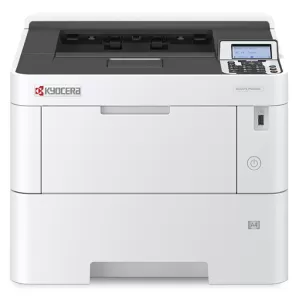
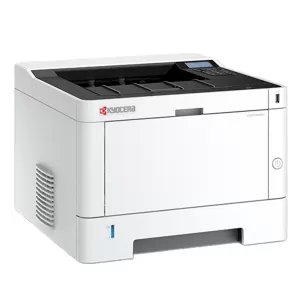
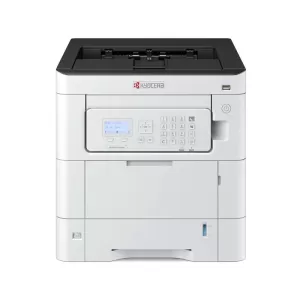
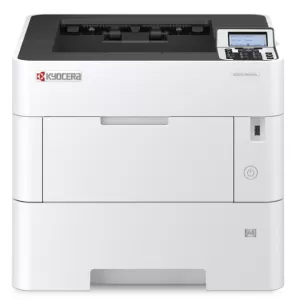
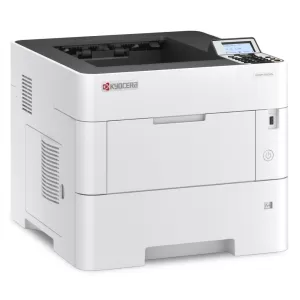
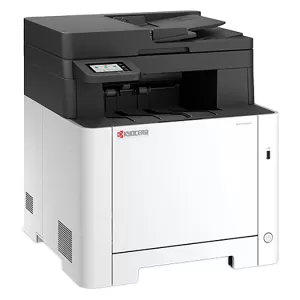
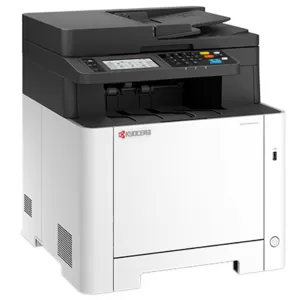
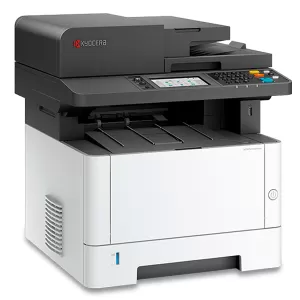
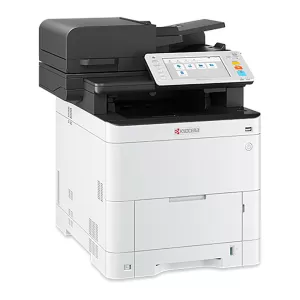
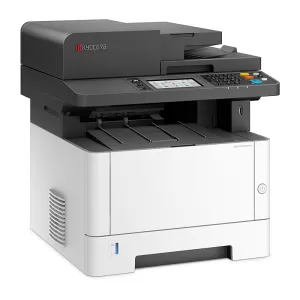
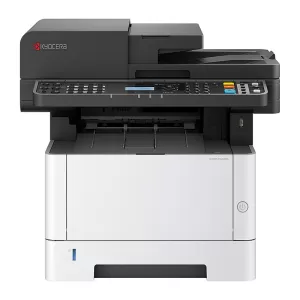
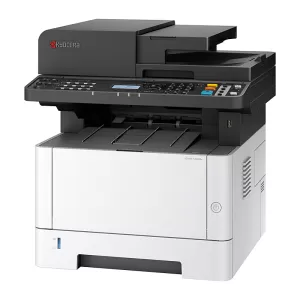
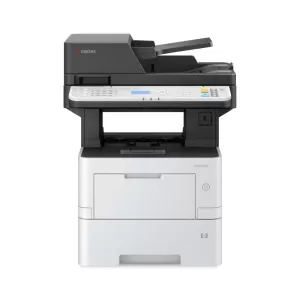
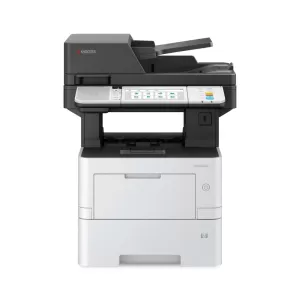
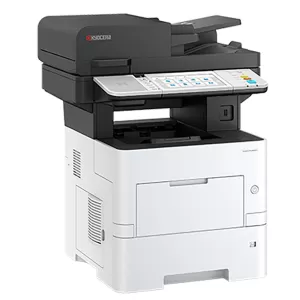
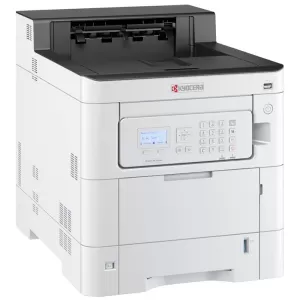
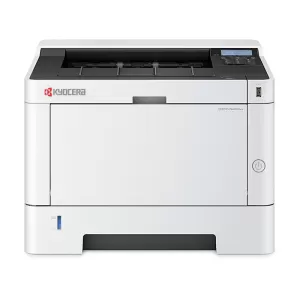
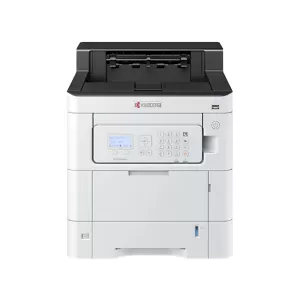
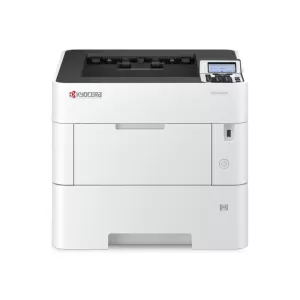
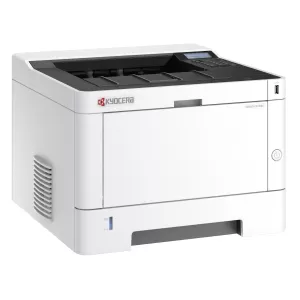
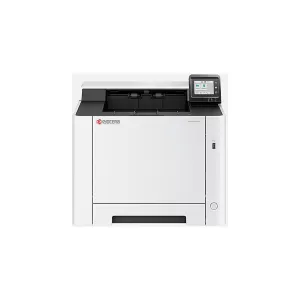
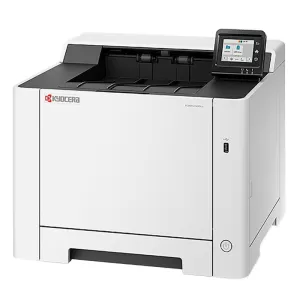
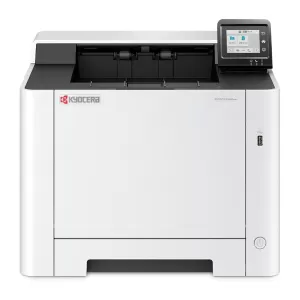
Kyocera Printers

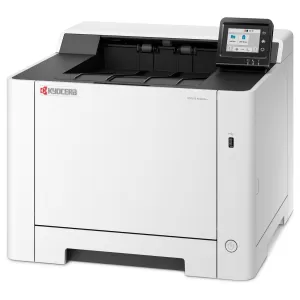
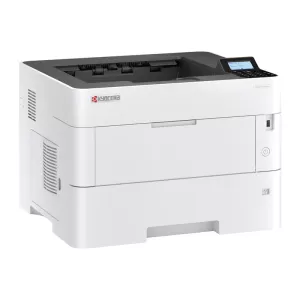
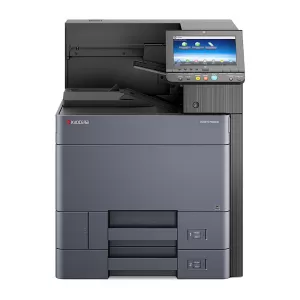
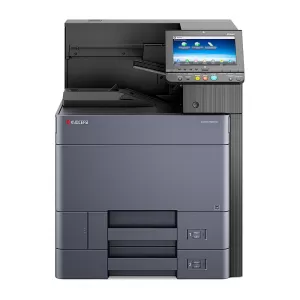
Founded on principles of efficiency and sustainability, Kyocera is renowned for producing printers that combine innovative technology with eco-friendly features. Whether you're running a small business or managing a large enterprise, Kyocera printers deliver high-quality results with minimal environmental impact. 

From reliable monochrome models to advanced colour laser printers, Kyocera’s range is designed to meet the demands of modern workplaces. Explore Kyocera printers at Ink Station and find the perfect printing solution today!

Show More

Buy Kyocera Printers in Australia

We showcase a comprehensive selection of Kyocera printers in Australia to suit various professional environments. From compact desktop models to high-performance devices, our range of Kyocera printers includes solutions for offices of all sizes. Kyocera is a leader in creating environmentally friendly printers with long-life components that reduce waste and total cost of ownership. Enjoy fast and reliable delivery throughout Australia, ensuring your new Kyocera printer arrives ready to meet your business demands.

Kyocera Laser Printers

Kyocera laser printers are engineered for speed, precision and longevity – making them ideal for businesses that require consistent and efficient document handling. Designed with eco-friendly technology, these printers feature durable components that minimise waste and downtime. Whether you need a monochrome printer for daily tasks or a Kyocera colour laser printer for vibrant, professional-quality prints, Kyocera's laser printers deliver outstanding performance. Explore our full range of laser printers from Kyocera to find exactly what you need.

Kyocera Colour Printers

Kyocera's colour printers are built for businesses that require detailed, high-quality colour prints. Equipped with advanced technology, these printers offer vibrant colour reproduction and are perfect for creative projects, marketing materials and more.

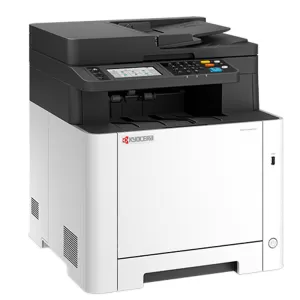
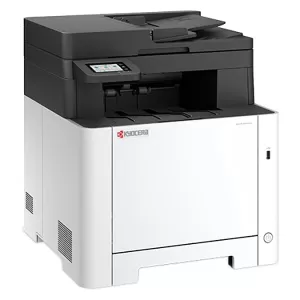
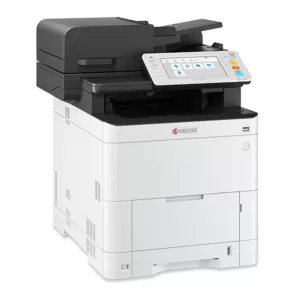
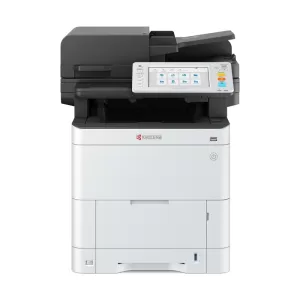
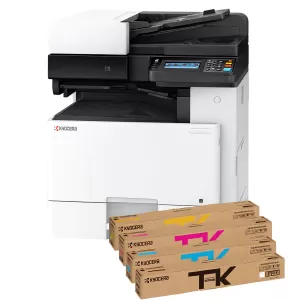
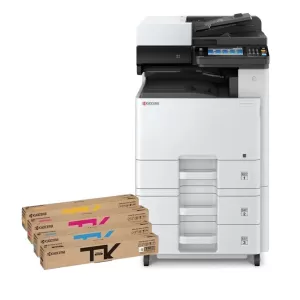
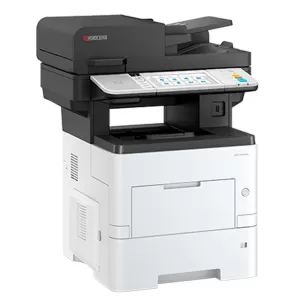
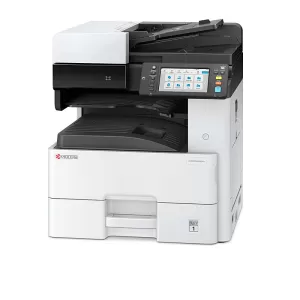
Models like the Kyocera ECOSYS MA2100cWFX Colour Laser Multifunction Printer and the Kyocera ECOSYS M5526cdw Wireless Multifunction Colour Laser Printer provide all-in-one solutions with features like scanning, copying and faxing. Discover how Kyocera colour printers can enhance your workflow with seamless efficiency and vibrant results.


FAQs for Kyocera Printers

How do I set up my Kyocera printer for the first time?

Setting up your Kyocera printer involves connecting it to your network, installing the necessary drivers and then configuring the settings based on your requirements. Follow the quick start guide that comes with the printer to ensure a smooth setup process.

How do I connect my Kyocera printer to my computer?

You can connect your Kyocera printer to your computer via USB, Ethernet or Wi-Fi depending on the model. Access the printer settings on your computer and select the connection method that works best for your setup.

How can I check toner levels on Kyocera printers?

To check toner levels, navigate to your printer's control panel or use the printer software on your computer. The display will show the remaining toner, allowing you to monitor usage and plan for timely replacements.

How do I recycle or dispose of used Kyocera toner cartridges?

Recycle your used Kyocera toner cartridges through Kyocera's recycling program or drop them off at designated recycling centres. This ensures responsible disposal and supports Kyocera’s commitment to sustainability.

How do I perform regular maintenance on my Kyocera printer?

Regular maintenance tasks include cleaning the print heads, updating the firmware and ensuring the printer is free of dust and debris. Follow Kyocera's maintenance guidelines to keep your printer running efficiently and extend its lifespan.