Choosing the Right Printer Cartridge for Your HP Printer
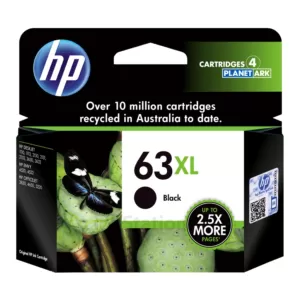
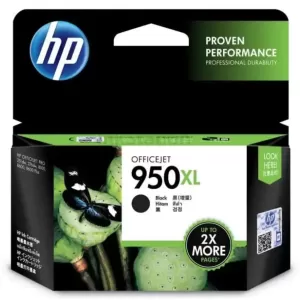
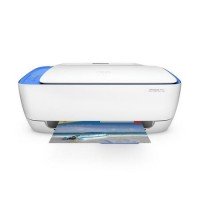
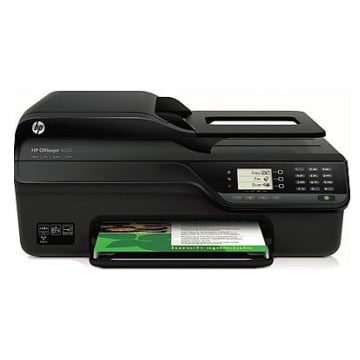
The fastest way to avoid ordering the wrong item is to confirm your exact printer model and match it to the correct supply type. Check the model name on the printer’s front panel, rear label, or in settings, then use that to select the right printer cartridges for your device. This matters because similar-looking products aren’t always interchangeable, and matching by model is the simplest way to buy with confidence. If you’re deciding between printer cartridges for HP devices for home, school, or office work, the same rule applies: model first, cartridge second.
Understanding HP Cartridge Options
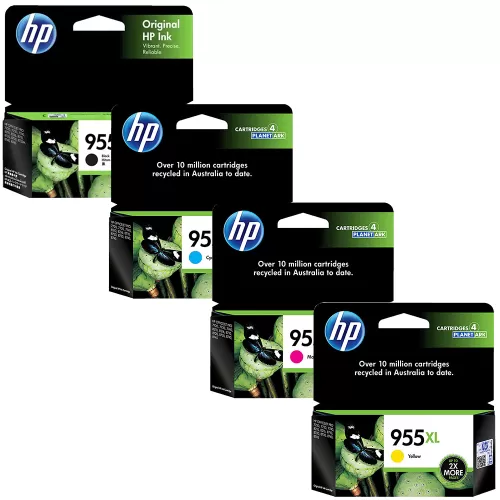
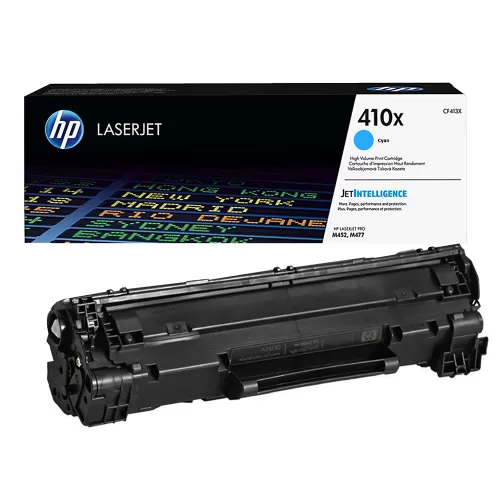
HP supplies come in a few common variations, depending on your printer. Some models use separate black and colour supplies, while others rely on different formats depending on series. You may also see standard and higher-yield options, which can change how often you need to replace. Whether you’re buying HP cartridges for occasional home printing or regular office use, the goal is simple: choose the option listed for your printer model, then select a yield that suits your monthly workload.
Consistent Print Quality for Home and Office
With the right cartridge matched to your printer, everyday documents stay clean and readable—ideal for invoices, forms, assignments, and admin packs. Consistency is especially important when multiple people rely on the same printer, or when you need repeat prints that look the same across the week.
Why Buy HP Printer Cartridges from Ink Station?
Ink Station supports easy ordering with dependable stock availability and local customer support if you need a quick compatibility check. This helps keep restocking predictable, especially when you need a replacement urgently and don’t want to delay printing.