Cartridges for Canon Printers – Ink & Toner Explained
Choosing cartridges for Canon usually comes down to two options: Canon ink cartridges for inkjet printers and Canon toner cartridges for laser printers. The key is matching the cartridge type to your printer model so everything fits, installs cleanly, and prints properly. With Ink Station’s Australia-based fulfillment and delivery options that suit busy homes and workplaces, ordering Canon cartridges online can be quick, simple, and low-fuss, especially when you start with your printer model and filter from there.
Canon Printer Cartridges for Home, Office & Business
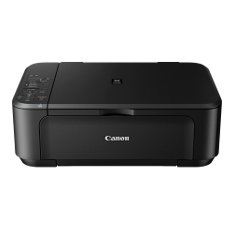
Canon printers are used for everything from homework and forms to invoices, reports, and presentations. The range of Canon printer cartridges suits both low-volume home printing and higher-volume workplace needs, with options for sharp black text, clean colour graphics, and occasional photo printing. Rather than being one-size-fits-all, Canon print cartridges are designed to suit different Canon printer series, so a quick compatibility check upfront helps you avoid ordering errors and keeps printing running smoothly.
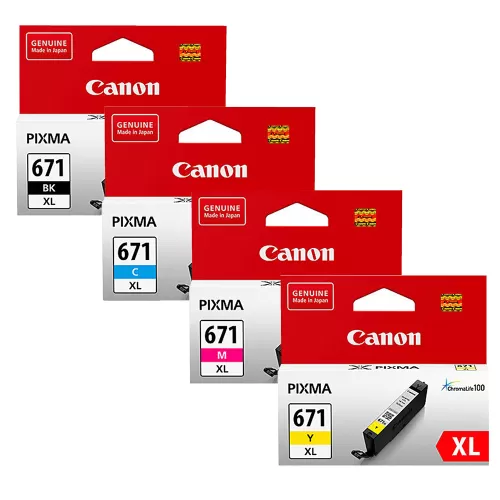
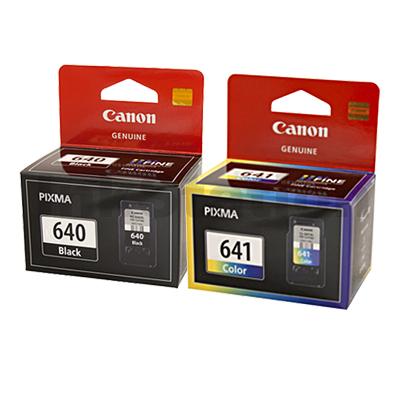
Canon Ink Cartridges
Inkjet users, especially those running PIXMA, MAXIFY, or Canon photo printers, typically rely on Canon ink for everyday versatility. It’s a practical choice for clear text, consistent colour, and the mixed printing most households and small offices do weekly. For simple restocking, browse compatible options in the Canon ink cartridge range and match them to your printer model.
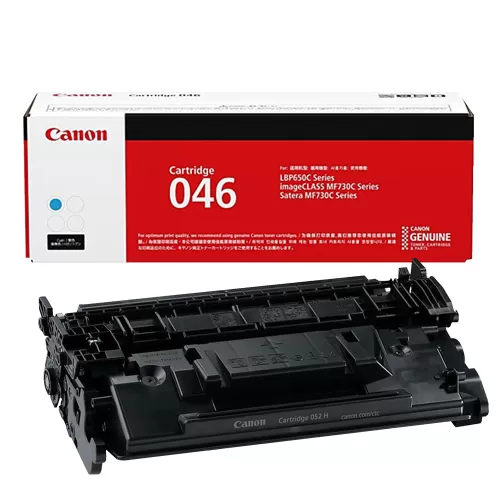
Canon Toner Cartridges
Laser printers are designed for speed and efficiency, which is where Canon toner comes in. Toner cartridges are designed for quicker output, higher page yields, and fewer interruptions, making them ideal for offices and high-volume printing. To find a match for your printer, explore the Canon toner cartridge rangeand confirm compatibility by model.
Choosing the Right Canon Cartridge
Compatibility is the main friction point, and it’s also the easiest thing to solve. Start by checking your printer model (on the front of the unit, near the control panel, or in printer settings), then match it to the cartridge family shown for that device. This approach reduces errors, improves installation success, and keeps returns to a minimum, especially when replacing older cartridges or restocking for shared printers.