
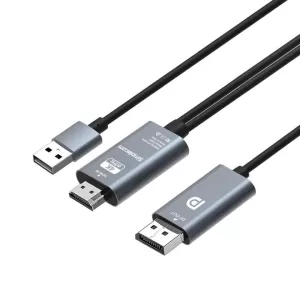
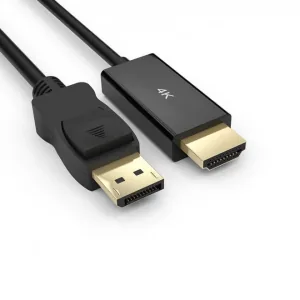
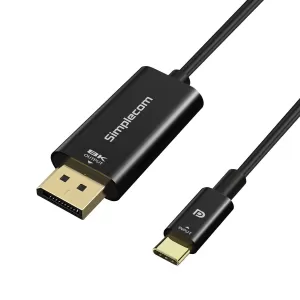
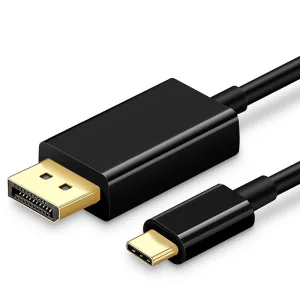


HDMI Cables & Display Cables
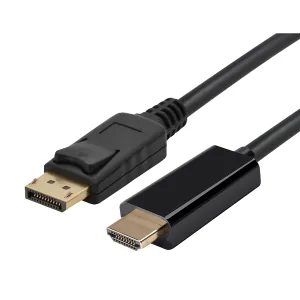
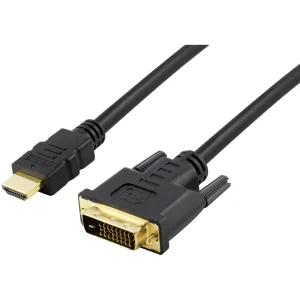
One of the most common signal connectors today, HDMI cables give you better video and audio quality by using a single cable - which we have plenty of in stock.
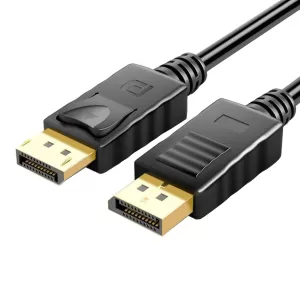
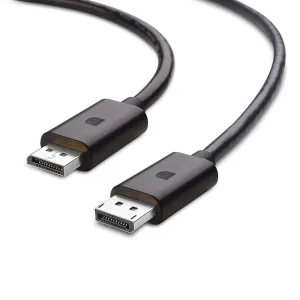
On the other hand, if gaming is more your thing, we’ve also got plenty of DisplayPort cables available to give you an ultra-fast refresh rate and an equally fast frame rate for your gaming sessions.
HDMI Cable & Display Cable FAQs
What is the use of HDMI? What does HDMI stand for?
HDMI (or “High-Definition Multimedia Interface”) is a type of connection that incorporates video and audio inputs into a single connector.
Since you only have one cable to connect, it is much easier to install. Not only that, you’ll also reduce the overall cable clutter behind your monitor or TV.
How does HDMI work on TV? How do you set up HDMI on a TV?
Setting up HDMI for a TV is quickly done in 3 steps:
- Plug one of the ends of your HDMI cable into your HDMI-compatible device (e.g. a laptop or BluRay player
- Connect the other end to one of the HDMI ports of your TV
- Select the input you connected your HDMI cable to with your remote control
Do all TVs have an HDMI port?
Most modern TVs have at least one HDMI slot on them. However, if you have an older TV from the mid-2000s, you might only have a SCART or an RGB port.
What do I do if my TV doesn’t have an HDMI port?
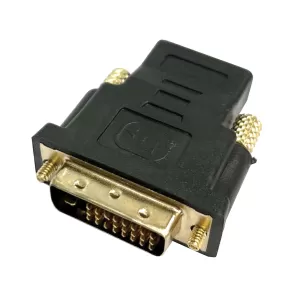
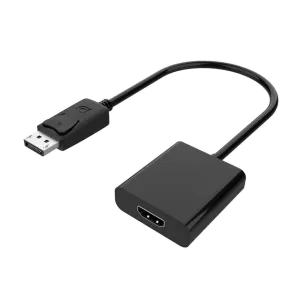
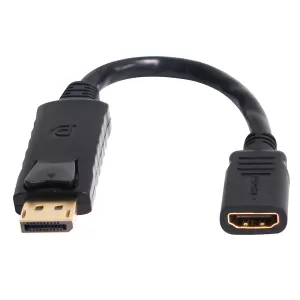
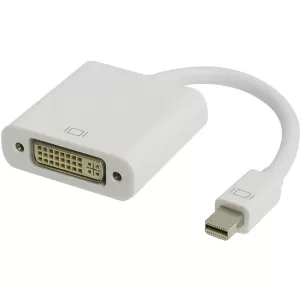
If you have an older TV with no HDMI ports, one quick and easy solution is to use an HDMI converter or adapter.
However, if you use an HDMI converter, you might need to plug in a separate audio cable to get any sound.
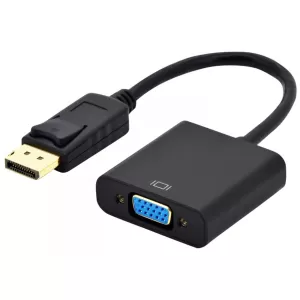
Shop for HDMI converters and VGA to HDMI adapters here.
How do I connect Soundbar to a TV with HDMI?
There are two ways you can do this:
- Connect your device to your Soundbar and then to the TV
- Use ARC (or “Audio Return Channel”)
What are the different types of HDMI ports?
As of 2022, there are 3 HDMI standards:
- HDMI 2.0
- HDMI 2.1
- HDMI 3.0
Most of the HDMI cables we have are HDMI 2.0, which are compatible with HDMI ports with a higher rating.
In addition to the standards, HDMI connector ports are also available in 3 different sizes:
- Standard (TVs, video game consoles and BluRay players)
- Mini (digital cameras and camcorders)
- Micro (Smartphones and GoPro action cameras)
What are HDMI Splitters?
An HDMI splitter splits the signal from one HDMI device and duplicates it for two different displays - perfect if you want to display a video signal on multiple TVs or screens.
Does an HDMI splitter reduce image quality for live video streaming?
No - HDMI splitters work by copying a digital signal and therefore don’t reduce image quality or performance.
An HDMI splitter will amplify the input signal to give you the longest possible transmission distance.
You might only experience a drop in either image quality or performance if you’re using a low-quality HDMI splitter or a very long HDMI cable.
How do you set up dual HDMI monitors?
The easiest way to set up dual HDMI monitors is to use an HDMI adapter or splitter. This type of adapter will split the signal from one single source into two separate monitors or TV screens.
How long are HDMI cables? Does the length matter?
Most HDMI cables are between 1-15 meters in length.
The longer the cable is, the worse the signal quality will be, although you won’t see any significant drop in image quality for cables shorter than 15 meters.
For this reason, some manufacturers don’t recommend using cables longer than 15 meters. For cables of this length or longer, use an HDMI repeater.
How can I tell if my HDMI cable is compatible with 4k videos?
Look for the “HDMI High-Speed” logo, which indicates that an HDMI cable supports 4k video resolution.
Will my HDMI cable support HDMI 2.1 features?
If the cable is marked with an “Ultra High Speed” logo, it supports all HDMI 2.1 features.
For more information about “Ultra High Speed” HDMI cables, here’s an article from HDMI.org that goes into further detail.
Is DisplayPort better than HDMI?
Yes, at least when compared to the standard HDMI 2.0 and HDMI 2.1, DisplayPort 1.4 is the superior choice.
What DisplayPort should I use for gaming?
Whether gaming for fun or competition, DisplayPort 1.4 is the best choice. Its high 32.40 Gbps bandwidth gives you a superior and smoother frame rate.
One thing to note is that the newer versions of DisplayPort might require you to upgrade your graphics card and monitor.
What’s the difference between a passive and an active Display Port adapter?
An active adapter contains semi-conductor computer chips, so the adapter itself does the signal conversion.
However, if the adapter does not have such a chip, it’s considered passive. These adapter types rely on the Dual-Mode DisplayPort (or “DP++”) video source to convert the signal.
If you need an HDMI to DisplayPort conversion, you’ll need to use an active adapter.
On the other hand, if your source already supports DP++, a passive adapter is a much better option. Since it doesn’t contain any extra chips, a passive adapter is less expensive than an active one.
Does HDMI support 144Hz?
If you have an HDMI 1.4 cable, it supports 144Hz at a resolution of up to 1920x1080.
It’s crucial to keep in mind, however, that not all HDMI 1.4 monitors support 144Hz.
Are there any distance limits when using HDMI?
The distance limit for a reliable HDMI input signal is 15 meters. If you extend the cable beyond this point, the signal will start to deteriorate.
You could get an HDMI repeater if you want to increase the transmission distance beyond that point.
What are HDMI repeaters?
HDMI repeaters regenerate and amplify incoming HDMI signals, leading to increased HDMI transmission distance.
What’s the difference between an HDMI repeater and an HDMI extender?
An HDMI repeater increases the distance that the signal can transmit, while an HDMI extender (also known as an HDMI splitter) converts the signal to be displayed on multiple monitors simultaneously at a distance
An HDMI extender is the best choice if you want a cost-effective way to extend the connection.