












Scanners
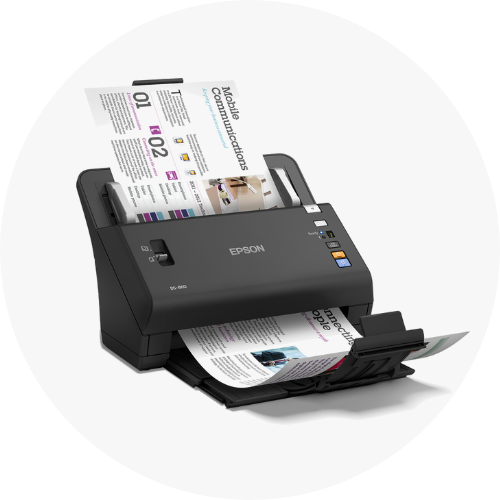
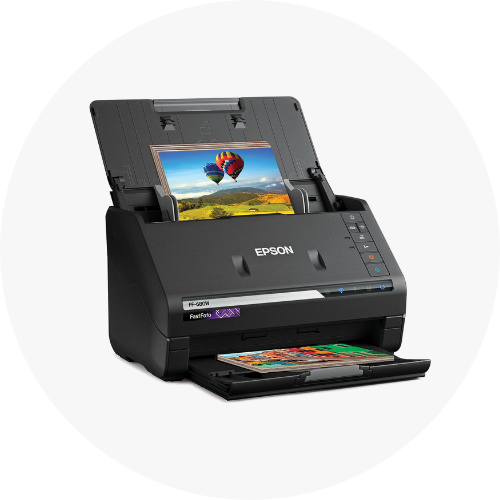
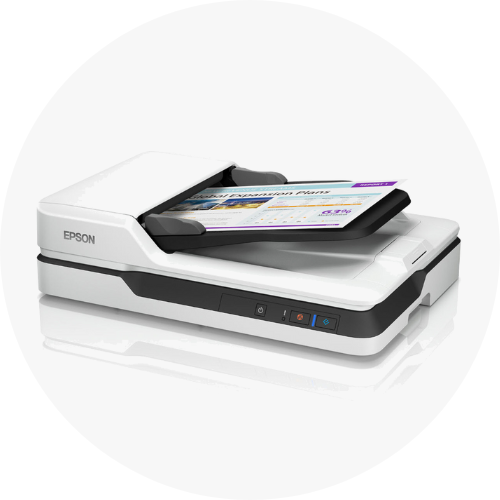
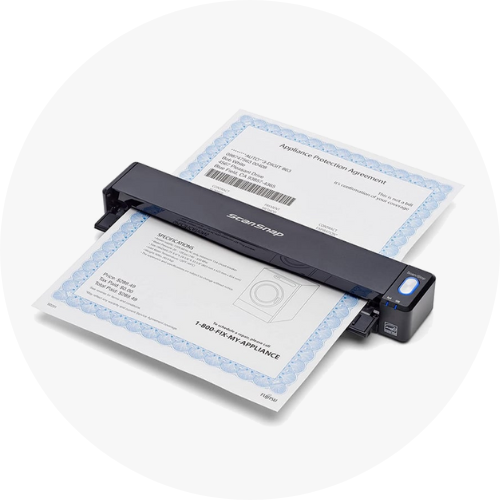
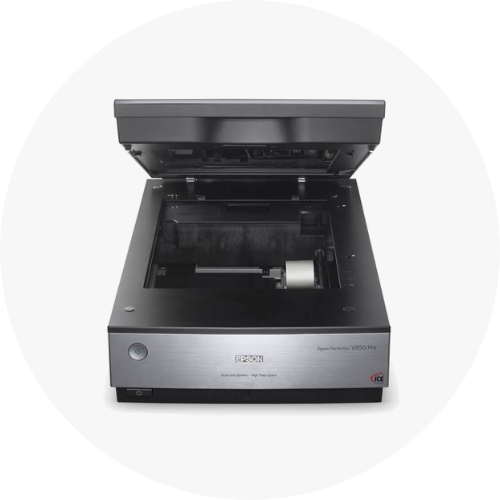
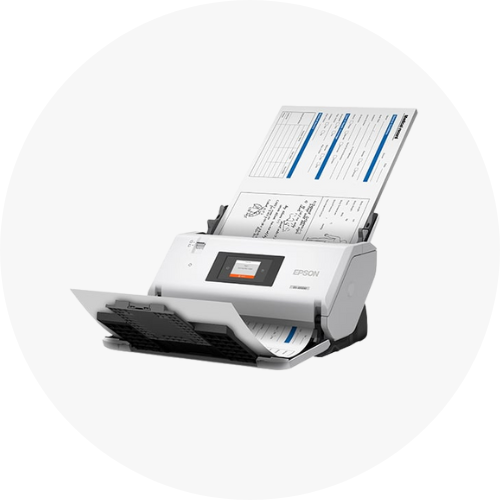
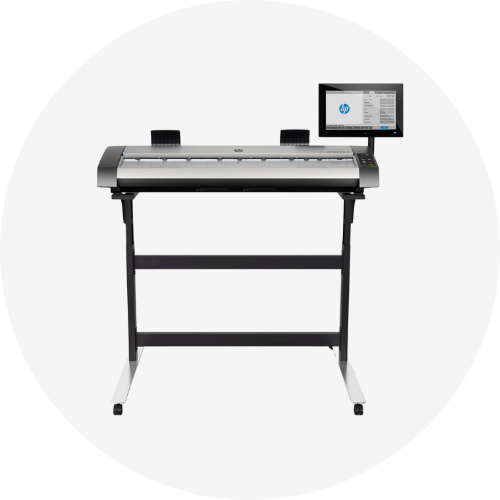
Digitise documents, photos, books, film, physical objects, and other media efficiently with Ink Station. Discover a comprehensive range of high-quality scanners sourced from leading brands like Brother, Epson, Canon, and more, all available at competitive prices. Our selection caters to all needs and budgets, providing you with a reliable, one-point-of-contact for all your scanning needs. Explore different scanner types, including document, flatbed, large-format, 3D, film, and compact devices. Whether you need a high-speed scanner for your busy office or a conveniently sized and portable scanner for on-the-go use, we’ve got you covered. Should you need any advice on choosing the right scanner, we’re more than happy to help you make an informed decision, so feel free to reach out. Transform piles of paper into digital files ready to be stored, accessed, shared, searched, and used more efficiently. Shop now and enjoy fast, reliable shipping Australia-wide. Ordering in bulk? Take advantage of our bulk discounts and save!
Show More




Filter by
-
Connection


-
B&W Simplex Scan Speed
-
Duplex Scan
-
ProductsAll Prices Include G.S.T.


-
 Delivery charges may apply
This item is excluded from the free delivery offer. Additional shipping fees apply to large and bulky items due to their size and weight.
For more information, see our Shipping Policy Page.
$879.00 -
 Delivery charges may apply
This item is excluded from the free delivery offer. Additional shipping fees apply to large and bulky items due to their size and weight.
For more information, see our Shipping Policy Page.
$6,399.00 -
 Delivery charges may apply
This item is excluded from the free delivery offer. Additional shipping fees apply to large and bulky items due to their size and weight.
For more information, see our Shipping Policy Page.
$379.15 -
 Delivery charges may apply
This item is excluded from the free delivery offer. Additional shipping fees apply to large and bulky items due to their size and weight.
For more information, see our Shipping Policy Page.
$649.00 -
 Delivery charges may apply
This item is excluded from the free delivery offer. Additional shipping fees apply to large and bulky items due to their size and weight.
For more information, see our Shipping Policy Page.
$1,950.00 -
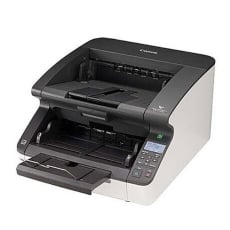 Delivery charges may apply
This item is excluded from the free delivery offer. Additional shipping fees apply to large and bulky items due to their size and weight.
For more information, see our Shipping Policy Page.
$8,790.00 -
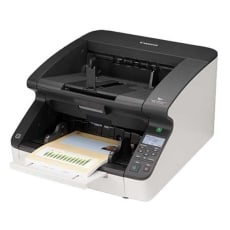 Delivery charges may apply
This item is excluded from the free delivery offer. Additional shipping fees apply to large and bulky items due to their size and weight.
For more information, see our Shipping Policy Page.
$10,799.00 -
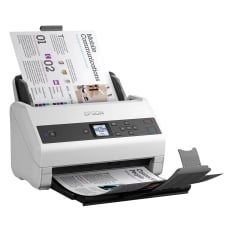 Delivery charges may apply
This item is excluded from the free delivery offer. Additional shipping fees apply to large and bulky items due to their size and weight.
For more information, see our Shipping Policy Page.
$1,966.00Out of Stock -
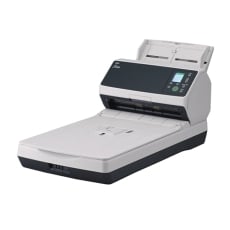 Delivery charges may apply
This item is excluded from the free delivery offer. Additional shipping fees apply to large and bulky items due to their size and weight.
For more information, see our Shipping Policy Page.
$3,887.00 -
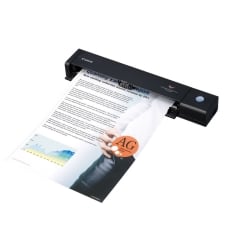 Delivery charges may apply
This item is excluded from the free delivery offer. Additional shipping fees apply to large and bulky items due to their size and weight.
For more information, see our Shipping Policy Page.
$293.99 -
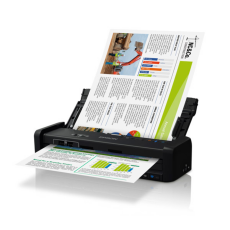 Delivery charges may apply
This item is excluded from the free delivery offer. Additional shipping fees apply to large and bulky items due to their size and weight.
For more information, see our Shipping Policy Page.
$349.00Out of Stock -
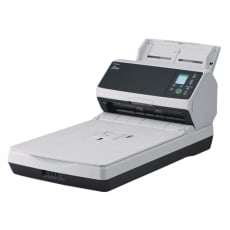 Delivery charges may apply
This item is excluded from the free delivery offer. Additional shipping fees apply to large and bulky items due to their size and weight.
For more information, see our Shipping Policy Page.
$2,849.00 -
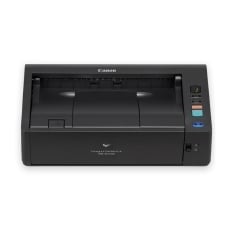 Delivery charges may apply
This item is excluded from the free delivery offer. Additional shipping fees apply to large and bulky items due to their size and weight.
For more information, see our Shipping Policy Page.
$1,504.03 -
 Delivery charges may apply
This item is excluded from the free delivery offer. Additional shipping fees apply to large and bulky items due to their size and weight.
For more information, see our Shipping Policy Page.
$5,997.50 -
 Delivery charges may apply
This item is excluded from the free delivery offer. Additional shipping fees apply to large and bulky items due to their size and weight.
For more information, see our Shipping Policy Page.
$2,379.00 -
 Delivery charges may apply
This item is excluded from the free delivery offer. Additional shipping fees apply to large and bulky items due to their size and weight.
For more information, see our Shipping Policy Page.
$580.95 -
 Delivery charges may apply
This item is excluded from the free delivery offer. Additional shipping fees apply to large and bulky items due to their size and weight.
For more information, see our Shipping Policy Page.
$2,779.00 -
 Delivery charges may apply
This item is excluded from the free delivery offer. Additional shipping fees apply to large and bulky items due to their size and weight.
For more information, see our Shipping Policy Page.
$2,199.00
FAQs for Scanners
What are the different types of scanners?
There are 5 main types of scanners:
-
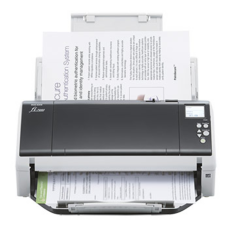
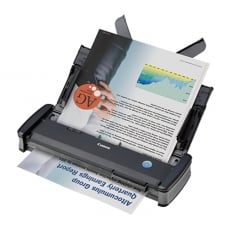
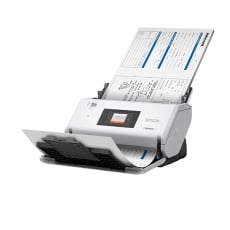
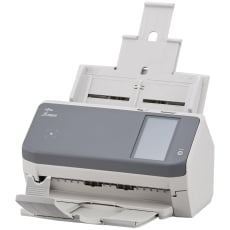
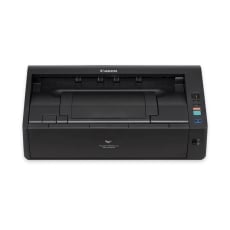
Document scanners: the standard scanner type which can transfer a physical document to digital format and scan documents into PDF files - perfect for digitising documents
-
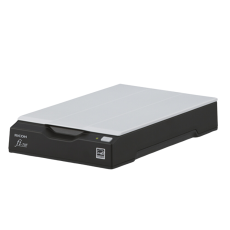
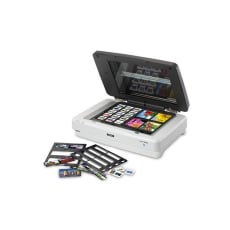
Flatbed scanners: the most traditional type of scanner, a flatbed scanner gives you a glass surface to place the object you want to scan - e.g. a paper document or a book
-
Film scanners: used for scanning images from a film negative or a photo slide
-
3D scanners: converts all three dimensions of a physical object into a digital file for 3D printing
-
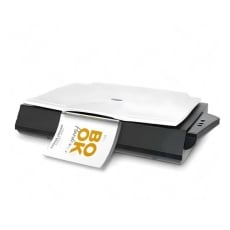
Large-format scanners: useful when you need to scan large media, such as A3 pages
What are the advantages of using a document scanner over a multifunction printer (MFP)?
Compared with a multifunction printer (or “MFP”), a document scanner can scan documents into PDF files - whose text can then be searched when opened with a PDF reader.
Document scanners are also equipped with 2-sided scanning, which is often missing on most MFPs.
Aside from that, a document scanner is a lot faster and offers higher resolution. Some document scanners can even scan to the cloud without the need of a PC which promotes easy streaming and better security.
In essence, a document scanner is a great investment for your business if you want to both digitalise and increase your productivity levels.
What is the best file format for scanning documents and images?
For documents, PDF is the ideal format, as it allows for searchable text, which is beneficial for digital archiving. For family photos or other images, JPEG is generally the best format. While TIFF offers a higher pixel depth, it contains more data, often resulting in a grainier appearance. Most modern scanners support saving scans as PDF files; however, to make the text content searchable, a scanner with Optical Character Recognition (OCR) functionality is required.
What are the benefits of using a sheet feeder and two-sided scanning for documents?
A sheet feeder can significantly streamline the scanning process by automatically feeding pages, eliminating the need to open the scanner lid and manually place each page. This feature is particularly useful for high-volume scanning.
For documents with text on both sides, two-sided (or duplex) scanning is advantageous, as it captures both sides in a single pass. Most current-generation document scanners support two-sided scanning, though sheet feeders are not compatible with all scanner models and are primarily found on document scanners.
For further guidance, please check the manual or contact our customer support team at 1300 655 943.
How do I clean the scanner’s glass panel?
First, shut off the power to the scanner by pressing the power button and then unplug the power chord.
Then, open the scanner’s lid (if it has one) and clean the glass panel with a soft and lint-free cloth. If you must use liquids, use a special glass cleaner and only spray it onto the cloth - never onto the glass itself.
Also, avoid using cleaning products that contain chemicals like benzene or acetone - these will damage the glass.