














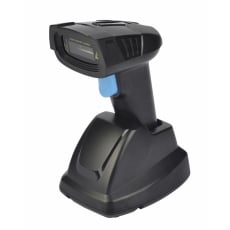
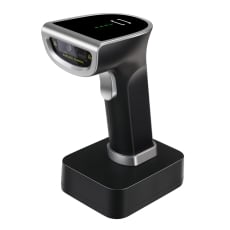
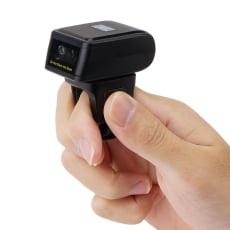
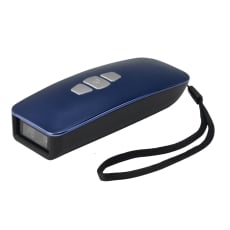
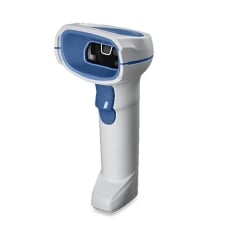
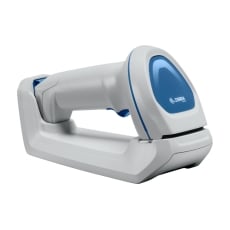
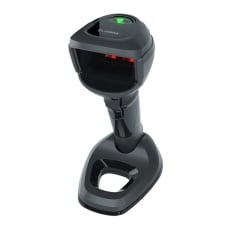
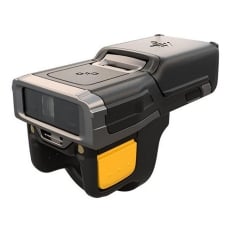
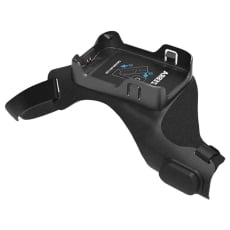
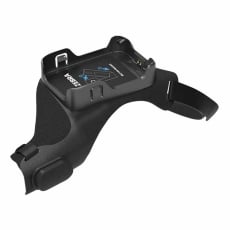
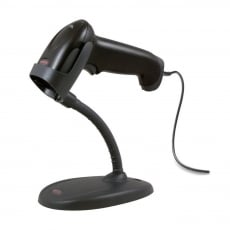
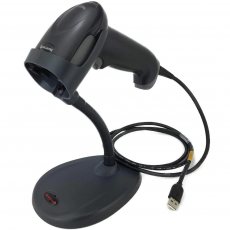
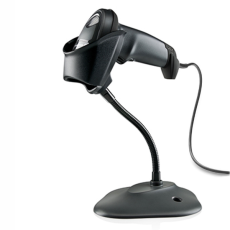
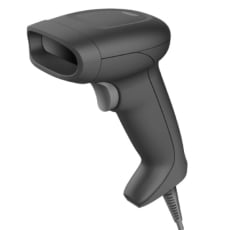
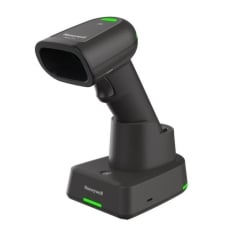
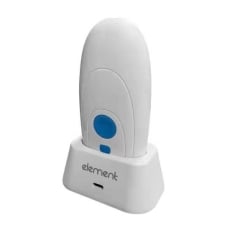
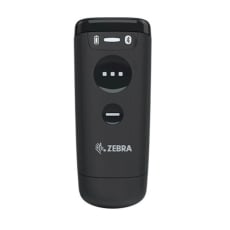
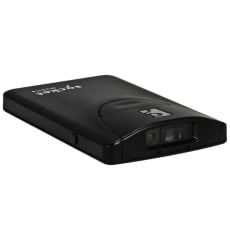
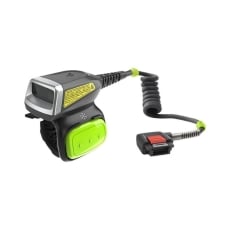
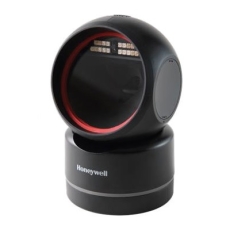
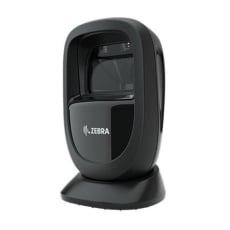







Barcode Scanners
FAQs:
1. What should I look for when buying a barcode scanner?
Barcode scanners are designed for specific work situations, so it's essential to understand their features and functionalities before purchasing. Some of the features to look for when buying a barcode scanner include:
Type of Decoding Capability - 1D or 2D
Barcodes are divided into two types: linear (1D) and two-dimensional (2D). They are used in a variety of applications and are scanned utilising a variety of technologies in some circumstances. The key differences between 1D and 2D barcode scanners are the layout and amount of data that each can hold, yet both can be utilised effectively in a variety of automatic identification systems.
1D barcodes, commonly found on consumer goods, encode data using a series of variable-width black lines and spaces, which is what most people think of when they hear "barcode." 1D barcodes can only carry a few hundred characters and generally become much longer as more data is added. Barcodes are often reduced to 8-15 characters by operators.
2D barcodes encode data using different shapes and patterns. 2D barcodes may carry up to 2000 characters, which is much more than 1D codes due to their structure while remaining physically smaller.
Type of Connection
When buying a barcode scanner, you need to consider the various connectivity options that are available and the benefits of each.
There are mainly 3 types of connections:
A. USB Cable
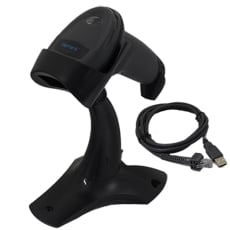
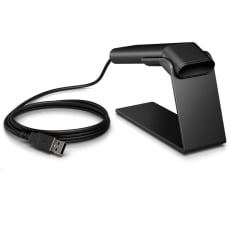
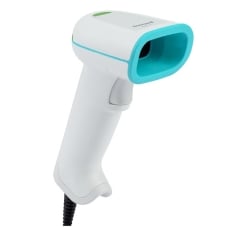
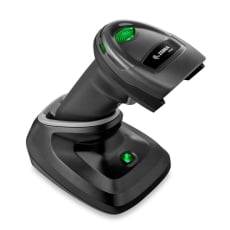
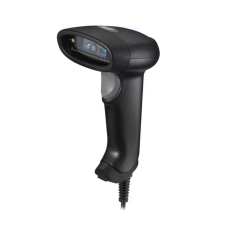
The most popular and extensively sold barcode scanner today is the USB barcode scanner. This scanner connects straight to your computer's USB port.
The features and benefits of USB barcode scanners include:
- The scanner will be recognized by the computer as a secondary keyboard output once you connect it to the computer via a USB connection.
- All of the barcode information will be entered into your system as if it were typed with a keyboard.
- The scanner does not require any special software to work.
- USB scanners are powered by the USB port on the computer and do not require an external power supply to work.
USB barcode scanners find good use in consumer product stores because they reduce the risk of theft. Since checkout personnel do not require to roam around with the scanner, a USB connection is a good choice.
B. Bluetooth
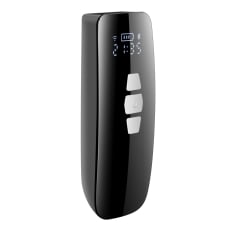
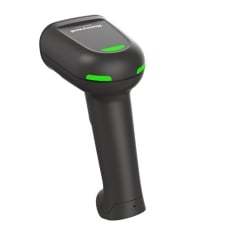
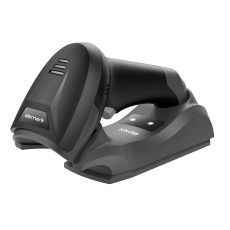
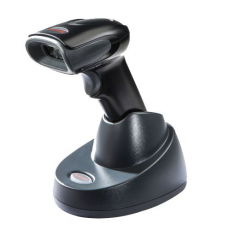
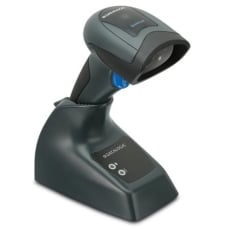
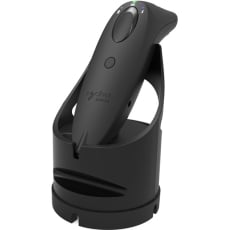
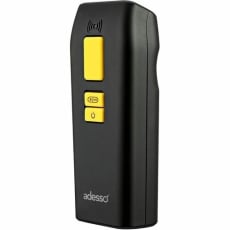
Bluetooth scanners work similarly to USB scanners, but they use Bluetooth to communicate with an accompanying base station.
The features and benefits of bluetooth barcode scanners include:
- The scanner is not linked to any gadget and can read from up to 10 meters away from it.
- The reader has the capacity to scan stationary or immovable objects.
- It has the ability to provide service to a consumer regardless of their location.
- No drivers are required for barcode scanners. The system will recognize the device and allow you to begin scanning immediately using bluetooth.
- Does not necessitate the use of an external port. Connects to any Bluetooth-enabled device.
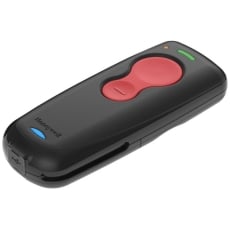
Bluetooth barcode scanners can be used for inventory in warehouses where there are large quantities of data to be encoded and the personnel needs to roam around a lot to collect the data.
C. 2.4GHz
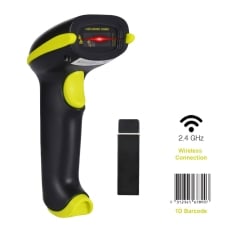
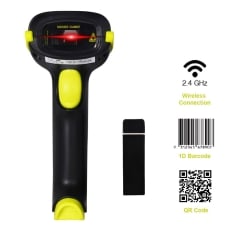
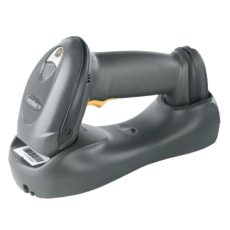
If a scanner's product name includes the word 2.4 GHz, it will require a USB reception to connect with a computer. These scanners are really easy to set up: all you have to do is connect the receiver to your system and begin scanning.
The features and benefits of 2.4GHz barcode scanners include:
- Most 2.4 GHz barcode scanners have a range of roughly 10 meters, though this can vary depending on the presence of physical impediments.
- The scanner's memory capacity is normally in the thousands.
- If you scan a product while the scanner is out of range, the scanned codes are saved until the scanner is able to reconnect to the system.
2.4GHz scanners are also good for inventory management and assists the inventory staff in collecting data without connecting to the PC.
Operating Environment and Portability
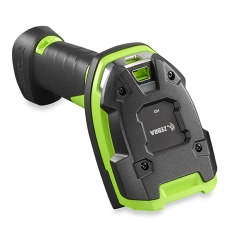
When choosing a barcode scanner, portability is crucial. Examine the type of environment in which the scanner will operate.
Assume the scanner is being used in a large warehouse without any reception. It will have to be portable to scan thousands of data across the entire space of the warehouse.
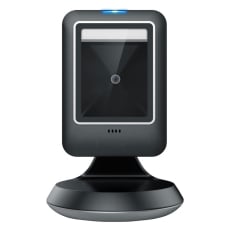
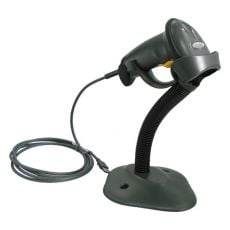
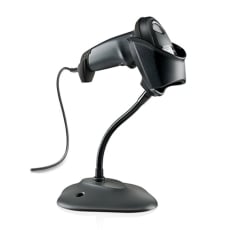
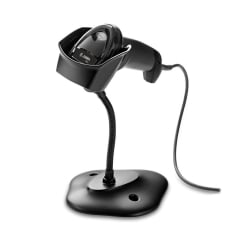
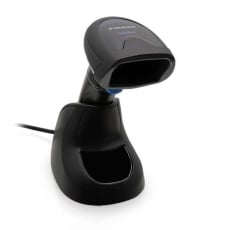
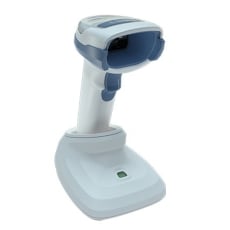
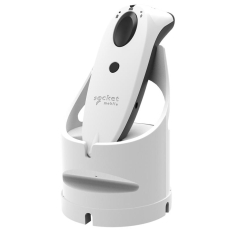
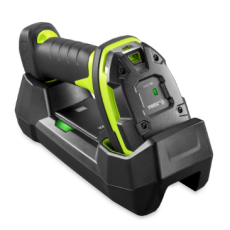
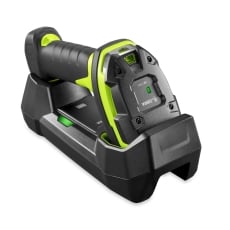
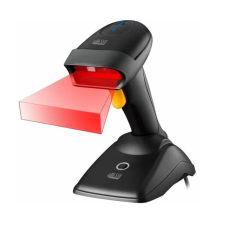
If the scanner is utilised in retail, it may not be required to be portable or to withstand harsh conditions. You may want a barcode scanner that comes with a stand or a desktop barcode scanner for hands-free scanning. Barcode scanners are designed for a variety of working environments, so it's crucial to think about yours while choosing one.
Handheld vs Desktop Scanners
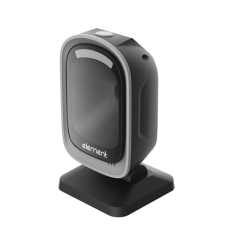
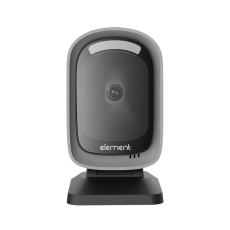
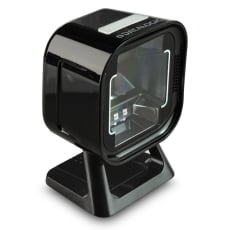
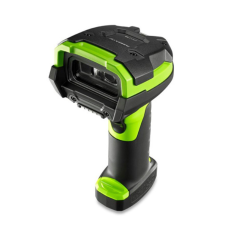
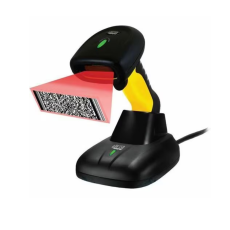
Cashiers may quickly pass things past the scanner without needing to align barcodes to the reader with hands-free desktop barcode scanners. This makes them excellent for transactions involving a large number of items or items that require two hands to locate. They're also ideal for retailers who would want their cashiers to concentrate on shoppers rather than the scanners.
Desktop scanners, on the other hand, are not intended to be picked up regularly. As a result, they may not be suited for applications involving huge, bulky, or heavy things that are difficult to deliver to the scanner.
Reading Angles and Distance
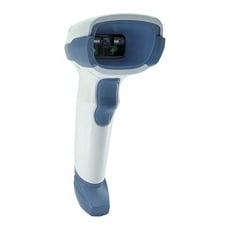
The reading angle and distance from which a scanner can read barcodes will differ in 1D and 2D scanners. 1D scanners can only read 1D barcodes from a specific angle. However, 2D barcode scanners have the benefit of reading codes from any angle.
The type of barcode scanner that you should buy will depend on your application. For example, retail stores can work with 1D scanners because they won’t need the scanner to read codes from a distance.
If You Need To Scan From a Screen
If your application requires you to scan from a screen, then you should go for 2D imaging scanners that can read codes displayed on screen. Except for the laser barcode reader, many scanners can identify and encode barcodes from a screen. So, make sure that you check the screen compatibility before you buy a barcode scanner for your application.
2. Can barcode scanners read QR codes?
QR codes, also known as 2D barcodes, use various squares, dots, hexagons, and some other shapes to encode data. A 2D QR barcode scanner is perfect for reading QR codes because a standard 1D barcode scanner cannot decode these codes.
The 2D barcode scanner will photograph the complete barcode image all at once. A decoding algorithm examines this data to determine the data in the code. As a result, a 2D barcode scanner is necessary to read QR codes.
3. How to change barcode scanner settings?
Scanning one or more barcode settings allows the user to customise the barcode reader's functionality. The process of changing the barcode settings will be mentioned in detail in the manual that comes with the scanner.
4. How much does a barcode scanner cost?
The cost of barcode scanners can range from $40 for a simple handheld scanner to hundreds. Ink Station offers its customers a comprehensive range of high-quality barcode scanners, from 1D/2D USB barcode scanners to handheld PDA barcode scanners, all at affordable prices.
5. Can I use my phone as a barcode scanner?
Most new generation smartphones have the ability to read both QR codes and barcodes to bring up product details like pricing information and customer reviews. You only need to download the appropriate app and then you can scan the code using your smartphone's camera.
6. Which barcode scanner is the best for retail stores?
Retail stores mostly use handheld or desktop scanners. If the retail stores need to scan QR codes, then they will need a 2D scanner, otherwise, a 1D scanner will work well too.
The best QR scanner that retail stores should use will mainly depend on the size of the store. For small and mid-sized retail stores, a wired QR scanner will suffice. Large retail stores will find good use of a wireless barcode scanner. The advantages of both types of barcode scanners are mentioned below:
Advantages of a Wired Barcode Scanner
- Wired barcode scanners are budget-friendly and offer all the standard functionalities required for a QR scan.
- Wired scanners don’t need to be charged, unlike wireless scanners.
- They are easy to use and difficult to steal.
Advantages of a Wireless Barcode Scanner
- Wireless QR scanners become workhorses, but they also provide you with the freedom to travel while remaining connected through Bluetooth.
- Wireless scanners are often made to last since they are appropriate for areas where data collection requires moving around.
- The most common response from businesses that have used wireless barcode scanners is that they have saved hundreds of labour hours in the long term.
7. Are barcodes and QR codes the same thing?
QR code is a type of barcode -- known as "2D barcode". Meanwhile, the traditional barcodes with lines are called "1D barcodes". The other difference between barcodes and QR codes is their physical size. Scanned in lines, this means that the amount of data that can be stored in that length of stripes is limited.
QR codes give a new dimension to the data that can be typed and scanned. These tags can be read horizontally and vertically instead of on a single line.
One of the most significant disadvantages of QR codes is the limited capacity to scan them. Because of the necessity to cover two areas instead of one, the scanners used for them are significantly more expensive than those used for conventional barcodes.
8. Should I buy a wired or wireless barcode scanner?
Every barcode scanner model is meticulously designed to provide an appropriate price-to-performance balance. The wired vs. wireless technology plays an essential role in this. Which barcode you should buy will depend on your application. A wired device is appropriate if your application does not involve roaming around to scan items. A wireless device is ideal if the application involves scanning at multiple locations or in a long distance from your computer.
9. How do barcode scanners work for stock management?
A product's barcode is scanned by automated inventory systems. A barcode scanner is used to scan the barcode, and the machine reads the data encoded by the barcode. A centralised computer system then keeps track of this data.
A purchase order, for instance, can include a list of items that need to be pulled for packaging and shipping. In this situation, the stock management system can perform a variety of tasks. It can assist a warehouse worker in locating things on an order list, encode shipment information such as tracking numbers and shipping addresses and remove purchased items from the inventory count to maintain a correct count of in-stock items.
All of this data works together to give companies real-time inventory tracking details. Stock management systems are a critical part of any organisation that transfers a supply of goods. They simplify discovering and evaluating inventory data in real-time using a simple database search.
10. How can barcodes help with the checkout process?
The black and white bars mixture symbolises various text characters that follow a predetermined barcode algorithm. This pattern of bars will be read by a barcode scanner and translated into a line of data that your retail point of sale software can comprehend.
Universal Product Codes help speed up the checkout process by assisting barcode scanners in identifying a product and its price. They effectively eliminate the need to enter product data manually.