






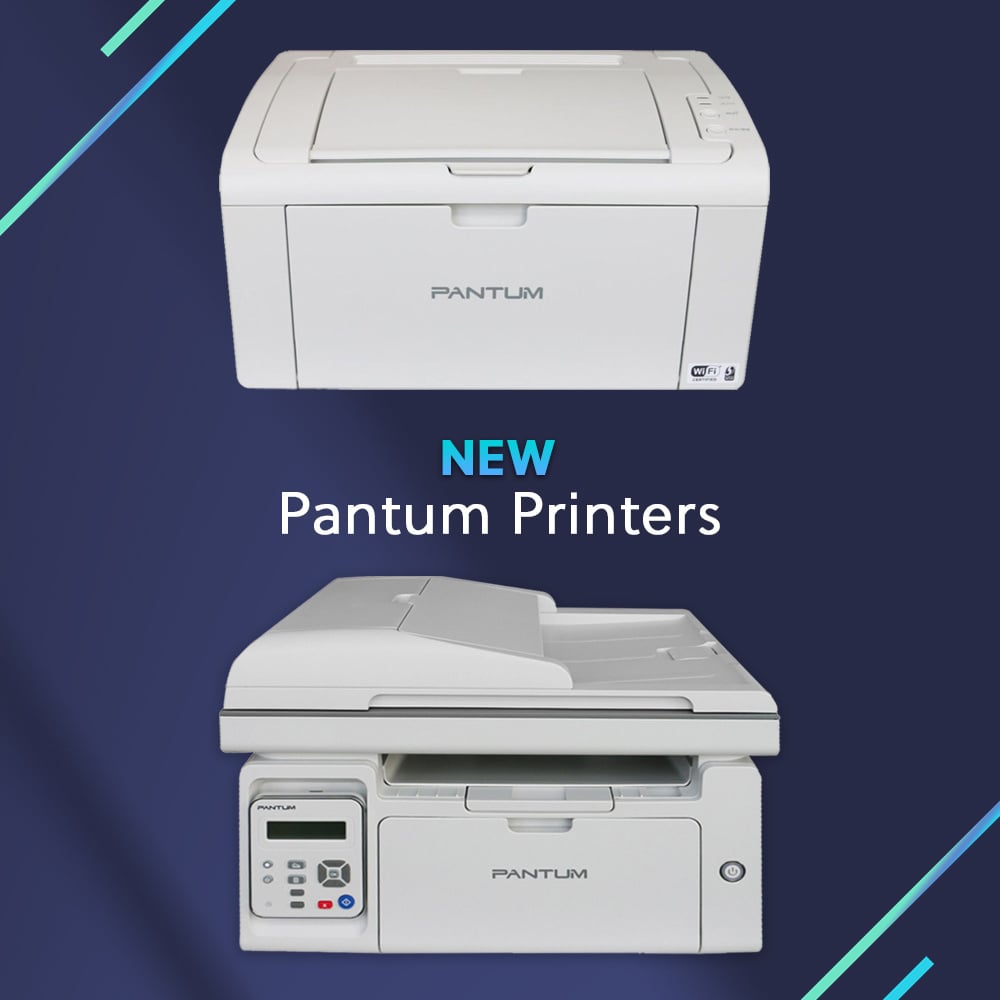





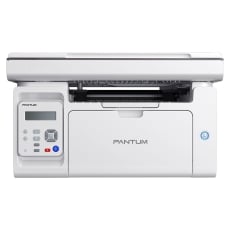
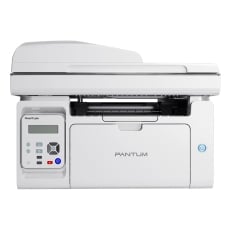
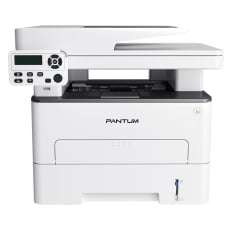
Pantum Printers

Discover the power of Pantum printers at Inkstation, where speed meets reliability. Perfect for any office, these printers deliver sharp, high-quality prints every time, keeping your workflow smooth and efficient. Whether you need mono or colour, Pantum has you covered with user-friendly designs and robust performance. Don't miss out-shop now at Inkstation and elevate your printing game with Pantum's trusted technolog!

Show More

Buy Pantum Printers in Australia

Explore our range of Pantum printers and Pantum toner cartridges at Inkstation, where quality meets speed. These reliable printers are designed to handle all your office needs with ease, delivering crisp, professional prints every time. With fast shipping across Australia, you can get your Pantum printer and toner cartridges in no time and keep your business running smoothly. From mono laser to multifunction models, Pantum offers efficiency and durability you can count on. Don’t wait-shop now and experience fast, reliable printing with Pantum at Inkstation.

Pantum Laser Printers

Pantum laser printers offer exceptional print speed, reliability, and efficiency, making them the perfect choice for businesses with high-volume printing needs. Known for their durability and cost-effectiveness, these printers deliver professional-quality documents while reducing operational costs. Whether you need a monochrome model for everyday printing or a multifunction model for more versatile tasks, Pantum laser printers provide the performance you need. Explore our range of Pantum laser printers today.

Pantum Multifunction Printers

Pantum multifunction printers combine printing, scanning, and copying all in one device, making them an excellent choice for businesses seeking versatile solutions. With fast print speeds, low running costs, and a compact design, these all-in-one printers are perfect for small and medium-sized offices. Whether you need to streamline your workflow or increase productivity, Pantum multifunction printers are up to the task. Shop our selection of Pantum multifunction printers for a reliable and efficient solution.


FAQs for Pantum Printers

How do I connect my Pantum printer to my computer or mobile device?

You can connect your Pantum printer via Wi-Fi, USB, or Ethernet, depending on your printer model. Follow the setup instructions provided for your specific model to ensure a smooth connection to your computer or mobile device.

How do I change the default print settings on my Pantum printer?

To change the default print settings on your Pantum printer, access the printer settings through the control panel or printer software. Here, you can adjust settings such as paper size, print quality, and orientation. Save these changes to set them as the default for all future prints.

What are the best settings for printing high-quality documents on a Pantum printer?

For high-quality printing, ensure you choose the correct paper type, adjust the print quality settings to "High" or "Best," and check that the appropriate ink or toner cartridge is installed. These adjustments will help produce sharp, professional-looking documents.

How do I recycle or dispose of used Pantum ink and toner cartridges?

Pantum offers a cartridge recycling program to help reduce environmental impact. You can return your used Pantum cartridges to designated recycling centers or participate in their recycling initiatives. Always make sure to dispose of cartridges responsibly.

How do I find the right ink or toner for my Pantum printer model?

To find the right ink or toner for your Pantum printer, use the model number to search for compatible cartridges. You can find the correct toner or ink by using our ink and toner finder tool to ensure you get the right product for your specific printer model.