



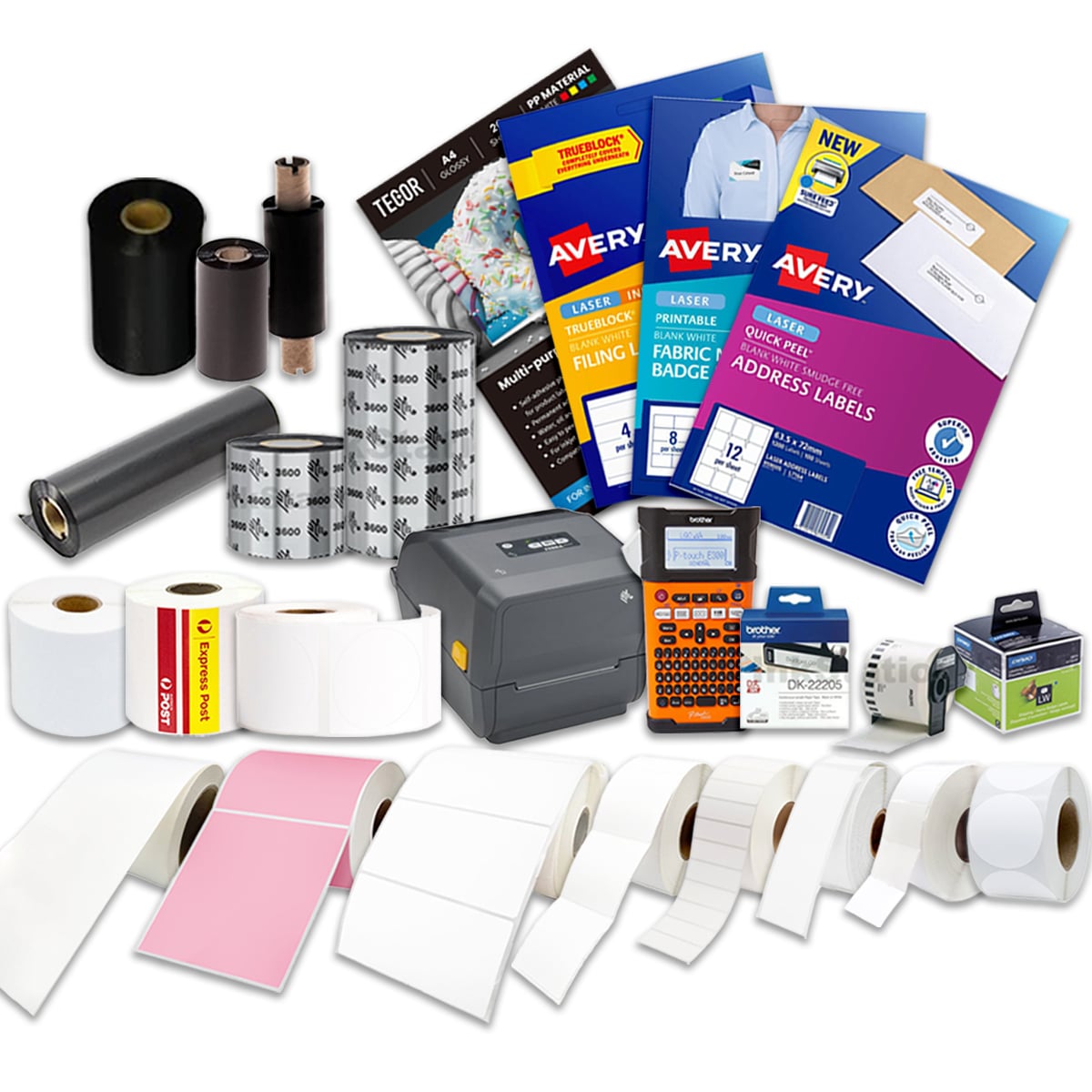



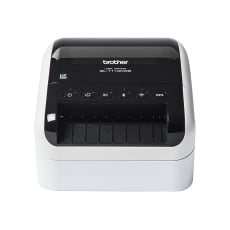
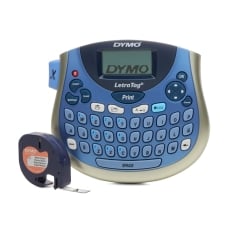
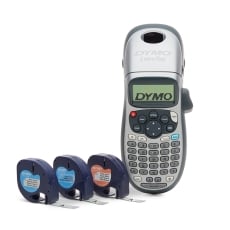
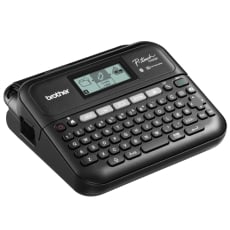
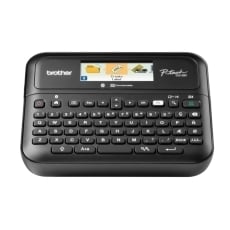
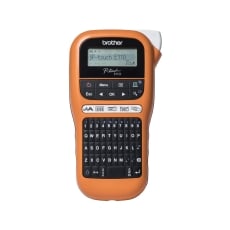
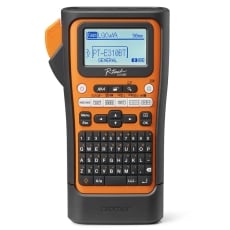
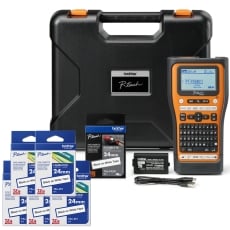
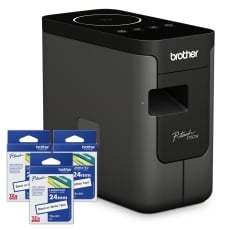
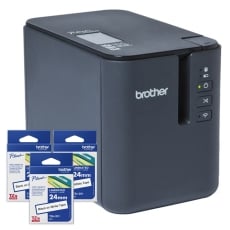






Label makers & Label Printers
Whether for home or office use, a label maker or label printer is a quick, easy, and often even fun way to make your customised labels.
No matter which type you’re looking for, we’ve got you covered regardless of your budget or preferences for office supplies.
Label makers & label printers FAQs
Are there any differences between a label printer and a label maker?
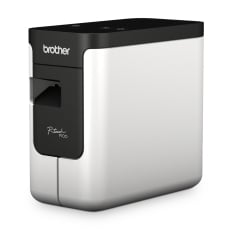
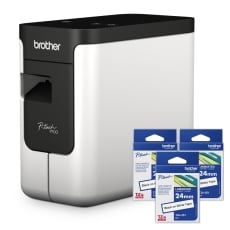
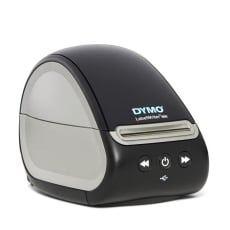
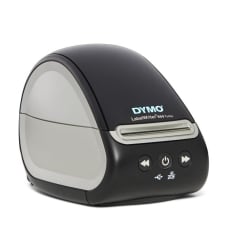
Like a regular printer, a label printer is often designed to be used alongside a computer. Because of this, label printers demand that you connect them to a computer first.
This is most commonly done through a built-in USB connector on the printer itself.
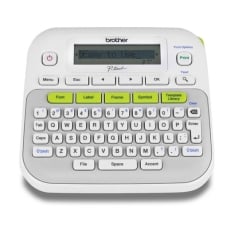
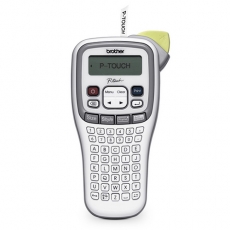
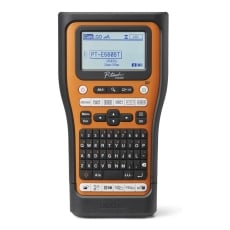
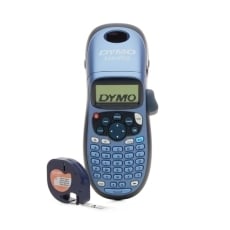
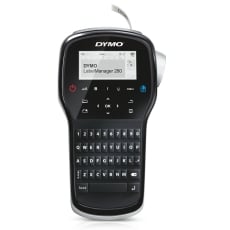
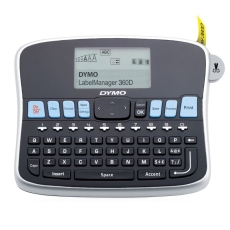
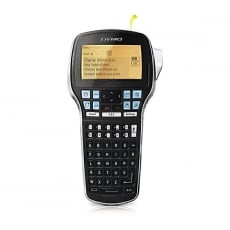
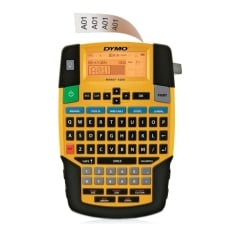
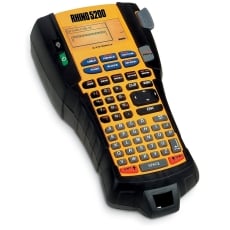
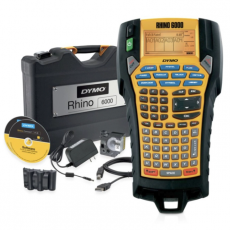
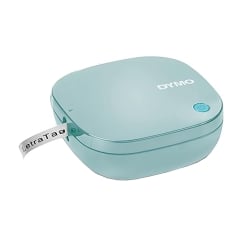
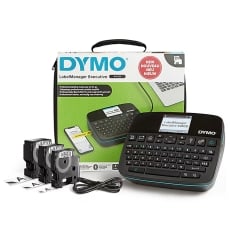
Compare this with a label maker (also known as a desktop label printer), which has a built-in keyboard and can print entirely on its own without connecting or even using a computer.
Can label printers print images?
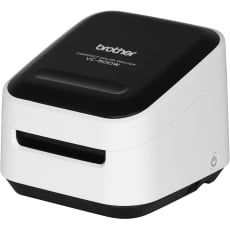
If you’re interested in an image label printer, we have a Brother VC-500W, which is ideal for printing photo IDs and regular bespoke labels.
Are label makers worth it?
If you want a portable option to print your labels, a label maker is a worthwhile investment.
Instead of connecting it to your computer every time you want to create labels for something, you can type it in using the label maker, press “Print,” and there’s your new label ready to go.
If you’re still not convinced, some other reasons to own a label maker include:
- Portability - you can use it no matter where you are
- Usually cheaper than a desktop label printer
How much does a label printer cost?
The price depends on the size of the labels and whether the printer has connectivity.
An average label printer can cost anywhere between $40, while some high-end thermal printers can cost thousands.
All of our label machines are of the thermal printer type, which doesn’t require any ink to print.
In other words, the amount of money you’ll save printing your own labels with a thermal printer is staggering.
What should I look for in a label maker?
It largely depends on whether you’re going to use it to mark boxes at home or use it for office or business purposes. Either way, these features are worth keeping an eye out for:
- A QWERTY-style keyboard that is large enough to type with both hands
- Wireless connectivity options
- The maximum label size
- Costs of the labels and the availability of label style on the market
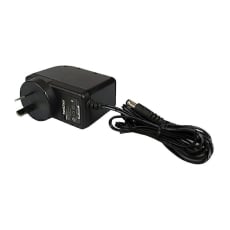
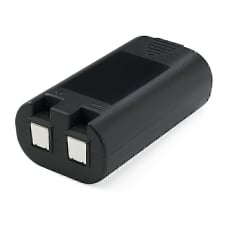
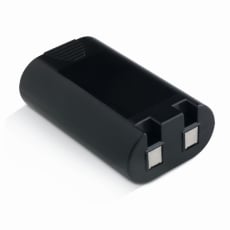
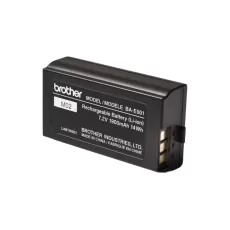
- Power options (AC adapter or battery-powered)
- Special use (e.g. outdoors or during extreme weather conditions)
If yours is strictly for business use only, you must also consider:
- How high the print resolution will be - the higher, the better
- How frequently you print
- The maximum label roll diameter - if you print a lot, you might need a printer that can accommodate larger printing rolls
- Whether your label maker can print on multiple lines (useful if you’re going to print address labels)
- Your label printer or label maker’s printing speed
- The ability to use along with a computer or mobile device for ease of usability
Do label makers need ink?
Many label makers use thermal printing mechanisms, but you still have to replace the label tape once it runs out.
If the printouts start to fade to white, it’s more likely that you need to clean the transporter roller and print head or replace your batteries
Are label maker labels waterproof?
It depends on the label maker itself - for example, the label tape for the DYMO D1 Permanent Label Maker or Brother TZe-Tapes is waterproof.
Label tapes made from synthetic materials like polyester, vinyl, and polypropylene are waterproof - although it also depends on the type of printer.
The following printer types are ideal for making waterproof labels:
- Laser
- UV
- Certain pigment dye printer
What size of labels should I buy?
The size will be dependent on the label maker/printer itself, as the consumer is restricted to what is made available by the manufacturer. Before you make your purchase we also suggest looking at the list of available labels suitable for said printer.
For shipping labels, the standard size that is supposed by all major mail carriers is 4x6 inches or 100x150mm.
What size is best for pantry labels?
Whether you want to label square-shaped containers or round glass jars, the best dimensions for printing pantry labels are 2.5x2.5 inches or 63.5x63.5mm.
What is an embossing label?
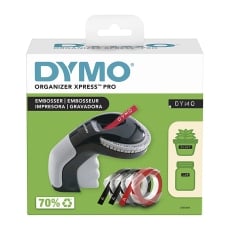
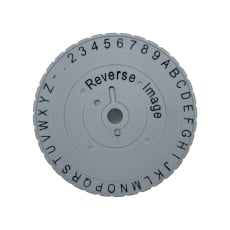
Also known as an “impact label maker,” an embossing label has custom patterns pressed into the labels with high pressure - the result is a label with a richer depth and texture.
You can even physically feel the edges if you run your hand through one of these labels.
Embossing label makers are a splendid choice if you want your labels to look more sophisticated and stand out from the more “typical” ones.
How do I load the embossing label maker?
To load an embossing label maker, insert a strip of the embossing tape into the label maker, feeding it in as far as it will go.
Then, put the entire tape roll into the label compartment before feeding the tape through the unit. The best method for this is by squeezing the trigger a few times.
How long does a label maker last?
Like the waterproof labels, it depends on the manufacturer and the type of tape.
For instance, a Dymo Label Writer can print as many as 571,400 labels.
To put it into context, if you were to line up all of those labels in one single row, the row would be 5,0800,000 millimetres long.
Why is my label maker not printing?
Some common reasons why your label maker isn’t printing are:
- A dirty sensor (which often causes the label maker or printer to print blank pieces of paper)
- The wrong label size is loaded
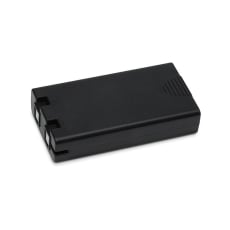
- Your AC adapter is not plugged into your wall socket, or the batteries have run out (if battery powered)
- Dirty roller or print head
Do You Need Monochrome Labels or Colour Labels?
Most label prints and makers made for small businesses and home users only print in monochrome.
However, with that in mind, you can use coloured labels for the label maker to print onto, although you must remember that the text and graphics themselves will still be in monochrome.
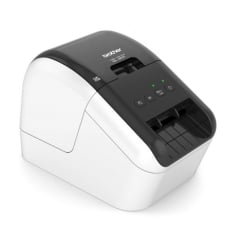
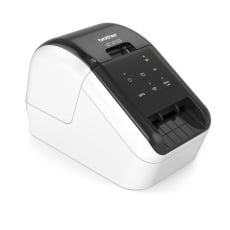
In comparison, label printers, such as the Brother VC500W which has the capability to print full coloured labels and the Brother QL800 which allows you to print red text onto a white label.
How Can You Connect to Your Label Printer?
If you’ve got a label printer, you’ll need to connect it to a computer to work - something that is easy, thanks to the built-in USB connector.
Aside from that, many label printers are compatible with Bluetooth and Wi-Fi Direct - meaning that you can connect it to any computer on your network wirelessly.
Common connectivity includes:
- WiFi
- LAN
- NFC
- Bluetooth
- USB