HP Printers

Hewland-Packard (HP) was founded in 1939 and has maintained its reputation as a leader in the technology and printing industry for decades. They are known for continuously investing in innovation to develop cutting-edge HP printers that meet the needs of various industries. 

HP printers are trusted worldwide for their reliability and versatility, catering to everything from small businesses to large enterprises. Discover the best HP printer for your needs at Ink Station today!

Show More

Buy HP Printers in Australia

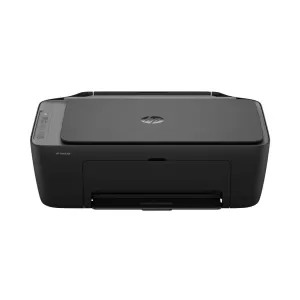
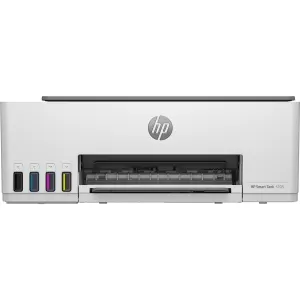
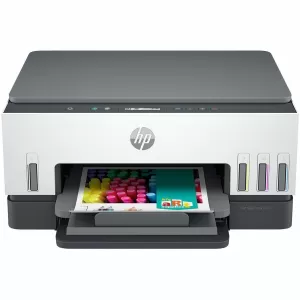
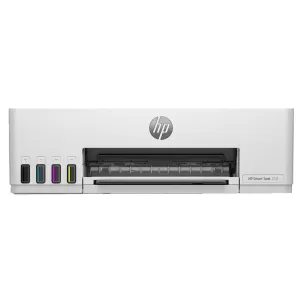
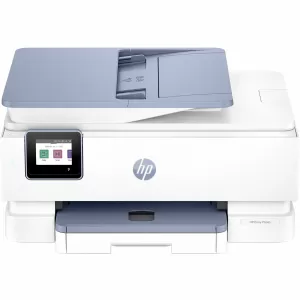
We stock a wide array of HP printers in Australia that cater to diverse needs, from home-based projects to large-scale business operations. Our inventory includes best-selling HP inkjet printers, compact HP DeskJet printers, high-performance HP Laser Printers and specialised HP Large Format Printers. We also stock versatile HP Smart Printers designed for seamless wireless connectivity and smart home integration. With fast and reliable delivery across Australia, your HP Australia printer will arrive quickly and hassle-free.

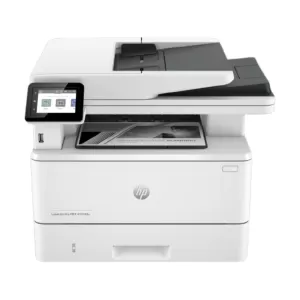
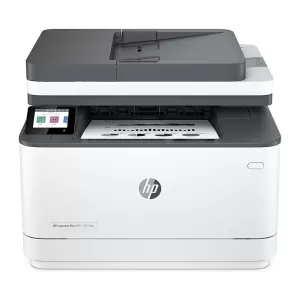
HP Laser Printers

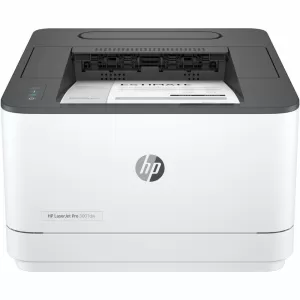
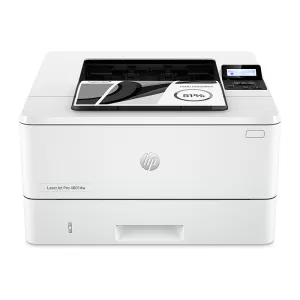
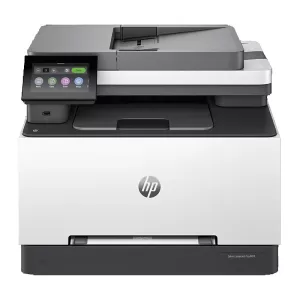
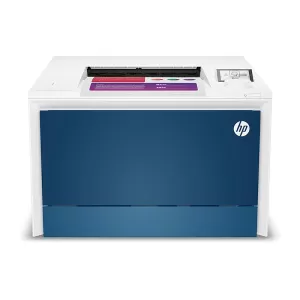
HP Laser Printers are known for their efficiency in delivering crisp text and high-quality graphics at incredible speeds. Designed for high-volume printing, these printers are ideal for both small businesses and large enterprises. Whether you need a monochrome laser printer for standard documents or a colour laser printer for marketing materials, HP Laser Printers offer cost-effective and energy-efficient solutions. Browse our collection of Laser HP Printers and discover models that fit your business needs.

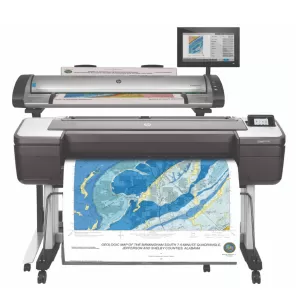
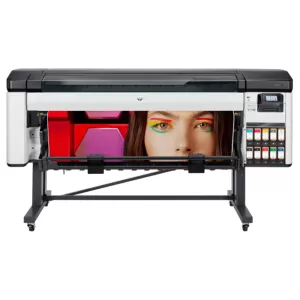
HP Large Format Printers

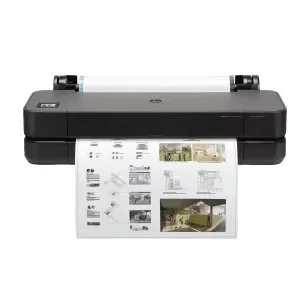
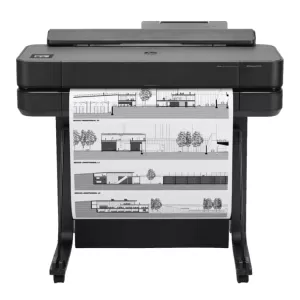
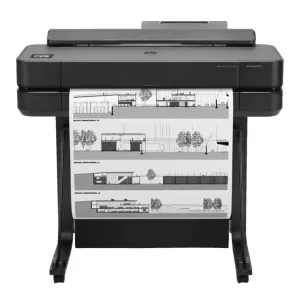
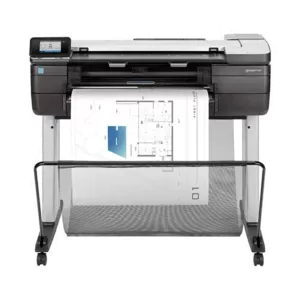
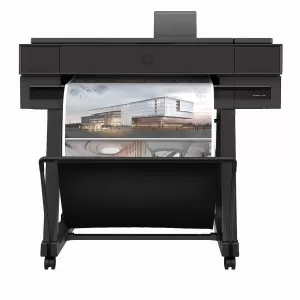
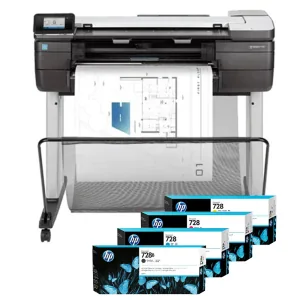
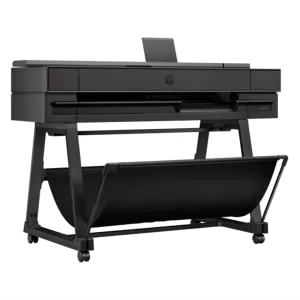
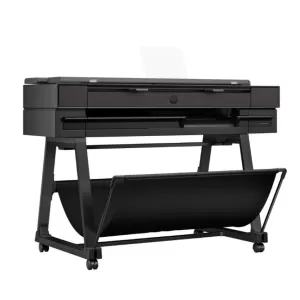
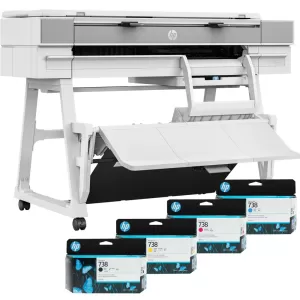
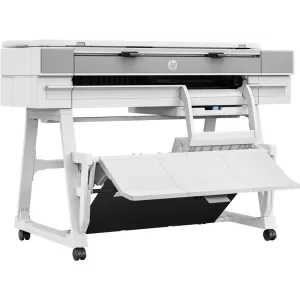
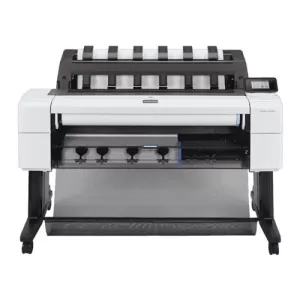
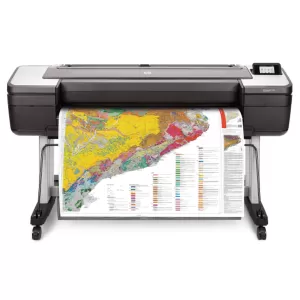
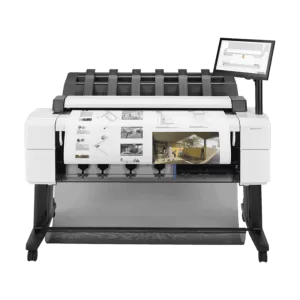
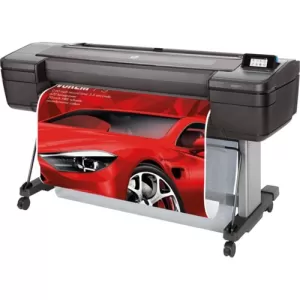
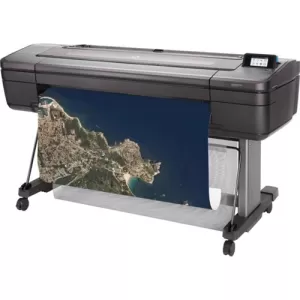
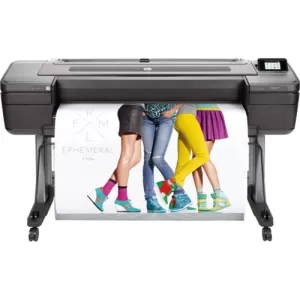
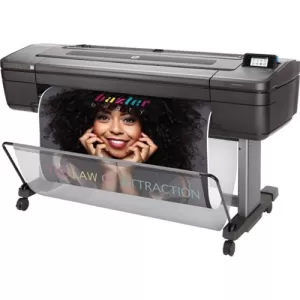
When it comes to professional-grade printing, HP Large Format Printers are the top choice for architects, designers, and creative professionals. These printers handle everything from posters and banners to technical drawings, all with stunning precision. If you need a HP Designjet Printer for architectural plans, or a HP Photo Printer for high-quality colour prints, our range of large format printers has you covered. Explore our HP Large Format Printers and take your printing capabilities to the next level.

FAQs for HP Printers

How do I connect my HP printer to my computer or mobile device?

Connect your HP printer using Wi-Fi, USB or Bluetooth. Follow the printer's specific setup instructions to ensure compatibility with your device.

How do I change the default print settings on my HP printer?

Access the printer settings through the control panel or software to adjust options like paper type, print quality and orientation. Save your preferences to set them as the default for future prints.

How do I replace the ink or toner cartridges in my HP printer?

Open the printer’s cartridge compartment, remove the empty cartridge and then insert the new one until it clicks into place. Make sure to use genuine HP ink cartridges for optimal performance.

How do I recycle or dispose of used HP ink and toner cartridges?

HP offers convenient recycling programs for ink and toner cartridges. Return used cartridges through mail-back services or drop them off at designated recycling centres.

What are the recommended paper types for HP printers?

For the best print quality, use HP-branded paper tailored to your specific printer model, whether for photos, documents, or large-format prints. Ensure that you select the correct paper type in the printer settings for optimal results.