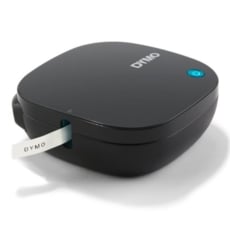
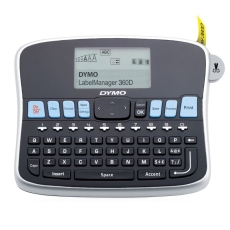
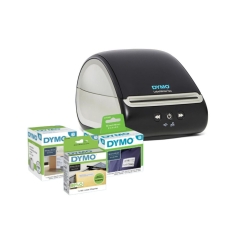
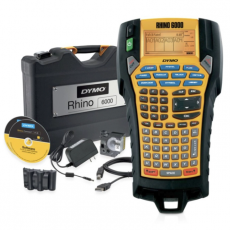
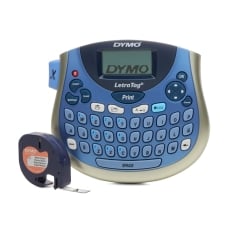
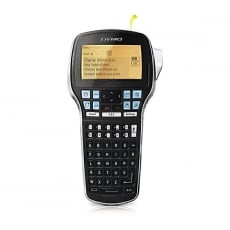
Dymo Printers

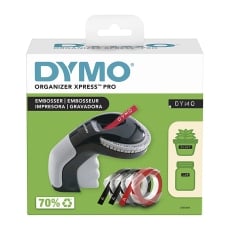
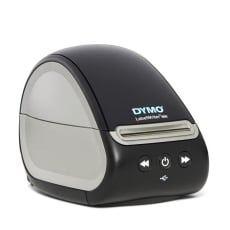
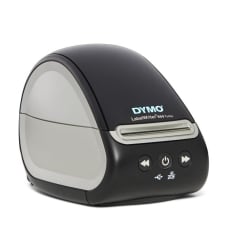
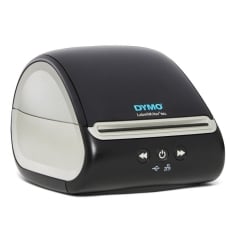
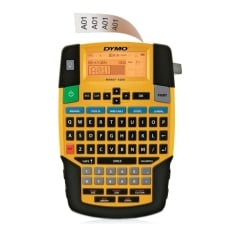
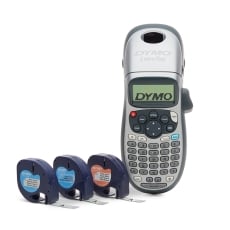
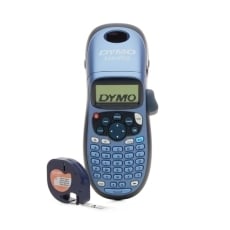
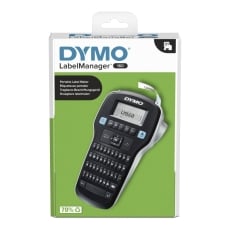
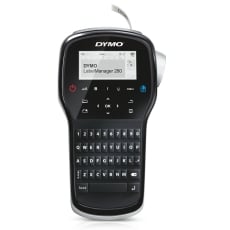
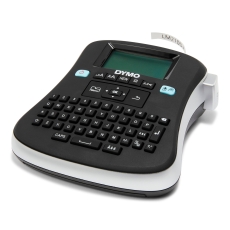
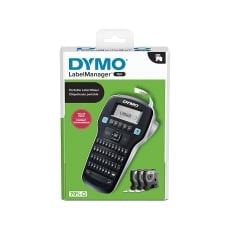
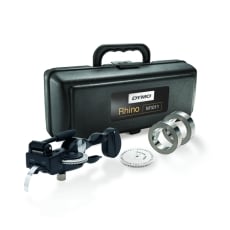
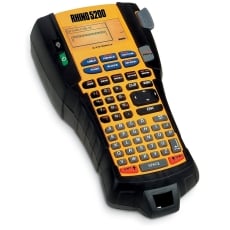
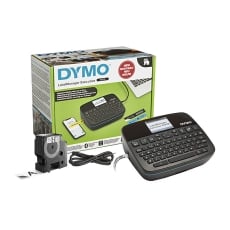
Dymo printers are widely used for label printing in homes and businesses. Known for reliability and ease of use, Dymo label printers and label makers are ideal for shipping labels, barcodes, office organisation and everyday labelling tasks. Our range includes compact label makers for home use and high-performance label printers for business and warehouse environments. With fast setup and consistent print quality, Dymo printers provide efficient solutions for all your labelling needs.

Show More

Buy Dymo Printers in Australia

At Ink Station, we offer a curated range of Dymo printers designed to meet various needs for both home offices and businesses. Our selection includes a variety of Dymo label printers, barcode printers, and more, ensuring you'll find the perfect model for any task. Whether you're printing shipping labels, address labels, or organizational tags, Dymo printers are known for their speed, accuracy, and cost-effectiveness. Not sure which model is right for you? Call our friendly staff at 1300 655 943 for expert advice on finding the best Dymo printer for your needs.

Dymo Label Printers

Dymo label printers are perfect for small businesses and home offices that need reliable and efficient label printing solutions. These compact and user-friendly printers offer various features, including wireless connectivity, high-speed printing, and compatibility with different label sizes. From shipping labels to name tags and barcodes, Dymo label printers provide a seamless solution for all your labeling needs.

Dymo Barcode Printers

Dymo barcode printers offer precision and high-quality prints for businesses that require accurate barcode labeling. With their fast print speeds and easy setup, these printers are ideal for retail and warehouse environments. Explore our range of Dymo barcode printers to find the perfect solution for inventory management and product labeling. Whether you need labels for retail products or asset tracking, Dymo delivers the performance you can count on.

FAQs for Dymo Printers

How do I connect my Dymo printer to my computer or mobile device?

To connect your Dymo printer, you can use USB, Bluetooth, or Wi-Fi depending on your model. Follow the setup instructions for your specific Dymo printer model to ensure compatibility with your computer or mobile device.

How do I change the default print settings on my Dymo printer?

To adjust the default print settings on your Dymo printer, access the Dymo Label Software or the printer's control panel. From there, you can change settings like label size, print quality, and orientation. Be sure to save these changes as the default for future prints.

What are the best settings for printing labels on a Dymo printer?

For optimal label printing, ensure you select the correct label type and size in the Dymo software. Adjust the print quality for clarity, and enable any other custom options, such as barcodes or graphics, to ensure your labels are printed accurately and professionally.

How do I recycle or dispose of used Dymo label cartridges?

Dymo encourages recycling used label cartridges. You can check their website for information on designated recycling centers or return programs. Proper disposal helps reduce environmental impact, so be sure to recycle your cartridges accordingly.

How do I find the right labels for my Dymo printer model?

To find the right labels for your Dymo printer, you can use the label finder tool on our website. Simply enter your Dymo printer model to view compatible label types and sizes, ensuring the best results for your printing needs.