











InkStation Photo Paper FAQs
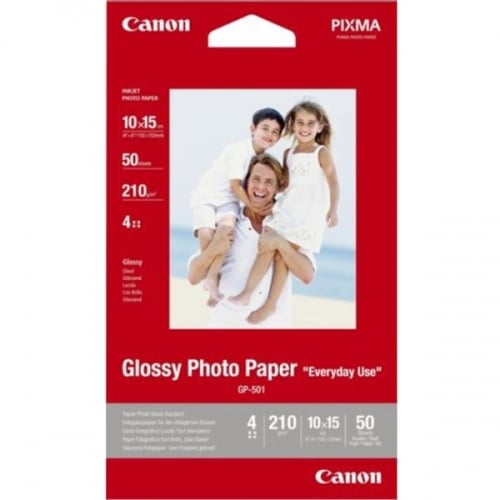
Cherish your favourite memories forever by shopping for the highest quality glossy and matte photo paper from Ink Station. Along with stocking a wide range of glossy and matte photo papers from all the leading brands, we also offer a wide selection of other formats. So you will be sure to find everything you need to keep your memories last a lifetime.
What is resin-coated paper? How and why is it better? What's the difference between resin-coated or normal photo paper?
A resin-coated inkjet photo paper (also known as a “true photobase”) is paper sandwiched between two thin layers of polyethylene. The appearance is similar to regular glossy photo paper; resin coated gloss features the same very prominent shine. Photo papers that are resin-coated tend to be very similar to those used in silver-halide darkroom processing. Typically, they provide excellent gloss, smoothness, whiteness, and an opacity finish. They also prevent waviness or "cockling” from heavy ink loads; the critical difference between resin-coated paper and normal photo paper is that it provides better print results and prevents paper curling.
What is the difference between matte and semi-gloss finish photo paper?
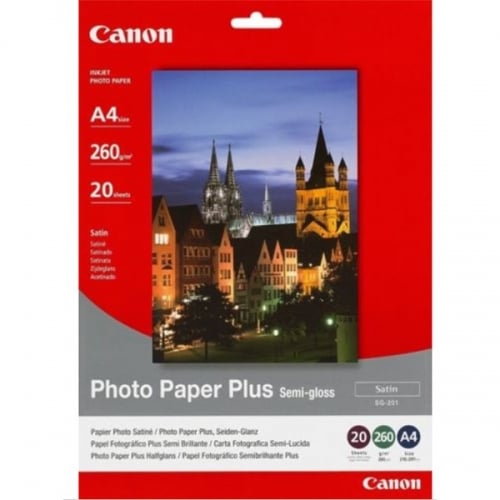
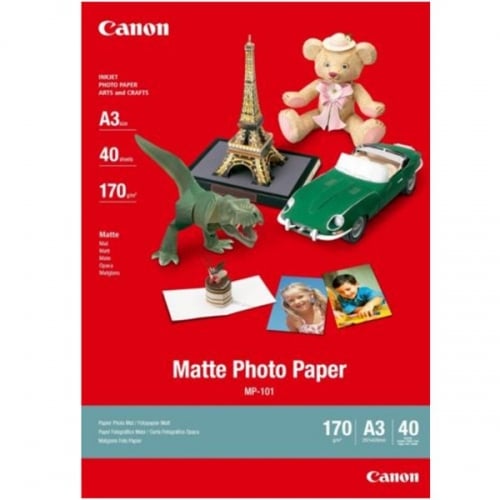
Matte photo paper has no sheen or glare on the surface and has an extremely low reflection property. Meaning the images will appear flattered and will not shine in any way. Whereas Semi-Gloss, or Satin finish photo paper, provides the gloss paper's full-colour capability and high colour resolution. Furthermore, matte papers are far more resistant to smudging and imprints left by fingerprints than semi-gloss papers.
What are the most popular/common photo paper sizes?
When it comes to printing photos for a family photo album or making large posters for the children's bedroom wall, there is a perfect paper size out there. In the photofinishing industry, the most common photo paper sizes include A3 photo paper (29.7 x 42 cm), A4 photo paper (21.0 x 29.7 cm), 5×7” photo paper (13 x 18 cm) and 4×6” photo paper (10 x 15 cm). The most popular photo paper sizes are 4×6” (10 x 15 cm) and 5×7” (13 x 18 cm). These two sizes are popular because they perfectly mirror the aspect ratio of a digital camera viewfinder.
How to print on glossy photo paper?
When it comes to printing on glossy photo paper, it is relatively straightforward. However, there are several steps you need to follow to achieve the best results, and while they might change from printer to printer, typically, these are the steps you need to follow.
- Start by checking your printer user guide for the specific steps to load photo paper and then load the photo paper into the tray.
- Open the photo you want to print, click “Print”, and the print dialogue box will open.
- Under the Printer/Name section, click the name of your printer from the drop-down menu.
- Then click the button that opens the Properties dialogue box. Depending on which software program you're using, the button could be called Properties, Options, Printer Setup, Printer, or Preferences.
- Next, select the paper size you loaded in the tray from the paper size menu.
- Under Print Quality, click “Best”.
- Then click “OK” to apply the settings.
- Finally, click “Print” or “OK” to print the photo.
- Once you have finished printing the photo, remove it from the printer and allow 24 hours to dry fully.
- When you have finished printing, it is advisable to clean the rollers using a damp cloth, to help the printer function correctly every time you use it.
What is the GSM in photo paper?
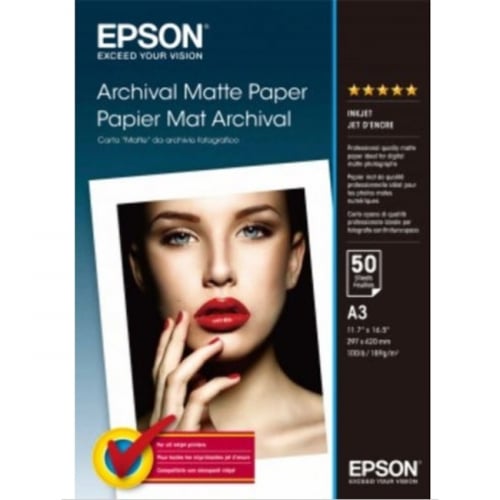
The industry standard for measuring the different weights of paper is known as GSM or 'grams per square metre'. With photo printing paper, the weight will vary from 120gsm up to 300gsm and even more in the case of fine art papers. Modern Inkjet printers can easily feed paper such as the 300gsm Epson photo paper, but you should check the manufacturer guidelines for anything heavier.
Is it possible to use inkjet photo paper in a laser printer?
No, because modern inkjet photo papers can't take the unusually high heat laser printers used to fuse the toners to the paper. Another reason is most high-quality photo papers have a special coating to help the paper absorb the right amount of sprayed-on inks for an optimal level of crisp, clean prints.
When printing on photo paper which side goes up?
The good news is that all the major manufacturers of A4 premium photo paper like Canon, Epson, and HP pack their inkjet and laser photo printing paper, printing side up in the box. But if you are still unsure, one side of glossy photo paper is coated for photo-quality printing while the other is simply plain paper. For the matte paper, you will see that the coated side has a more uniform look with a consistent pattern. When printing, always put the printable side of the paper facing up if your printer has a rear load tray. Whereas if it has a front-load tray, put the printable side facing down. Always place the paper vertically, not horizontally and always ensure to flatten the photo paper before putting it into the sheet feeder.
What is photo paper made from?
The manufacturing process for most inkjet glossy photo papers is achieved by multi-coating, resin coating, or cast coating onto a laminated or plastic-coated paper. Photo paper is made expressly for printing photographs. Its bright white look is achieved by either bleaching or using pigments such as titanium dioxide and has been covered with a highly porous material that limits the spread of the ink. For matte inkjet photo papers, using silica as pigment and polyvinyl alcohol (PVOH) is common.
Can you write on matte photo paper?
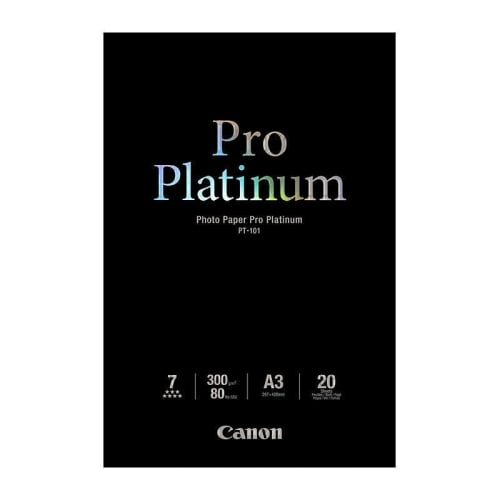
Writing on matte photo paper is considerably easier than writing on glossy photo paper because, unlike glossy photo paper, it has an extra layer of gloss to reflect light and create a shiny finish. A matte photo printing paper, such as the Canon photo paper, is entirely the opposite. Matte photo printing paper has a more bright white neutral and natural look and so is more ink absorbent and easier to write on. However, that's not to say you can't write on glossy photo paper, but it depends on the type of pen and paper used. For example, general water-based felt tips and permanent markers like SHARPIE do well on glossy photo paper.
Can you recycle glossy photo paper?
Unfortunately, most glossy printed photos cannot be recycled with regular paper waste due to their materials. As a result of this, and unless the location has specialised facilities, the only sure and safe method for disposing of modern film and printed photographs is through landfills. However, some current glossy photo paper will be accepted in local recycling programs, provided the paper does not have any form of plastic coating.
What are the best printer settings to use?
When deciding on the best printer settings to use, you need to remember that the “Best” setting will produce the printer’s best print quality at the slowest printing speed, while the “Fast” option will print a draft quality quick print.
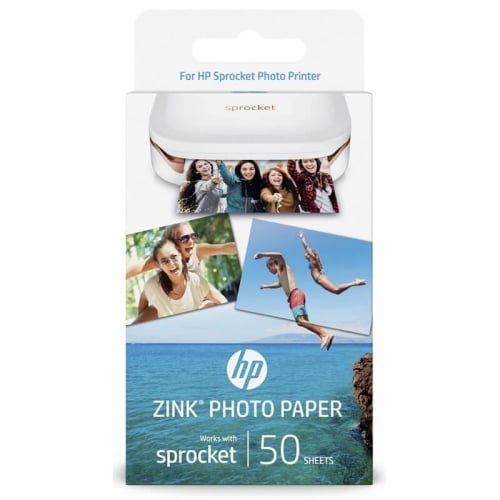
If you are going to be using photo paper, like HP photo paper, to achieve the best quality photo prints possible, make sure your printer is set up correctly. Most printers will automatically default to regular paper, so select the appropriate paper setting to get the optimal print quality if you’re using photo paper.
How long does it take for printed photos to dry?
Typically it takes around 24 hours for glossy inkjet paper for printing pictures to cure and be fully dry. To help your prints dry, you should remove the print immediately from the machine once it has finished printing and place it on a clean flat surface and allow it to dry for at least 24 hours. Only after that time should you put the print in a photo album or have it framed.
Are there different types of photo paper for longevity?
Image longevity is often reliant on a specific ink/paper combination. So if you want maximum longevity, it's always best to take a moment to read the fine print in your printer manual, as most manufacturers will recommend a specific type of paper for maximum archival stability.
Other ways to improve your inkjet prints' stability include giving each print a minute or two to dry once they finish printing and then covering them with a sheet of plain paper before leaving them covered for at least 24 hours.
Typically inkjet photo prints will last longer if they're framed behind glass or laminated’, which helps protect against any toxic materials in the environment. This is also an excellent way to preserve old photos against light, dust and moisture. But remember, whatever you do, it's unlikely that your prints will last as long if you have them stuck on the fridge door – or anywhere they are likely to be exposed to ozone or other atmospheric pollutants.
Photo Printing Mistakes To Learn From
With today's super modern inkjet and laser photo printers making mistakes shouldn't be all that common. However, here are some common printing mistakes and tips on how to avoid them
- Printing on the non coated side is a common and costly mistake.
- Using the wrong sized photo printing paper, always pick the right sized paper for the job.
- Using the wrong type of paper, for example, Canon photo paper in an HP printer or any non-universal paper.
- Printing using low-resolution images.
- Not allowing the photo to dry thoroughly.