





















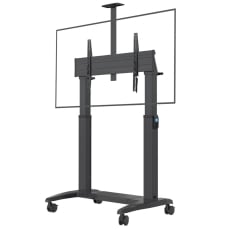
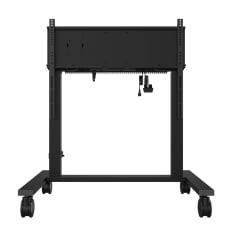
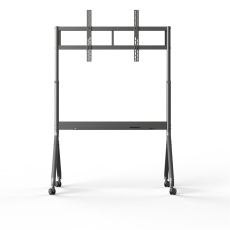
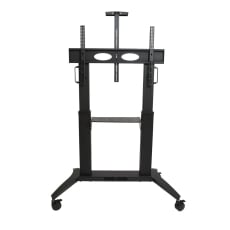







TV Mounts & TV Stands
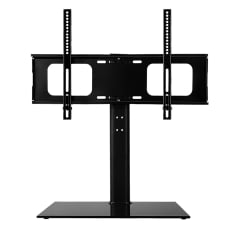
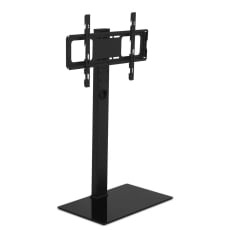
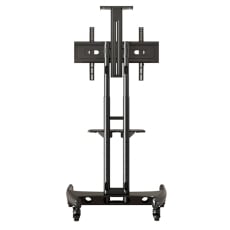
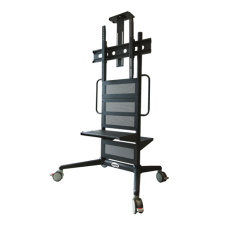
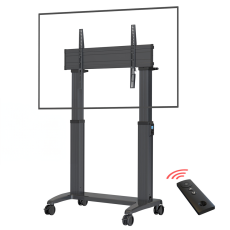
If you want to ensure that your TV remains upright, you have two options - you could either buy a TV mount or a TV stand.
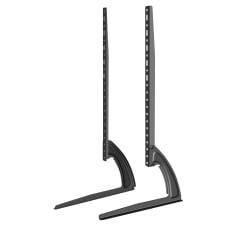
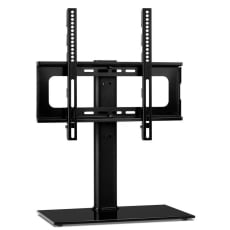
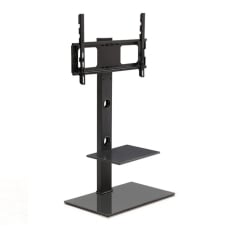
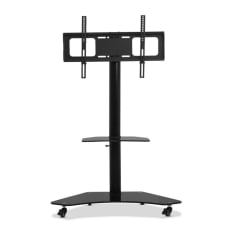
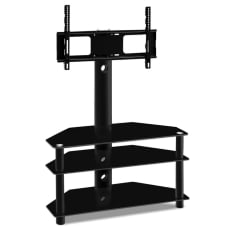
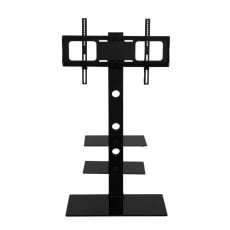
A TV stand is the best option if you want something that will give you clear access to the connector ports at the back of your TV. A TV stand also won’t require drilling holes in your wall and hence won’t cause any damage to it.
Would you prefer a cinema-like viewing experience instead? While simultaneously avoiding reliance on extra pieces of furniture the TV has to stand on?
In that case, a TV mount is the best choice for you.
TV Mounts & TV Stands FAQs
Is it worth mounting a TV to the wall?
As long as you plan its position carefully, mounting a TV to a wall makes your room seem more spacious, organised, tidy and reduces the amount of dust that a TV stand collects.
Child safety can also be a concern - if you have children or pets, the odds of them knocking over the TV is also massively reduced, provided that you mount it high enough.
What are the different types of TV mounts?
TV mounts are grouped into two different categories:
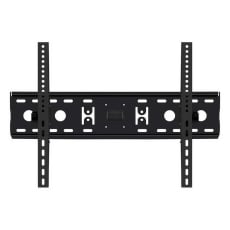
- The fixed wall bracket
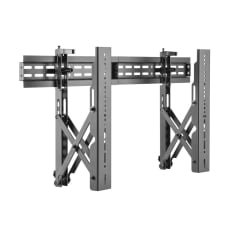
- The movable TV wall mounts
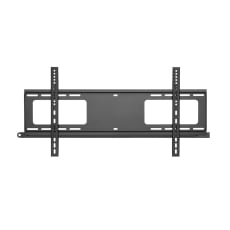
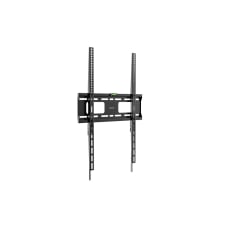
The fixed wall bracket has the benefit of being inconspicuous once it has been set up. However, it does not allow you to move or tilt your TV.
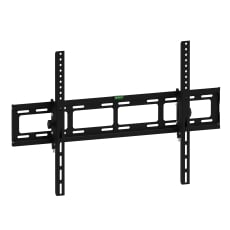
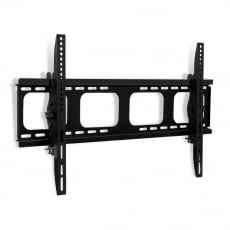
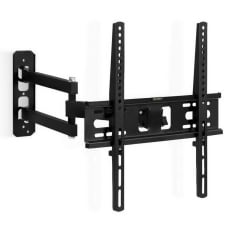
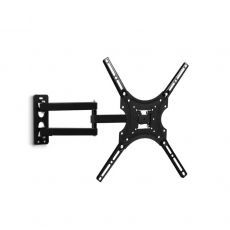
The moveable TV wall mount will also allow you to tilt your TV back and forth.
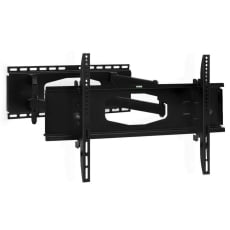
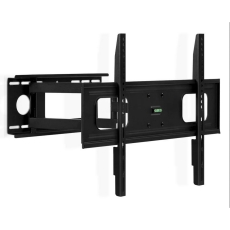
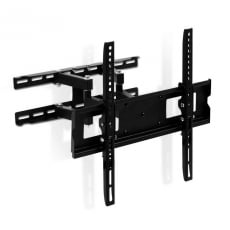
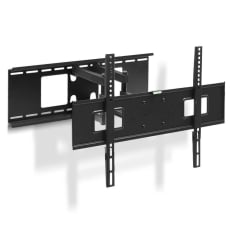
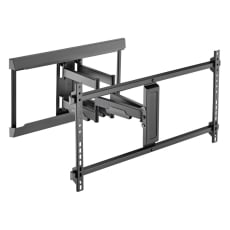
Certain movable wall mounts, such as multi-position mounts, will also allow you to swivel your TV by as much as 180 degrees.
What are the differences between swivel, tilt and rotation mounts?
The main difference between the different mount types is how they move. Depending on the type, movement may only be possible in one direction.
With a swivel mount, motion is only possible from side to side.
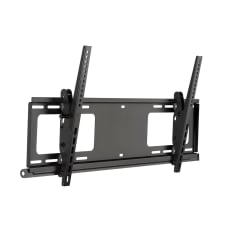
A tilting mount permits motion from side to side and a forward and backward tilt.
Finally, the rotation mount (sometimes called a “full motion mount”) will permit motion in all directions. In addition, a rotation mount can extend out from and retract back to the wall it is mounted to.
How much does a TV mount cost, and how much does it cost to mount the TV itself?
The cost for the TV mount brackets can vary, depending on whether the mounting bracket is of the fixed, tilting, or full motion type.
The mounting costs depend on your TV size - generally, the larger the TV, the higher the price.
What is the best height to mount a TV?
Before you decide on the spot to mount your TV, remember that if it’s mounted too high, you might experience lower back or neck pain.
Therefore, you must mount your TV at eye level and in the position where you’re most likely to watch TV.
Typically, eye level has a distance of approximately 106 cm, measured between the floor and the middle of your TV.
However, this is just a rough estimate since you also have to factor in how tall you are when you’re sitting on your couch. Your eye level measurements might be lower or higher, depending on your total height.
Either way, by mounting your TV at eye level, you’ll avoid any excessive neck strain caused by mounting your TV too high.
How do I mount my TV to my wall? What TV mount do I need?
Before attempting to mount your TV to the wall, remember to verify that the VESA mount measurements must correspond with the mounting pattern at the back of your TV.
Once you have confirmed that the two mounting patterns are a match, decide where you want to put the TV, and find the wall studs for that wall with a stud finder.
With the studs located, mark them with either a marker pen or a piece of painter’s tape and drill the holes using a power drill before attaching the mounting bracket to the wall.
After the mounting bracket has been secured with the mounting screws, attach the mounting plate to the TV and mount it to the wall.
And there you have it - your TV is now mounted to the wall!
Can you put a TV mount on the ceiling?
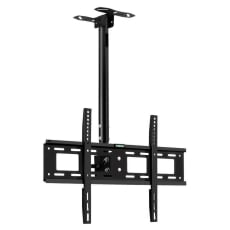
There are ceiling TV wall mounts available that allow your TV to hang from the ceiling.
Depending on the design of the kit, the ceiling mounting is done with poles or full-motion bracks.
If the ceiling you’re mounting your TV on is at an angle, the full-motion brackets are the most appropriate ceiling wall mount kit.
What’s the longest extension for a TV wall mount?
The extension length varies, although certain types of extensions can reach as far as 101 centimetres.
Should I use the included spacers when mounting my TV to the wall?
The spacers are there to ensure that you can insert a screw and prevent the TV from wobbling after it’s been mounted to your wall or ceiling.
This is particularly useful if your TV sits on an uneven surface.
In addition, the spacers will also prevent damage to your TV mount and the wall itself.
Assuming that the spacers and mounts have been installed correctly, you should be safe.
What is VESA?
VESA is an abbreviation for “Video Electronics Standards Association,” and is a universal standard that over 300 TV and TV mount manufacturers follow.
Your TV will have four mounting holes at the back, which has a predetermined pattern measured horizontally and vertically between the four mounting holes.
If you are planning to buy a TV mount, it’s essential to pay close attention to this pattern - as this will determine whether your TV mount will be compatible with your TV.
The VESA pattern is usually listed in the instruction manual.
How do I know what size my TV mount will hold?
Your TV’s VESA pattern is what determines the best configuration for installing TV mounts.
When you buy a new TV, you need to ensure that the VESA Interface Standard for the mount matches the pattern located at the back of your TV and is measured by the distance between these four holes in millimetres.
Some common VESA patterns include:
- 200x200mm
- 400x400mm
- 600x400mm
How much weight can TV mounts support?
As a rough estimate, a single wood stud can support a weight of up to 25 kilos.
Remember to consult the instructions thoroughly to determine what size and weight your mounts will support and what your TV’s VESA pattern (a measurement of the distance between the mounting holes at the back of the TV) is.
To determine the strongest spot for mounting your TV, you should use a stud finder to find the location of any wooden studs in the wall.
Be advised, however, that the TV’s VESA pattern is not infallible - there is no guarantee that your TV will stay put.
Can TV wall mounts be installed on stud walls?
Assuming that the TV mount is installed correctly, it’s possible to mount them onto wood or metal studs.
Wall mount or TV stand - which is better?
Each type comes with its own pros and cons.
A wall mount might be more complicated to set up at first, but once it’s up, you’ll have more freedom since you no longer have to rely on a piece of furniture the TV has to stand on.
On the other hand, if you frequently plug in devices like DVD players and video game consoles, a TV stand is much preferable, as you’ll have much better access to all the connectors at the back of the TV.
A TV stand is also easier to move if you would like to put your TV in another location.
Can TV stands be removed?
You can indeed remove a TV stand. Often, it’s as easy as using a simple screwdriver on a set of four screws.
If you are going to attempt this, however, take care not to damage the unit by putting any excessive pressure on the screen.
If possible, try to put the TV screen down onto a soft, protective cloth before you attempt to remove the stand - that way, you’ll avoid scratching the screen itself.
Are TV stands universal? Do TV stands fit all TVs?
Many TV stands adhere to the VESA standards and is therefore interchangeable.
With that in mind, however, the size of the TV will often be an essential factor to consider. For instance, the TVs from some manufacturers like Samsung will only accept legs up to a certain size.
In other words, a 55” television might accept a TV stand that fit a 55” TV, but smaller TVs might not be compatible with larger TV stands.
Can TV stands be adjusted?
While this is not the case for every TV stand, a few allow you to adjust the height, either at the feet or at the frame the TV is mounted onto.
If a TV stand is adjustable, it is usually a matter of rotating the attached feet or loosening the bolt or screws that secure the TV stand’s mounting frame.
Please refer to your instruction manual for more specific information.
Are TV stands safe?
Compared with TV mounts, TV stands aren’t as secure - they simply sit on a flat surface with nothing to bolt them down.
As such, there’s always an inherent risk that you, your pets, or someone else might knock down the TV accidentally with a slight bump.