















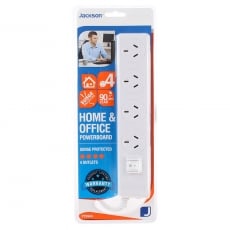
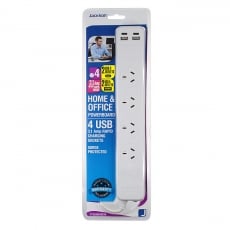
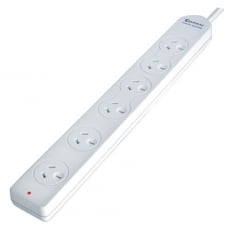
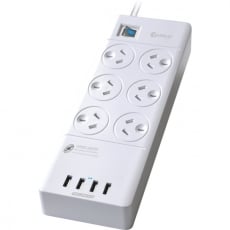
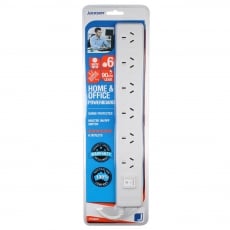
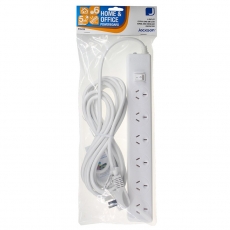
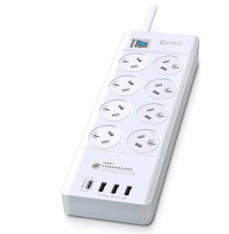
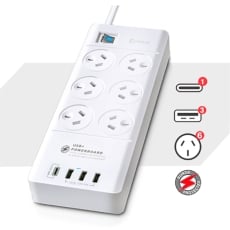
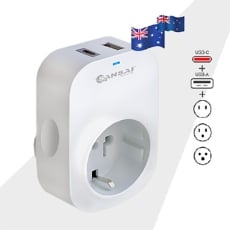
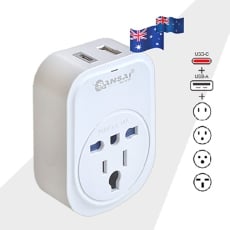
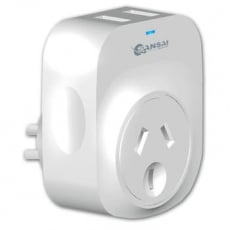
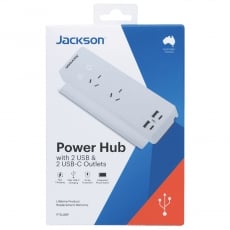
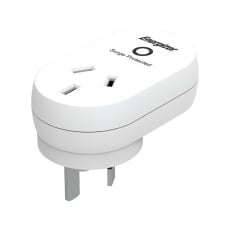
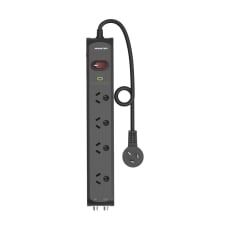
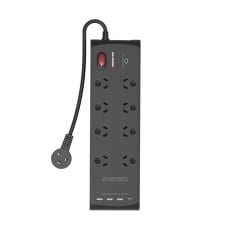
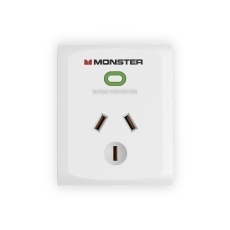
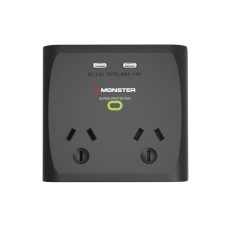
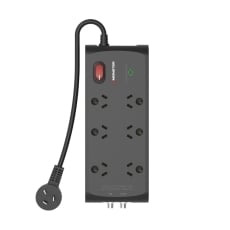
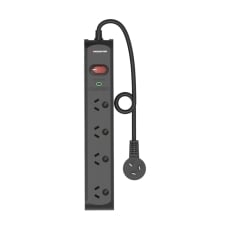
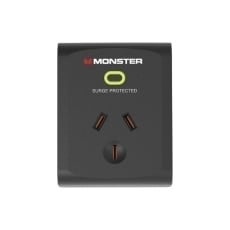
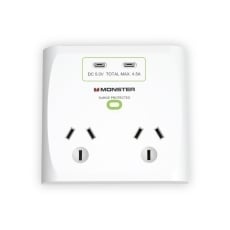
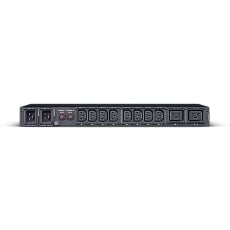
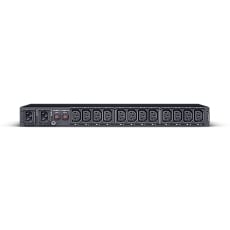
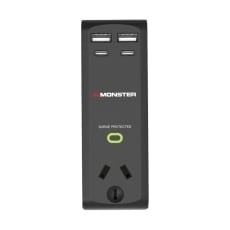
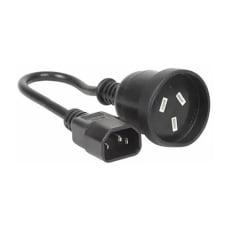







Inkstation Powerboards & Surge Protectors
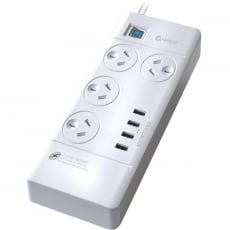
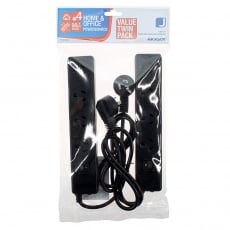
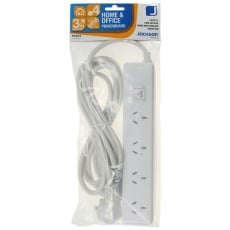
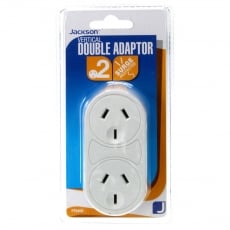
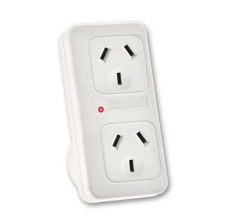
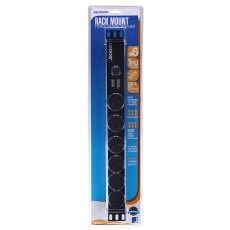
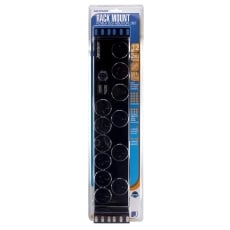
Has one of your wall sockets run out of available electrical sockets? In that case, a powerboard is an easy and low-cost way to increase the number of sockets to plug your electrical devices into.
On the other hand, if you want to safeguard your computer, TV, or other electronic devices from sustaining critical damage from a sudden surge of electricity, a basic powerboard may not be enough.
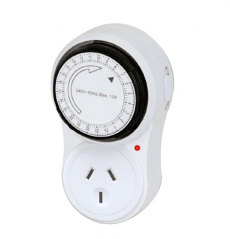
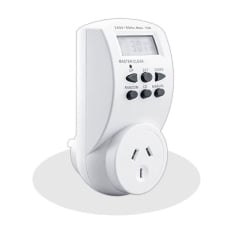
If you want to ensure that your devices are protected in case lightning strikes or if there is a sudden power outage in your area, you will need to use a surge protector or a UPS. You can also get powerboards that are set to a 24-hour timer. These allow you to specify the time when you want the appliance to come on, and when you want it to be turned off.
Powerboards & Surge Protectors FAQs
What is a powerboard, and why do you need one?
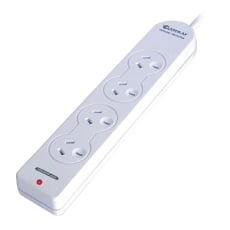
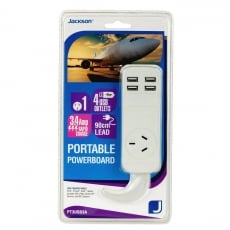
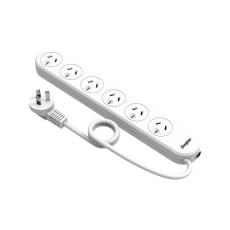
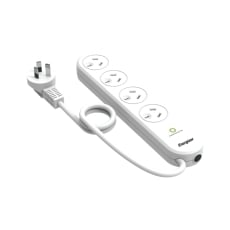
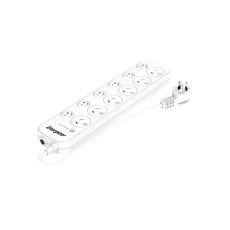
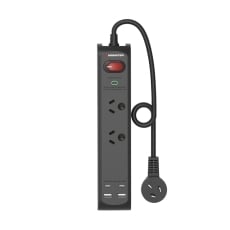
Powerboards (also known as “EPODs,” or “Electrical Portable Outlet Devices”) are electrical devices that allow you to plug in multiple electrical appliances into a single outlet.
Certain powerboards have power switches that you can flick on and off to shut off the power when you are not using the connected appliances.
Are powerboards safe?
Powerboards are generally safe to use, assuming that you do not exceed the maximum load. Typically, the maximum load is around 10 Amps, but the actual maximum load for your powerboard is displayed on its data label.
It’s also important to know that powerboards are designed to only work with appliances that use a low amount of electrical current.
High-current appliances such as washing machines and heaters should be plugged directly into your wall socket instead since these appliances will exceed the powerboard’s maximum load.
In order to avoid damaging your powerboard by dropping or stepping on it, It’s also a good idea to mount it to the wall.
Furthermore, if you have young children, you should also mount the powerboard in such a manner that prevents accidental electric shocks.
What should I look for in a powerboard?
To get the best possible deal, consider your own individual needs.
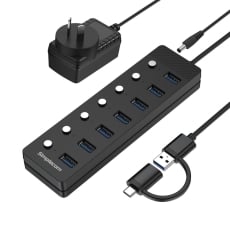
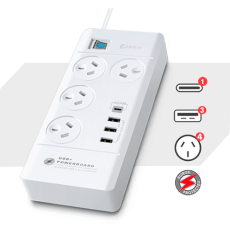
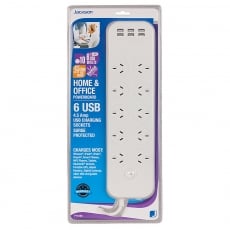
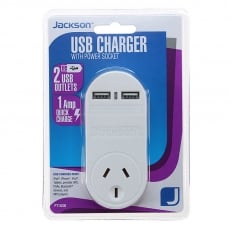
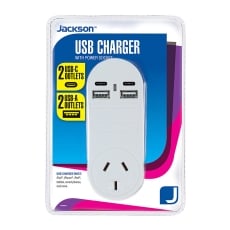
For example, do you want to charge your phone with it? In that case, it’s worth investing in a powerboard with one or several USB ports.
If you have children, it’s also worth getting a powerboard with child-safety features on it.
Does a phone cable need surge protection?
Your phone line cable is powered by electricity, just like any other electronics. Therefore, your phone cable (including any mobile phone chargers you have plugged in) is just as vulnerable as your other electronics in the event of a power surge.
Check out our selection of phone cables and chargers here.
How many outlets are permitted in a power circuit?
Both Australia and New Zealand use the AS/NZS 3112 socket output standard, which can typically handle up to 10 Amps.
This standard type of power circuit can handle up to 2 outlets, although there are some designed for heavy current appliances that have a current rating as high as 32 Amps.
What is a surge protector?
A surge protector is a device that protects your appliances from being damaged in the event of a power surge - either from your home or from a bolt of lightning.
If the voltage level should rise to an excessively high level, the surge protector will divert the surplus power back into the grounding wire.
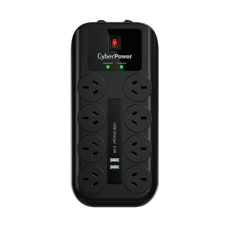
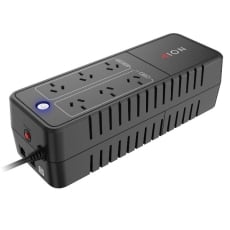
Some powerboards offer integrated surge protection.
What is a power surge?
A power surge occurs when there’s a sudden increase in voltage that, if strong enough,
can damage or even destroy your electrical appliances.
Typically, most power surges happen due to large appliances like washers and dryers that trigger power fluctuations, although a power surge can also happen during a thunderstorm.
When should I use a surge protector? What are the benefits of using one?
The biggest advantage of using a surge protector is that any appliance connected to it will be protected from damage if a surge fluctuation occurs.
Some people even use UPS systems to keep highly valued equipment like a computer running even after a power surge, albeit for a short period only.
Not every appliance requires a surge protector, although expensive electrical appliances that need constant power, like computers or media players, should be plugged into a surge protector.
This way, they will continue to work even if a power surge occurs.
How long does a surge protector last? How often should surge protectors be replaced?
The lifespan of a surge protector is rated in joules, which in this context, is a measurement of how high of a surge it can absorb before the protection wears out.
For instance, if a 1,000-joule surge protector receives a 1,000-joule surge, it will no longer be able to divert excessive electricity.
Some surge protectors are so intelligent that they can disable themselves at the end of their lifespan while still functioning like a regular power strip.
What do surge protectors protect against?
A surge protector acts as a guard against damage caused by sudden electrical spikes or surges that could cause devastating damage to any plugged-in electrical appliances.
What surge protector do I need?
When choosing a surge protector, there are three things you must consider:
- What is the surge protector’s joule rating?
- What kind of appliance are you going to use with it?
- How many outlets do I need?
Appliances that store sensitive or valuable information (e.g. computers or video equipment) need a joule rating of at least 1,000.
Is a powerboard the same thing as a surge protector?
Although they may appear to be similar, a powerboard is not the same as a surge protector.
Certain types of powerboards offer surge protection, but it does not mean that all powerboards will have protection against power surges.
How can I tell if my powerboard is also a surge protector?
While the powerboard is unplugged, turn it over - if it has an indicator light on it or it has special information on the back about its Joule rating, it has surge protection.
If there is no such information, then it’s just an ordinary powerboard.
Should I turn off my surge protector when not in use?
Although you can switch off your surge protector when it is not in use, doing so might damage any devices you have connected to it.
For this reason, you should never turn off a surge protector while it’s still plugged into your wall socket.
Can my equipment still be damaged from a power surge, even if it’s on a surge protector?
It depends on the surge protector’s Joule rating - if the amount of Joules from the surge exceeds those of the surge protector, it will not offer sufficient protection, and your appliances will still take damage.
Can a power surge damage a USB port?
If you are running a Microsoft Windows system, you have built-in protection that automatically disables all USB ports in the event of a power surge.
Although this protects them from damage, they are not automatically reactivated - if you have experienced a power surge lately, keep this in mind before you attempt any kind of hardware repair.
If you’re in the market for some USB computer cables, check out our selection here.
How can I save my PC from a power outage?
The best method to protect against loss of data is to turn off and unplug your computer before a lightning storm starts.
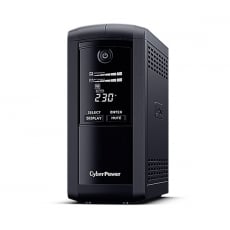
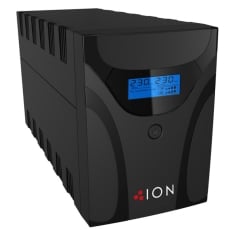
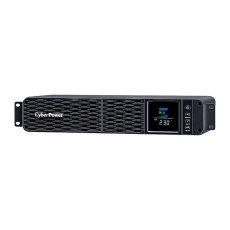
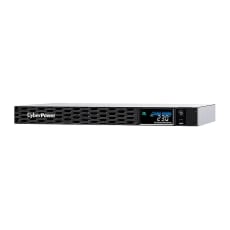
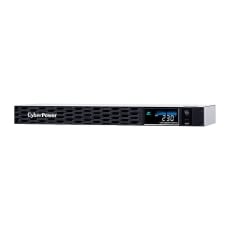
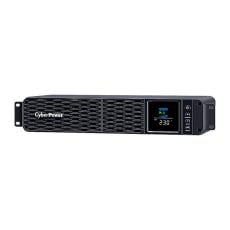
If that is not a viable option, or if you must keep your computer plugged in, the second best option is to use a UPS (or “Uninterruptible Power Supply”).
What is a UPS power supply used for?
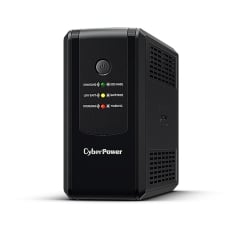
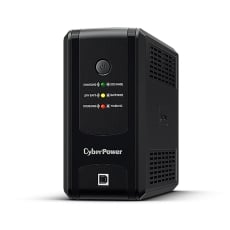
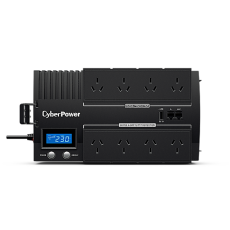
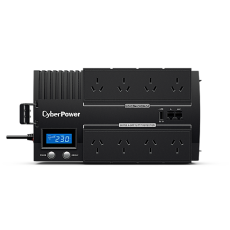
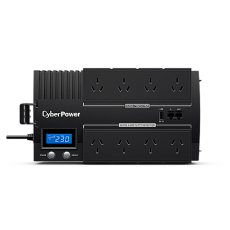
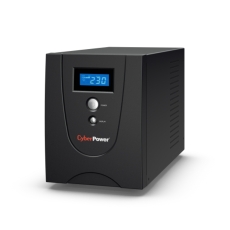
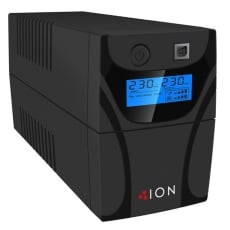
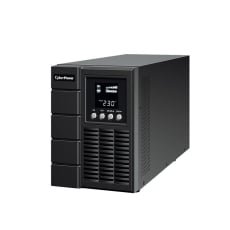
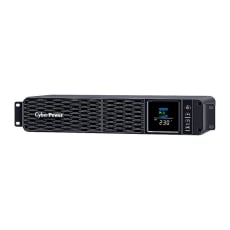
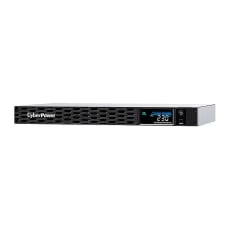
A UPS (or “Uninterruptible Power Supply”) provides backup power in case your regular power source fails.
By doing this, the UPS power supply allows you to shut down your computer like normal while avoiding the loss of any data that have stored on your computer.
However, remember that a UPS is not a long-term power supply - it’s designed to give you enough time to save any documents or projects you are working on and either find an alternate power source or shut down your computer completely.
What is the difference between a UPS and a surge protector?
Unlike a surge protector, a UPS does not work like a power strip - instead, it functions like a small temporary emergency backup generator.
How long does a UPS power supply last?
The lifespan of an entire UPS unit is generally between 5-8 years, although you must also consider these factors:
- Quality of power input (higher quality means higher efficiency)
- Battery temperature
- The unit’s discharge cycles
Can a UPS power a TV?
A TV is not considered a heavy current appliance and is therefore perfectly suitable to be powered with a UPS.
Depending on the size of the UPS, you can keep the TV going for approximately 10 minutes.
Can a power cable cause interference with an HDMI cable?
In certain cases, power cables can interfere with the HDMI cable’s signal. If you are in doubt, keep your HDMI cables away from any other types of cables.
Check out Inkstation’s selection of HDMI cables here.
Will a surge protector work without ground?
Unfortunately, most surge protectors require proper grounding in order to divert excessive electrical power.
Therefore, you should NEVER use a surge protector with an ungrounded outlet.
How many volts can a surge protector handle?
Surge protectors will have a special voltage limit rating that varies between 330-4,000 volts.
The lower the voltage rating is, the better the surge protector is at protecting your appliances from power surge-related damage.
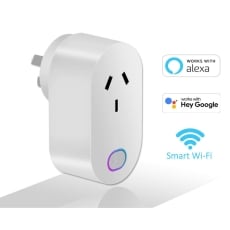
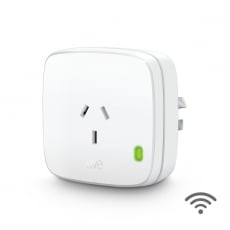
What is a Smart powerboard?
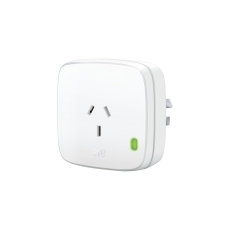
A Smart powerboard gives you the control of turning anything that is plugged into it on or off and use your smartphone and Wi-Fi network to control it., except that you can connect it to your Wi-Fi network.
Smart powerboards are useful for Christmas tree lighting - saving you from the hassle of having to climb behind the tree to turn the lights off.
By doing this, you can save on power by deactivating any device you’re not using - straight from your mobile phone.
Want to See More From Inkstation?
In addition to powerboards and surge protectors, we also have a wide range of phone cables & adapters, HDMI cables, USB cables, and office chairs & ergonomic support.
If you are looking for something in particular or have any questions, feel free to reach out to our helpful support team right here.