
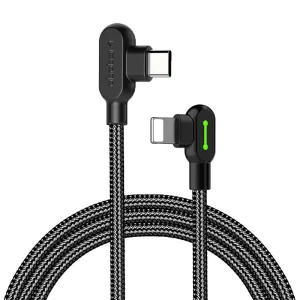
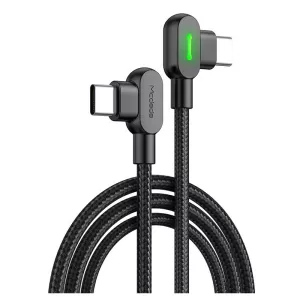
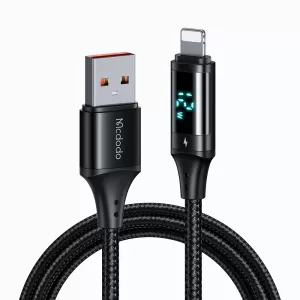
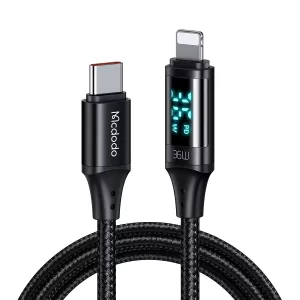
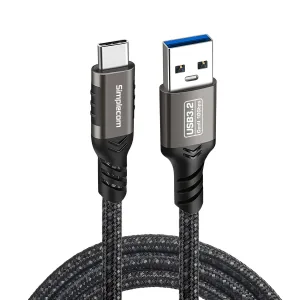
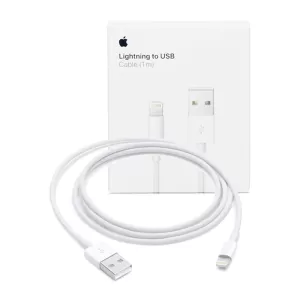
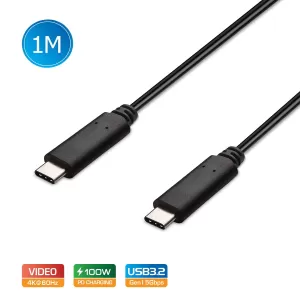
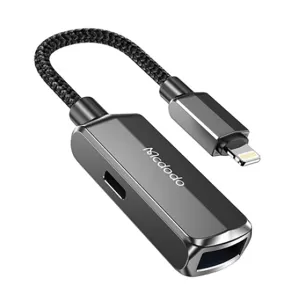


FAQs
Are all phone charging cables the same?
No, all phone charging cables are not the same. Even though many USB cables may look the same and are made of similar materials, not all phone charging cables support the same kind of protocols and transfer speeds.
You have probably used one at some point to charge something, be it a smartphone, tablet, camera, or laptop, and seen how they all have different benefits and are suited to various tasks.
The industry standard for attaching, syncing, and charging accessories or devices is the Universal Serial Bus (USB).
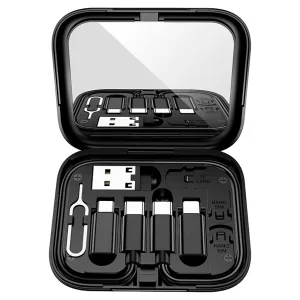
The different types of USB for phone charger cables include:
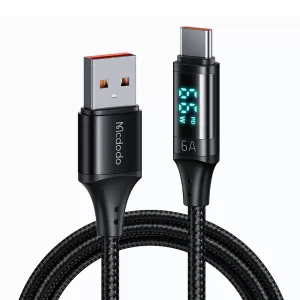
- USB Type-A: Most USB-A devices are connected to PCs or power sources. The USB-A side of a device is connected to a USB port, laptop, or computer to charge.
- USB Type-B: Most USB-B connections are used to link external hard drives or printers to PCs. Compared to other USB cables, they are less popular.
- USB Type-C: The newest USB technology is USB-C, and all new Android and iOS products like iPad Pro, MacBook Pro, MacBook Air, and most recently, the iPad Air have USB-C ports that offer power flow and high-speed data transfers offered by USB-C cords. USB 2.0 offers high speeds for connectivity.
- Mini USB: Due to its considerably smaller connection, the USB-Mini was used to connect portable electronics like MP3 players and cameras.
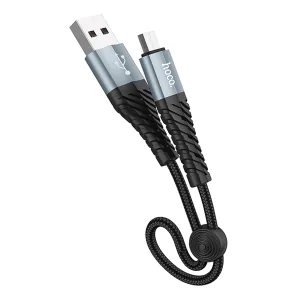
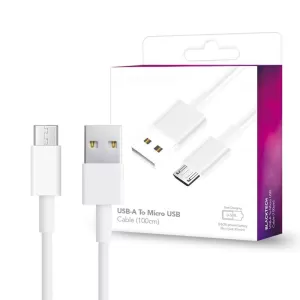
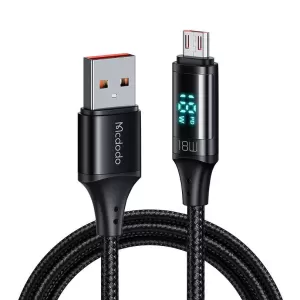
- Micro USB cable: Many older models still have micro-USB ports. Data can be read using this connection type without a computer.
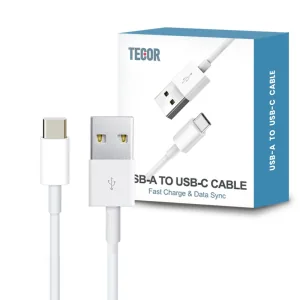
What is the difference between USB type-A and type-C?
The most well-known USB type is USB-A. You probably have many USB-A connections at home and are familiar with this broader end of the cable.
The host end of the connection is often made using USB-A, which has a thin, rectangular cross-section. As a result, you can find USB-A ports on desktop computers, media players, game consoles, and laptops.
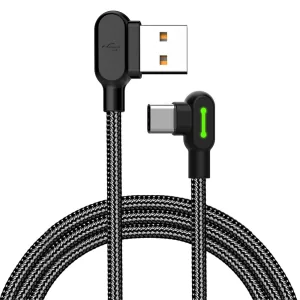
The USB type-C charger is simpler. To begin with, it is entirely reversible, so whichever side you grasp to plug in, it will work the same way. Thanks to its dual-direction power capabilities, it is possible for gadgets to charge one another and power more extensive displays.
Additionally, USB-C boasts faster data rates that can power high-resolution displays. Since USB-C is a more universal and powerful standard, it is expected to overtake other connectors in the next few years.
Compared to USB-A, which could only handle up to 2.5 watts and 5 volts, USB-C can now comfortably handle larger devices' 100 watts and 20 volts. Additionally, laptops may be charged by a travel-friendly desktop USB charger, giving users more freedom.
Additionally, USB-C eliminates the range of prior sizes found in both USB-A and USB-B. It is compatible with many devices, from small mobile phones and tablets to more extensive visual displays.
One of the issues with USB-A, the connector's lack of rotational symmetry, is completely fixed with USB-C. In other words, you can rotate the plug both ways; there is no top or bottom. That implies there's no need to fiddle with turning the connector appropriately since it functions both ways.
Does the length of the charging cable matter?
Although it is true that a USB cable's length can affect how quickly a device charges, this is not a concern for the average user. The voltage drop is negligible for USB cables of one to two meters, and the majority of people would probably never purchase cables longer than these sizes.
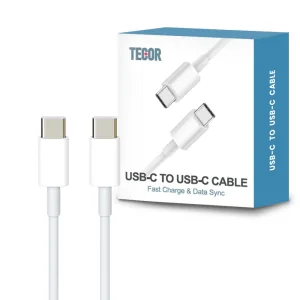
Are all USB-C to USB-C cables the same?
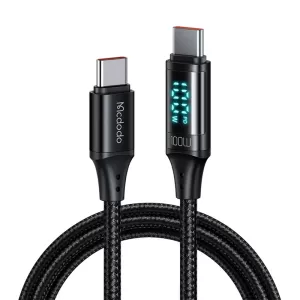
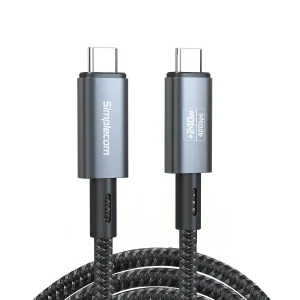
No, all USB-C to USB-C cables are not the same. All USB-C cables have the same shape and style of connector, known as USB-C. However, not all USB-C cables are compatible with the same protocols and transfer rates. All phone chargers perform differently, even if they are all USB type-C.
Some USB-C cables are charge-only cables that will not allow data transfer. Other USB C cables will support both chargings as well as data transfer. With USB C 3.1, the data transfer rates have increased to 10 Gbps.
There are various USB-C cables with different outputs, such as 60W, 85W, 100W, etc., with different applications. The 85W cable offers 40% more charging speed than the 60W charging cable.
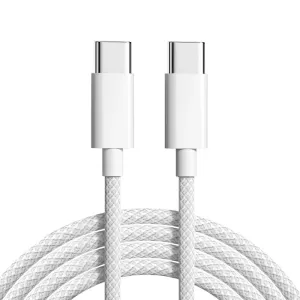
Are nylon braided cables better?
Nylon braided cables are better than plastic cables because they offer better tensile strength. Nylon is structurally more stable than other plastic substitutes when employed in the manufacturing process. Due to its durability and relative affordability, nylon braided cables outlast plastic braided cables for longer. Additional advantages include nylon braiding's reduced susceptibility to fraying and tendency to tangle compared to its plastic equivalents.
Multiple options are available when selecting a nylon braided cable. Make sure you choose a high-quality, long-lasting cable.
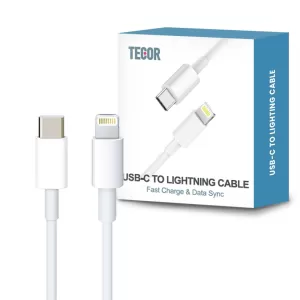
What is a USB-C to lightning cable?
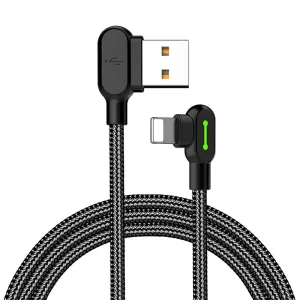
A USB-C to lightning cable includes a USB-C port on one end and a lightning port on the other. With this Apple fast charger and adapter, you can synchronise and charge your iOS devices such as AirPods, AirPods Pro, iPhone, iPad, or iPod touch, charge a Siri Remote, and more using a USB-C to Lightning connector. The lightning-to-audio cable lets iOS users connect their music lists to their cars.
Is a charger cable the same as a USB cable?
A charger cable may not be the same as a USB cable. Some USB cables are manufactured only for charging, while others are used for charging and data transfer.
USB data cables are often thicker than USB charging cables because they contain more wires. Data cables, which feature four wires instead of the two wires found in charge-only cables, have thicker outer insulation as a result.
Can I use any USB cable to charge my phone?
You need to make sure that the cable has a matching connector. Additionally, if you want to fast charge your phone, you may also need to check if the cable you have supports fast charging.
Can I use any phone charger and cable to charge my laptop?
Most newer laptops are to be charged via their USB-C port. You need to make sure the USB-C cable has the right wattage. In general, 60W is enough to charge a laptop, but as different laptops have different configurations, always check the wattage of your laptop before the charge. Usually, we recommend a 100W USB-C cable to charge your laptop.
What is the difference between 20W and 45W wall chargers?
The main difference between 20W and 45W wall chargers is the charging speed. Starting at 0% and charging the phone for 10 to 20 minutes, the 45-watt power adapter charged the phone a little bit faster. Additionally, if you want to charge more than 1 device at the same time, each charging port will get more power for 45W than 20W.
The 20-watt charger, however, will work at the same speed after the first 20 minutes. The only difference lies in the first few percentages of charge.
Lastly, a 20-watt charger cannot charge laptops, while a 45-watt charger can.
Can wireless charging charge any phone?
Your phone must be compatible with wireless charging. All phones can use the worldwide standard, the Qi fast wireless charger. Therefore, wireless charging for Android and iPhones is the same, and you can use the same charging mat for all phones.
How fast does a 5w wireless charger charge?
The charging speed depends on the type of device used. If you are charging a phone that supports 5W charging with a 5W wireless charger, it will tentatively take 2 hours and 30 minutes to charge the phone completely.
On the other hand, if you are charging a phone that supports 7.5W with the best wireless charger of 5W, it will take nearly 4 hours to charge the phone completely.
How fast does a 10w wireless charger charge?
A standard 10W iPhone wireless charger can charge a mobile phone from 0% to 50% in approximately an hour. This implies that a complete charge will take around 2 hours or more.
Why doesn't my car charger charge my phone?
If your phone isn't charging through the car phone charger, there may be an issue with the cable, or even the phone itself. You may test it by connecting the cable and the device to a wall charger.
Some cars come with built-in USB ports; however, they may not supply enough power to support the charge, especially when the phone is in use while charging. On the other hand, some built-in USB ports are intended for data transmission only. For such cases, an external car charger via the cigarette lighter may resolve the problem.
You can get a wireless phone charger for your car, which can also be used as a phone holder to make charging your phone easier.
How many times can 20000mah charge a phone?
A 20000mah power bank can charge a phone more than three times completely. According to research, One Plus Nord can be charged 3.5 times, and iPhone 12 can be charged four times with a 20000mah. The ultimate result will depend on your phone's charging support.
What is the best power bank for Samsung?
The main features to consider while choosing a power bank for Samsung are a battery pack, portability, and quick charging capabilities. Look out for built-in short circuit protection that keeps your phone safe from overheating or overcharging. The battery capacity of most power banks can charge your phone to 100% three times, which is an excellent feature.
Can I bring a power bank on the plane?
Since power banks run on lithium-ion batteries, you can pack one or a maximum of 2 power banks in your carry-on bag for a flight. This rule also holds true for mobile phones and laptops, which employ rechargeable lithium-ion batteries.