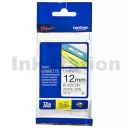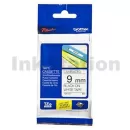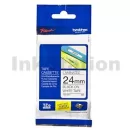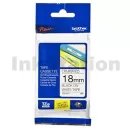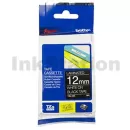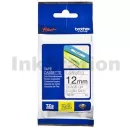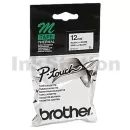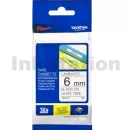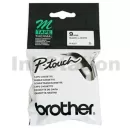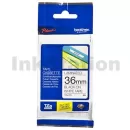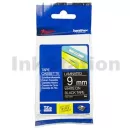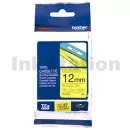











Find the Right Brother P-Touch Tape for Your Label Maker
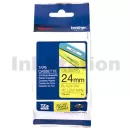
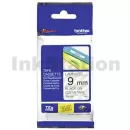
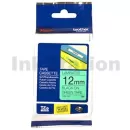
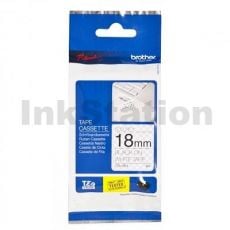
Shopping for a Brother P-touch tape is easiest when you match three things: your label maker model, the tape width you need, and the finish that suits the job. Start by checking your device series (many P-touch models use TZ/TZe-style tapes). Then, choose a width that fits your application: narrow tapes for cables and small items, and wider tapes for folders, shelf edges, and signage. Next, decide between laminated and non-laminated options. Laminated tapes are designed for tougher conditions, with better water and fade resistance. Meanwhile, non-laminated tapes are ideal for everyday indoor use, where you want a clean label without the need for heavy-duty protection. If you’re topping up regularly, a multi-pack can also make a Brother P-touch refill feel painless, especially for busy workplaces.
Genuine vs Compatible Brother P-Touch Tape
Both genuine and compatible tapes can get the job done, but they suit different priorities. Genuine tapes are often better for long-term labels, outdoor use, or environments where compliance and readability matter (think asset tags, switchboards and storage areas). They typically have stronger adhesion consistency and fade resistance when labels are faced with sunlight, heat or frequent handling. However, compatible options can offer excellent day-to-day value for home organisation, classroom supplies, and general office labelling. If you’re printing folder spines, pantry labels or cable IDs, a Brother P-touch label maker refill in a compatible format can help you keep costs under control while still producing clean, readable results. Either way, the key is always matching the tape series and width to your machine, so your Brother label maker cartridge clicks in properly and feeds smoothly.
Why Buy Brother P-Touch Tapes from Ink Station?
Ink Station is a trusted Australian supplier of label maker consumables, so you can order with confidence when you need reliable stock for the week ahead. Every cartridge is backed by warranty support, and orders placed before 3 pm on weekdays are eligible for same-day dispatch. You’ll also receive free shipping on orders over $65, plus Australian-based customer support if you need help confirming compatibility or choosing the right finish. For business buyers, that means less downtime and more consistent labelling, especially when you rely on Brother label maker ink-style output for filing, asset tracking, and workplace organisation.
FAQs
How do I replace a Brother P-Touch tape cartridge?
Open the tape compartment, lift out the old cartridge, then drop the new one into place. Feed the tape through the guide (if needed), close the lid, and press print to confirm it advances cleanly. Steps can vary slightly by model, so it’s worth checking your manual if anything feels stiff.
How do I replace tape in a Brother label maker?
The process is usually the same: open the compartment, remove the used cartridge, insert the new tape, then close and test-print. Don’t force the lid; if it won’t close easily, re-seat the cartridge and check the tape path.
How long does a Brother P-Touch tape roll usually last?
It depends on label length and how dense your print is. Those who use the label marker at home might get weeks or months from a single cartridge, while those in workplaces printing daily may go through tapes faster. For high-volume use, consider multipacks so you always have a spare ready to go.
What colours and finishes are available for Brother P-Touch refills?
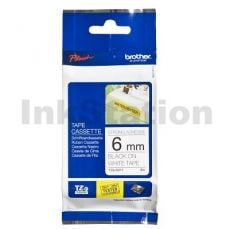
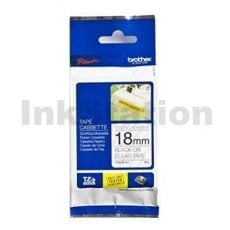
Common options include black-on-white, black-on-clear, white-on-black, and high-visibility colour combos. You’ll also see finishes like matte, gloss, strong-adhesive tapes, and laminated options for extra durability. For complementary label solutions for QL printers, you can also explore Ink Station’s range of Brother DK labels for address, shipping and filing tasks.