











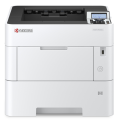
Kyocera ECOSYS P2040dn Mono Laser Printer
Print Speed: Up to 40ppm
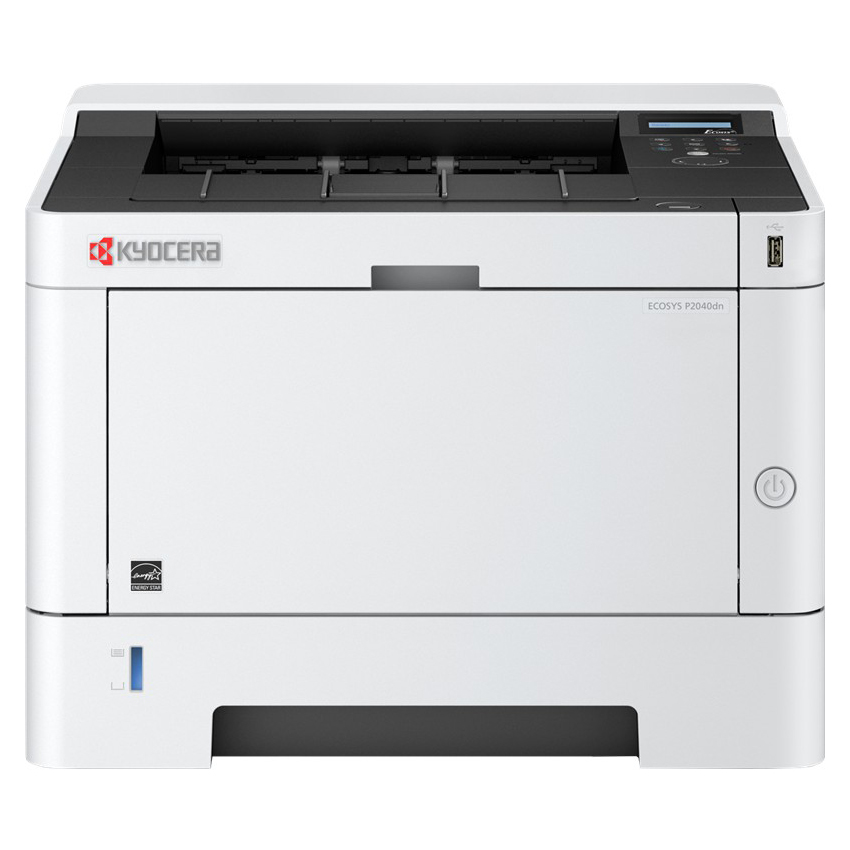


Kyocera ECOSYS P2040dn Mono Laser Printer
You May Also Like
-
-
 Delivery charges may apply
$949.00
Delivery charges may apply
$949.00 -
Delivery charges may apply
$779.00
-
Delivery charges may apply
RRP: $493.90$186.95
This is the recommended retail price set by the manufacturer or supplier for this product.
-
-
-
Delivery charges may apply
$79.00
-
Delivery charges may apply
$147.95
-



Description:
With a rapid printing speed print and a vast variety of features, the P2040dn will boost productivity and lower running costs. For desktop users in small and medium work groups.
Features
- Double sided print
- Up to 2 optional paper feeders for up to 850 sheets
- Compact design, robust and quiet
- Offers AirPrint, Mopria and KYOCERA Mobile Print capabilities
GENERAL
Technology: KYOCERA ECOSYS Laser
Control panel: 2 line LCD back lit display
Engine speed: Up to 40 pages A4 per minute
Print resolution: 300 dpi, 600 dpi, 1200 dpi
Warm-up time: Approx. 15 seconds or less
Time to frst print: Approx. 6.4 seconds or less
CPU: 800MHz
Memory: Standard 256 MB, max. 256 MB
Standard interface: USB 2.0 (Hi-Speed), USB Host Interface, Gigabit Ethernet (10BaseT/100BaseTX/1000BaseT), Slot for optional SD/SDHC-Card
Dimensions (W x D x H): Main unit: 375 x 393 x 272 mm
Weight: Main unit: Approx. 14 kg
Power source: AC 240 V, 50 Hz
PAPER HANDLING
All paper capacities quoted are based on a paper thickness of max. 0.11 mm. Please use paper recommended by KYOCERA under normal environmental conditions.
Input capacity: 100-sheet multi-purpose tray; 60 – 220 g/m2; A4, A5, A6, B5, B6, Letter, Legal, Custom (70 x 148 mm–216 x
356 mm) 250-sheet universal cassette; 60 – 163 g/m2; A4, A5, A6, B5, Letter, Legal, Custom (105 x 148 – 216 x 356 mm). Max.
input capacity with options: 850 sheets
Duplex functionality as standard: Double-sided printing: 60 – 163 g/m²; A4, A5, B5, Letter, Legal
Output capacity: Max. 250 sheet face down
PRINT FUNCTIONS
Controller language: PRESCRIBE IIc
Emulations: PCL 6 (PCL 5e/PCL-XL), PostScript 3 (KPDL 3), PDF Direct Print, XPS/OpenXPS
Operating systems: All current Windows operating systems, MAC OSXVersion 10.5 or higher, Unix, Linux as well as other
operating systems on request
Fonts/barcodes: 93 scalable fonts for PCL6/KPDL3, 8 fonts for Windows Vista, 1 bitmap font, 45 barcodes
(e.g. EAN8, EAN13) with automatic generation of checksums as well as support of two-dimensional barcodes PDF-417 under PRESCRIBE (PCL and other barcodes available as an option)
CONSUMABLES
Average continuous toner yield in accordance with ISO 19752
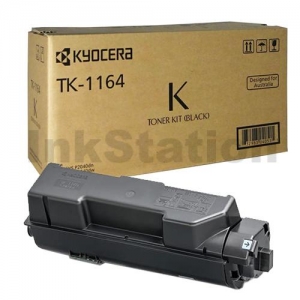
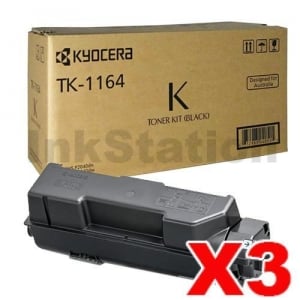
Toner-Kit TK-1164: toner yield 7,200 pages A4
Starter toner: toner yield 3,600 pages A4
What's in the box?
Kyocera ECOSYS P2040 printer
AC Cable
CD/DVD (including Software/ Utilities/ Drivers and User Manuals)
Setup Guide
Starter Toner up to 3600 pages

Specification:
General
- Brand
- Kyocera
- Functions
- Manufacturer Warranty
- 2 Years
- Model Number
- P2040dn
- Paper Size
- A4
- Printing Output
- Monochrome
- Printing Technology
- Laser
- Product Dimensions
- 375x393x272mm
- Product Weight
- 14 kg
Compatability
- Operating System
- All current Windows operating systems, MAC OSXVersion 10.5 or higher, Unix, Linux as well as other operating systems on request
Connectivity
- Interface
- USB & Ethernet
- Apple Air Print
- Yes
Media & Handling
- Media Sizes
- Multipurpose Tray: A4, A5, A6, B5, B6, Letter, Legal, Custom (70 x 148 mm–216 x 356 mm) Universal Cassette: A4, A5, A6, B5, Letter, Legal, Custom (105 x 148 – 216 x 356 mm)
- Media Weight
- Multipurpose Tray: 60-220 g/m² Universial Cassette: 60-163g/m²
- Paper Input
- Multipurpose Tray: 100 sheets Universial Cassette: 250 sheets
- Paper Output
- 250 sheets
- Auto Duplex Printing
- Yes
Printer Performance
- Print Speed
- 40 ppm
- Print Resolution
- 300 dpi, 600 dpi, 1200 dpi
- First Print Out Time
- Approx. 6.4 seconds or less
Refilling
- Toner
- TK-1164 7,400 pges
Package Contents
- What's in the box?
- Kyocera ECOSYS P2040 printer, AC Cable, CD/DVD (including Software/ Utilities/ Drivers and User Manuals), Setup Guide, Starter Toner: up to 3600 pages
Genuine Supplies
All
Genuine Single
Genuine Pack
-
 $164.00Free Shipping
 -
 $477.24Free Shipping
 -
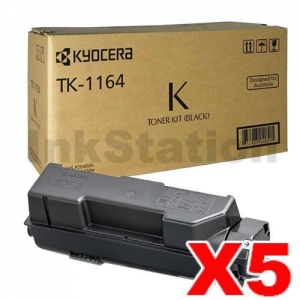 $779.00Free Shipping
Compatible Supplies
All
Compatible Single
Compatible Pack
-
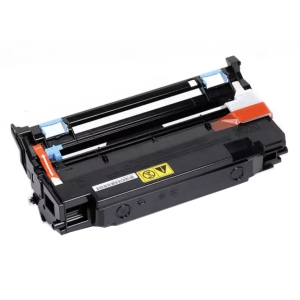 $109.16Free ShippingOut of Stock
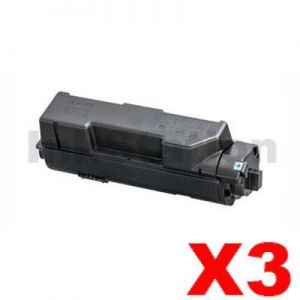
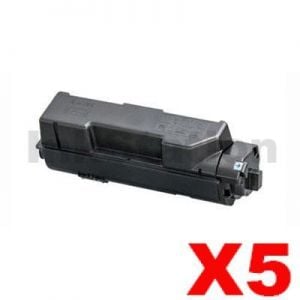
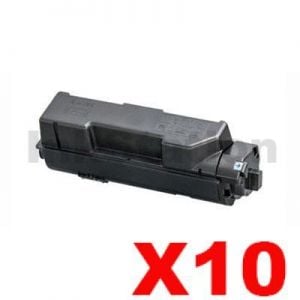
Kyocera ECOSYS P2040dn Mono Laser Printer
Buy Our Kyocera ECOSYS P2040dn Mono Laser Printer at Best Price.Full Range of Kyocera Cartridges at excellent value and will be delivered to your door super fast!
When can I expect delivery of my Kyocera ECOSYS P2040dn Mono Laser Printer
Your Kyocera ECOSYS P2040dn Mono Laser Printer is dispatch on the same day from warehouse from Melbourne, Sydney, Brisbane or Perth if order place before 3pm Mon-Fri excluding public holiday. We ensure we always use the best delivery method to delivery the order to your door.As a general guideline, most deliveries to major cities will take 1-3 business days, whilst it could take up to 5 business days for more remote areas. This general guideline does not apply to large / bulky items. Please refer to the large / bulky item section below for more information. All delivery timeframes provided at Ink Station are an estimate and do not account for unforeseeable circumstances which may affect the delivery of your parcel.
Kyocera ECOSYS P2040dn Mono Laser Printer Warranty
Our Kyocera ECOSYS P2040dn Mono Laser Printer is cover by a full manufacturers warranty! If your product is faulty, please check with us to organise a replacement or refund. See our warranty page for full details.How can I pay?
We accept payment by Visa, Mastercard, AMEX and Bank Transfer. There is no surcharge for using a credit card or any other payment methods.






How secure is Online for ordering?
Credit card payments are securely processed by SecurePay, We do not store credit card details, and No credit card data or information is stored on our site in any form.! Note: Direct deposit and cheque payments require payment clearance before order dispatch.Our site uses 256bit SSL encryption provided from GeoTrust ensuring your credit card details remain safe.Order Kyocera ECOSYS P2040dn Mono Laser Printer now
To purchase on the internet you can press the "Add to Cart" next to the products you require. If order over the internet is not for you. You can also order Kyocera ECOSYS P2040dn Mono Laser Printer by calling our friendly sales team 1300 655 943 to place your order.Product Reviews