










Kyocera ECOSYS M2635dn A4 Monochrome Multifunction Printer - Print, Scan, Copy & Fax
Print Speed: 35ppm - Mono


Kyocera ECOSYS M2635dn A4 Monochrome Multifunction Printer - Print, Scan, Copy & Fax
You May Also Like
-
 Delivery charges may apply
$539.00
Delivery charges may apply
$539.00 -
Delivery charges may apply
$429.00
-
Delivery charges may apply
$479.00
-
Delivery charges may apply
$669.00
-
Delivery charges may apply
$629.00
-
Delivery charges may apply
$829.00
-
Delivery charges may apply
$429.00
-
Delivery charges may apply
$394.00
-
Delivery charges may apply
$499.00
-
Delivery charges may apply
$409.00
-
Delivery charges may apply
$599.00
-
HP Colour LaserJet Pro MFP 3301fdw Wireless A4 Multifunction Laser Printer - Print, Scan, Copy & Fax
Delivery charges may apply
$549.00
-
Delivery charges may apply
$549.00
-
Delivery charges may apply
$79.00


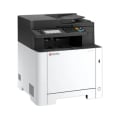




Description:
The M2635dn is the most affordable model in our new ECOSYS series, yet it is still full of features. As extremely reliable devices with 1,200 dpi b/w print quality, duplex printing, gigabit Ethernet and overall fast scanning and copying, it is perfectly suited for demand-ing desktop users and small workgroups.
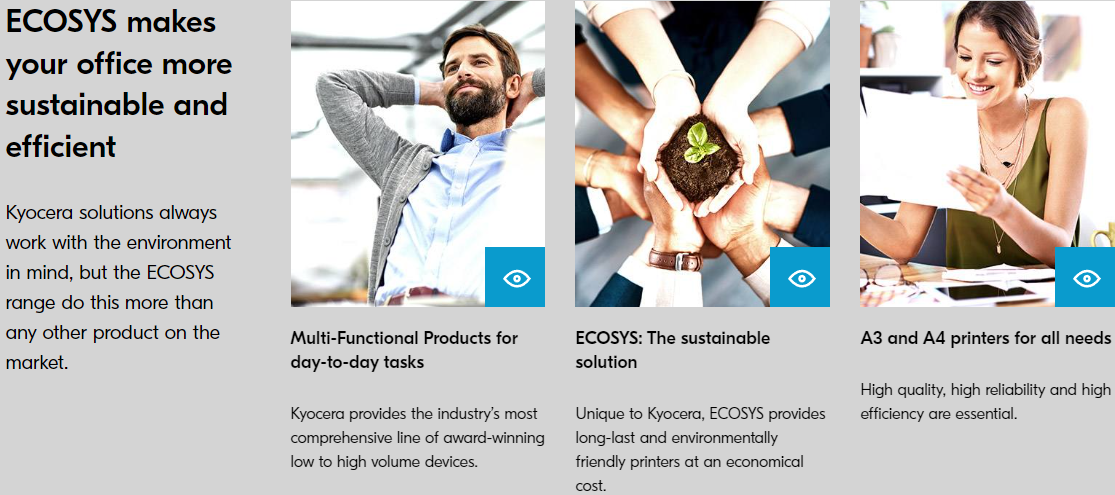
ECOSYS
ECOSYS stands for ECOlogy, ECOnomy and SYStem-printing. With their long life components, ECOSYS devices are designed to maximise durability and minimise the total cost of ownership with regard to maintenance, administration and consumables. The cartridge free system means that toner is the only consumable. The modular design concept allows you to add workflow enhancing functions as required. Integrated system software provides long-term cross network compatibility. KYOCERA’s long-life components cost you and the environment less.
Environmental print features
Duplex print mode (Double-sided printing), N-Up printing mode (N pages on 1 sheet), Toner save mode (Draft print mode), Quiet mode (reduced print speed).
KYOCERA NetViewer
KYOCERA NetViewer enables complete monitoring and control of all ECOSYS printers and digital KYOCERA multifunction units from any Windows© PC and thus provides ideal network administration. It also supports the standardised SNMP protocol.
Command Center RX
The Command Center RX enables to control and manage various settings by accessing the device via Web browser.
USB Host Interface for USB Flash Memory
Documents can be printed directly from a USB Flash Memory (e.g. USB stick) via the USB host interface. The documents stored as PDF, XPS, TIFF or JPEG are selected directly via the printer’s control panel. No computer is required.
Application-based Profiles
The KX printer driver can create a direct link between dedicated applications and predefined or customised print profiles. You can set that all documents from a user or an application be printed with activated duplex mode as standard, thus leading to a reduced paper consumption.
Features
- Double-sided print.
- Single-sided copy, scan and fax.
- Copy double-sided ID cards on a single sheet of paper with ease.
- Compact design with low-noise printing.
- AirPrint, Mopria, KYOCERA Mobile Print

Specification:
General
- Brand
- Kyocera
- Functions
- Print, Copy, Scan & Fax
- Manufacturer Warranty
- 2 Years
- Model Number
- M2635dn
- Paper Size
- A4
- Printing Output
- Monochrome
- Printing Technology
- Laser
- Product Dimensions
- 417x412x437mm
- Product Weight
- 19 kg
Compatability
- Operating System
- All current Windows operating systems, MAC OS X Version 10.5 or higher, Unix, Linux aswell as other operating systems on request
Connectivity
- Interface
- USB, Ethernet
Media & Handling
- Media Size
- multi-purpose tray; A4, A5, A6, B5, B6, Letter, Legal, Custom (70 x 148 mm –216 x 356 mm) universal casselte: A4, A5, A6, B5, Letter, Legal, Custom (105 x 148 – 216 x 356 mm)
- Media Weight
- multi-purpose tray: 60-220 g/m2, universal casselte: 60 -163 g/ m2
- Paper Input
- multi-purpose tray: 100 sheets, universal casselte: 250 sheets
- Paper Output
- 150 sheets face-down
- Auto Duplex Printing
- Yes
- ADF Capcaity
- 50 sheets
Printer Performance
- Print Speed
- 35ppm
- Print Resolution
- 300 dpi, 600 dpi, 1,200 dpi
- First Print Out Time
- 6.8 seconds
Refilling
- Black
- TK-1184 - 3000 pages
Genuine Supplies
All
Genuine Single
Genuine Pack
-
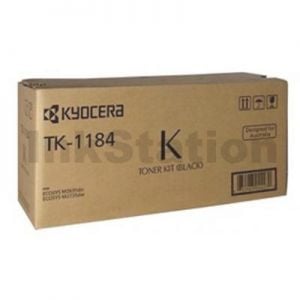 $88.00Free Shipping
 -
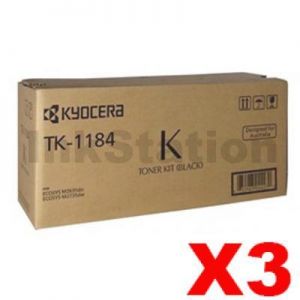 $256.08Free Shipping
 -
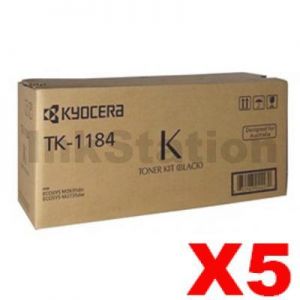 $418.00Free Shipping
Compatible Supplies
All
Compatible Single
Compatible Pack
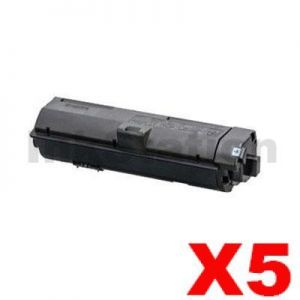
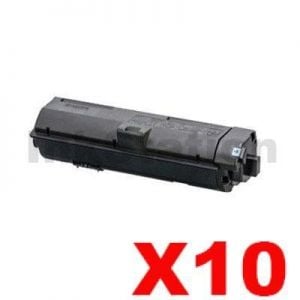
-
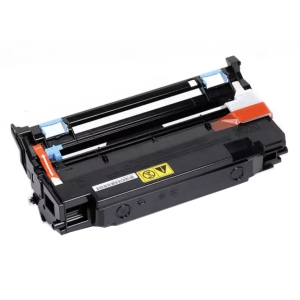 $109.16Free ShippingOut of Stock
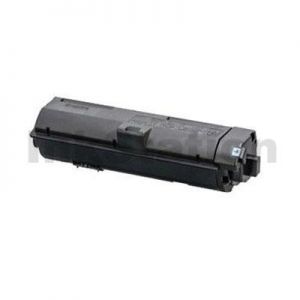
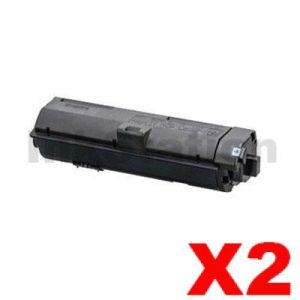
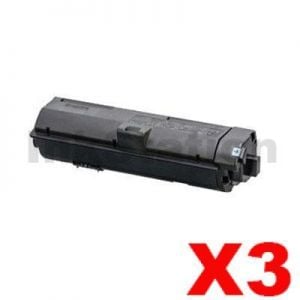
Kyocera ECOSYS M2635dn A4 Monochrome Multifunction Printer - Print, Scan, Copy & Fax
Buy Our Kyocera ECOSYS M2635dn A4 Monochrome Multifunction Printer - Print, Scan, Copy & Fax at Best Price.Full Range of Kyocera Cartridges at excellent value and will be delivered to your door super fast!
When can I expect delivery of my Kyocera ECOSYS M2635dn A4 Monochrome Multifunction Printer - Print, Scan, Copy & Fax
Your Kyocera ECOSYS M2635dn A4 Monochrome Multifunction Printer - Print, Scan, Copy & Fax is dispatch on the same day from warehouse from Melbourne, Sydney, Brisbane or Perth if order place before 3pm Mon-Fri excluding public holiday. We ensure we always use the best delivery method to delivery the order to your door.As a general guideline, most deliveries to major cities will take 1-3 business days, whilst it could take up to 5 business days for more remote areas. This general guideline does not apply to large / bulky items. Please refer to the large / bulky item section below for more information. All delivery timeframes provided at Ink Station are an estimate and do not account for unforeseeable circumstances which may affect the delivery of your parcel.
Kyocera ECOSYS M2635dn A4 Monochrome Multifunction Printer - Print, Scan, Copy & Fax Warranty
Our Kyocera ECOSYS M2635dn A4 Monochrome Multifunction Printer - Print, Scan, Copy & Fax is cover by a full manufacturers warranty! If your product is faulty, please check with us to organise a replacement or refund. See our warranty page for full details.How can I pay?
We accept payment by Visa, Mastercard, AMEX and Bank Transfer. There is no surcharge for using a credit card or any other payment methods.






How secure is Online for ordering?
Credit card payments are securely processed by SecurePay, We do not store credit card details, and No credit card data or information is stored on our site in any form.! Note: Direct deposit and cheque payments require payment clearance before order dispatch.Our site uses 256bit SSL encryption provided from GeoTrust ensuring your credit card details remain safe.Order Kyocera ECOSYS M2635dn A4 Monochrome Multifunction Printer - Print, Scan, Copy & Fax now
To purchase on the internet you can press the "Add to Cart" next to the products you require. If order over the internet is not for you. You can also order Kyocera ECOSYS M2635dn A4 Monochrome Multifunction Printer - Print, Scan, Copy & Fax by calling our friendly sales team 1300 655 943 to place your order.Product Reviews