
Best Printers for Small Business
Running a small business can mean a lot of hard work, but it can also be incredibly rewarding. When you have a small business, you often need to ensure you’re researching the products required to help your operation run smoothly. For businesses that include printing-based tasks, this can include learning a bit about small business printers.

Finding the best printer for your small business starts with working out exactly what you need. For example, if you have a team of 10 that regularly needs to print pages, you’ll likely require a higher monthly duty cycle than someone that manages a team of 3 that prints infrequently.
Before making your purchase, consider the following questions:
- Will I need to produce colour prints?
- How many pages (roughly) will my business be printing each month?
- Would a freestanding or desk printer be preferable?
- Laser or inkjet machine?
- Will I also need to be able to fax, scan, and copy with the machine?
- How important (or unimportant) is the weight and size of the printer?
- What type of connectivity options are preferable?
Read on to learn about some of our picks for the best small office printer for different needs.
What type of printer should I buy for my business?
When it comes to buying a printer for your small business, a good place to start is to consider the type of printer you’re interested in purchasing. Below is a brief rundown on some of the most popular types of printers for small businesses:
Inkjet printers
These printers can be a good choice for those small businesses that are after a printer with a relatively affordable initial outlay. Inkjet printers are renowned for producing high-quality colour documents, however, they can also require frequent cartridge replacements which can add up over time.
Laser printers
Laser printers are great machines for those after higher page yields and fast printing speeds. A laser printer can be a great printer for a small business that wants to produce many pages each month. However, these machines tend to have a more expensive initial outlay than inkjets, and aren’t the choice for those wanting high-quality photo prints.
Deskjet printers
For those that want a printer that easily fits on a desk, a deskjet could be the perfect option. These printers are great for businesses that have limited space and low printing needs. They’re also relatively affordable, just keep in mind that they may not be the best choice for larger printing volumes.
Multifunction printers
A multifunction printer (MFP) combines the functionality of a printer, scanner and copier in one machine. These printers can be a great space-saver for small businesses that need all three capabilities. However, more affordable models might not offer the same level of quality as dedicated machines
What is the best printer for a small business?
There is no one best printer for small business. Instead, the best printer for a small business will depend on the specific needs and budget of the business. Some companies may prioritise high-quality prints while others may prioritise speed and efficiency, or even the size of the machine itself. It’s important to assess your printing needs and consider factors such as initial cost, running costs, and features before choosing the best printer for your small business.
Laser or inkjet printers for business use?
Deciding whether you want a laser or inkjet printer for your small business is an important consideration. Laser printers are typically a great choice for businesses that often print in large quantities. Toner also tends to be a little more affordable than ink cartridges, however, the initial outlay of purchasing a laser printer will likely be more.
Inkjet printers are typically more versatile than laser alternatives. Often, these printers can produce prints on a variety of media, including photo paper, envelopes, labels, and sometimes even CD and DVD faces. If your business needs to create professional-looking marketing materials, an inkjet printer could be the better choice. The initial purchase of an inkjet is aso typically more affordable than a laser printer.
Multifunction or simple printing?
Think about whether you require all the bells and whistles that come with a multifunction printer. Multifunction printers offer features such as scanning, copying, and faxing in addition to printing. This can be helpful for small businesses that require these capabilities, but may be unnecessary for those who only need a printer. Additionally, the more features a printer has, the higher the initial cost will likely be.
If you’re simply looking for a printer that prints, then a basic printer could be perfectly fine. You can always add in a scanner or copier if you need these machines later. Purchasing a simple printer is a more affordable choice and may be the better option for businesses on a budget.
Other considerations for choosing the best printer for your small business
You might like to consider a number of other factors when selecting the best printer for your small business. These could include:
Print quality
The quality of the prints you’ll be producing can be an important factor to consider. If your business requires high-quality prints for marketing materials or presentations, then you’ll need to take this into consideration when choosing your printer. Some printers offer higher print resolutions and better colour accuracy, which can be beneficial for producing professional-looking materials.
Connectivity options
Consider how the printer connects to your computer, mobile device, or network. Most modern printers come with wireless connectivity options, allowing you to easily print from multiple devices without the need for cables. Ensure that the printer you choose has the necessary connectivity for your business’ needs.
Printer speed
For businesses that require large volumes of printing, the speed of a printer can be a deciding factor. Look for printers with higher pages per minute (ppm) ratings to ensure that your printing needs are met efficiently. Keep in mind that the speed of a printer may also depend on the type and quality of materials being printed, with colour pages typically printing at slower speeds than monochrome pages.
Printer size and design
Think about how much space you have to house your printer. If you have limited space, you may want to opt for a smaller printer or one with a more compact design. Desktop printers can be handy in these circumstances. Additionally, consider the design of the printer and how it will fit in with the look of your office.
Cost of ownership
This is the price to own and operate the printer. Consider the cost of ink or toner cartridges as well as paper when selecting a machine. Ink cartridges for inkjet machines may cost more than toner, even though inkjet machines tend to have a more affordable initial outlay. You may also want to think about buying a printer with energy-saving features to help keep operating costs lower.
Taking these factors into consideration can help you narrow down your choice and help you select the best printer for your small business.
Small business printers
Brother MFC-J6940DW
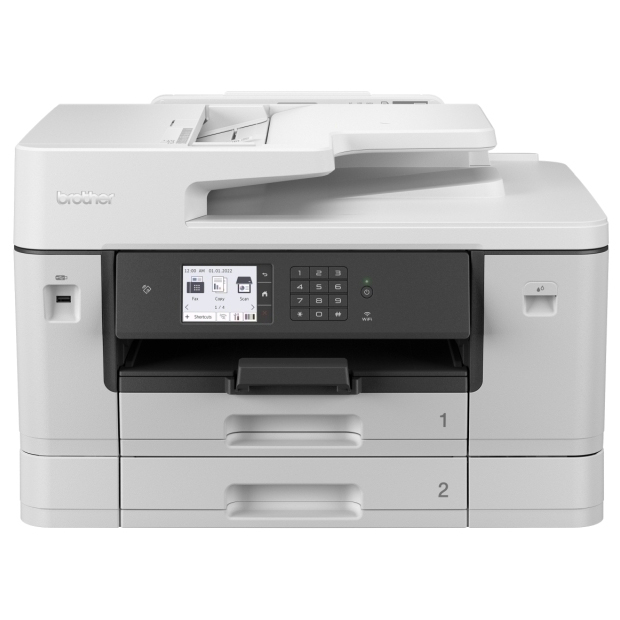
The Brother MFC-J6940DW is a multifunction inkjet printer designed with business in mind. This fast machine can produce both monochrome and colour prints at speeds up to 28ppm. As a multifunction printer, the MFC-J6940DW has copying, scanning, and faxing capabilities, allowing you to easily complete all your business tasks in one place. It also has two sheet paper trays that each hold 250 pages (making it perfect for high volume printing), and can produce prints up to A3 in size. The MFC-J6940DW has Page Gauge technology that tells you exactly how much ink you have remaining, and versatile connectivity options including Ethernet, NFC, WiFi Direct, and USB interface. This machine weighs 23.6kg.
Lexmark MS431dw

After a super fast, monochrome laser printer? Take a look at the Lexmark MS431dw. This light and compact machine produces black and white pages at speeds up to 42ppm. While it doesn’t have multifunction capabilities, this printer does offer automatic double-sided printing, wireless connectivity options, and a 250-sheet input tray (plus a 100-sheet multipurpose feeder). It also has impressive security features to keep your sensitive documents safe while printing. This machine has a recommended monthly page volume of 800 to 8000 pages, making it perfect for small to medium-sized businesses after a simple monochrome printer.
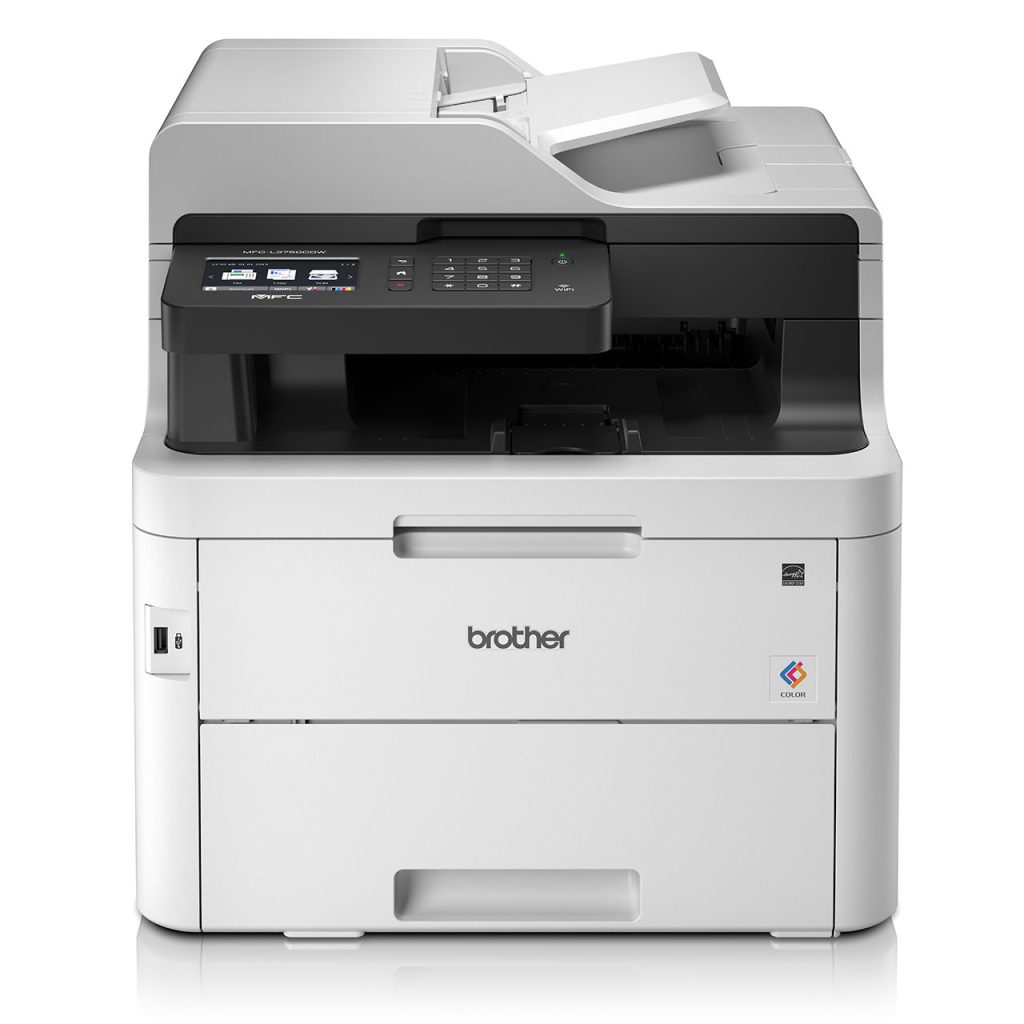
Brother MFC-L3750CDW
https://www.brother.com.au/en/products/all-printers/printers/mfc-l3750cdw-aus
This multifunction laser machine from Brother can produce both colour and monochrome pages at speeds of up to 24ppm. Along with printing, this multifunction device can also scan, copy, and fax. It has a 9.3cm colour touchscreen for added convenience, and both WiFi Direct and automatic two-sided printing. With a recommended monthly print volume of 300 to 1500 pages, and a paper capacity of 250 sheets, this printer is best-suited to smaller businesses. This printer has a 50-sheet Auto Document Feeder and weighs in at 23.4kg.
FujiFilm ApeosPort 4020SD

The FujiFilm ApeosPort 4020SD is a multifunction monochrome laser printer that also has scanning, copying, and faxing abilities. While it only produces prints in black and white, it can scan in both monochrome and colour. This printer has a small footprint and weighs just 12.8kg, making it ideal for smaller office spaces. It comes with a 350-sheet media input capacity as standard, with the option of adding up to a maximum of 900 sheets. The ApeosPort 4020SD can print monochrome documents at speeds up to 40ppm, and has advanced security features to protect sensitive documents while in use. With automatic double-sided printing and wireless connectivity options, the ApeosPort 4020SD allows for easy and efficient printing from multiple devices.
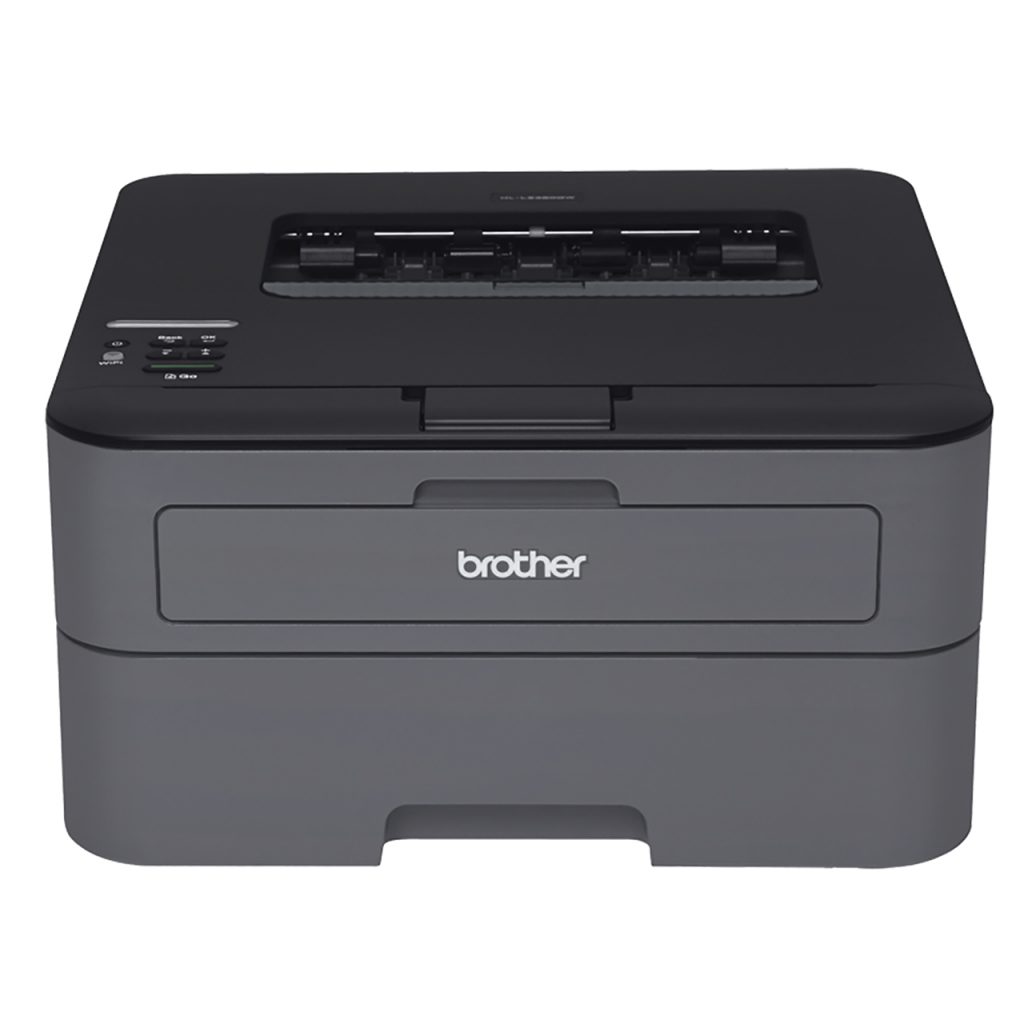
Brother HL-L2305W
https://www.brother.com.au/en/products/all-printers/printers/hl-l2305w
Another contender to consider for best small office printer is the Brother HL-L2305W. This monochrome laser printer is an affordable option that can print black and white pages at speeds of up to 23ppm. It has a monthly print volume of between 250 and 2000 pages, making it ideally suited to smaller businesses. The HL-L2305W is compatible with both AirPrint and WiFi Direct, and has a maximum print resolution of 2400 x 600 DPI. This printer has a compact size and weighs just 5.9kg, so it’s great for small spaces. Ink Station stocks toner cartridges for the HL-L2305W.
There are many different options on the market when it comes to potential small business printers. When shopping for the best printer for your small business, it can be a good idea to consider a number of factors to assess which particular model will be the best fit for your needs. Some important factors to consider can include the type of printer, print speed, print quality, connectivity options, multifunctionality, printer size, and the overall cost of ownership. In addition to these core considerations, it’s also worth looking into additional features that may be available on certain models that could enhance productivity or convenience for your business. With a bit of research and comparison, you’re sure to find the right machine for your small business.
Once you’ve found your new printer, don’t forget to shop Ink Station’s wide range of ink cartridges and toner to keep your new machine topped-up and running smoothly. Our variety of options means you can easily find the ink or toner for your specific printer model.We also offer competitive prices and fast delivery to help keep your small business running efficiently and effectively.