

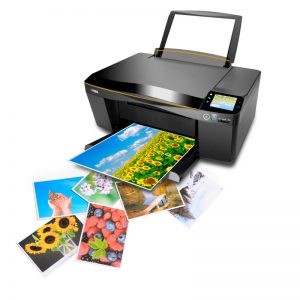

When you buy a printer for printing photographs, you’ll likely be keen to get started printing some memories! Photo printers are wonderfully convenient, but before you get started on creating wonderful prints, it’s a good idea to decide what type you wish to make. Do you want photos that have a gloss, semi-gloss, or matte finish? Is your photo printer portable or stationary? Do you require a certain GSM of paper?
Regardless of the type you end up deciding on, you’ll want to make sure you’re using a high-quality photo paper for best results.
Today, we take a look at a wide range of different photo papers that we stock for inkjet printers, plus a small selection designed for portable photo printers. We’ll provide a brief rundown on the qualities of each packet, to teach you more about your paper options and help you to navigate the best photo paper for your needs. Read on to learn more about these different papers in this photo paper review from Ink Station.
Canon
Canon GP701A4 Glossy Photo Paper (200gsm)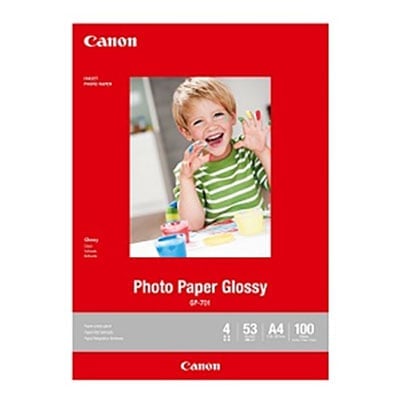
Displaying glossy A4 photos around your home can look gorgeous and be a lot of fun. GP701A4 paper from Canon is designed for those who want to print A4 glossy prints at home. These packs come with 100 sheets of paper inside, so you can print many great photos from a single pack. This photo paper has a GSM of 200.
Canon MP-101 Genuine Matte Photo Paper (170gsm)

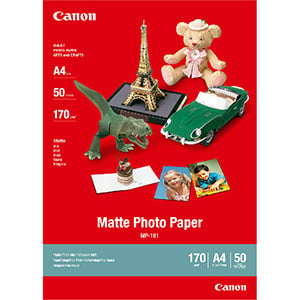
With 50 sheets in each pack, you can create plenty of matte prints to have on display. Matte photo paper is a good choice for those that don’t like the shine and glare that can come from glossy prints. These A4 sheets have a GSM of 170 and are great for printing your favourite black and white photo or vibrantly-coloured image.
Canon PP301A3 Photo Paper Plus Glossy (265gsm)
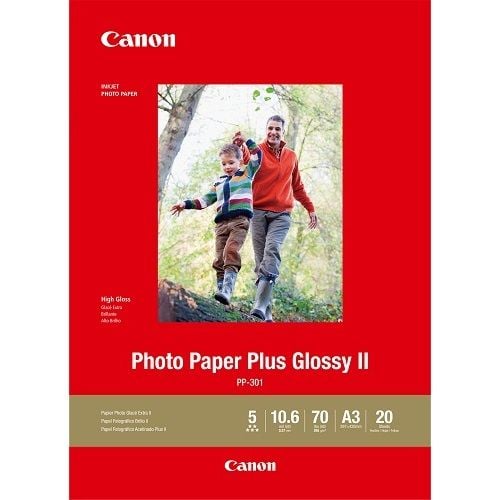

Looking to create glossy A3 photo prints at home? One option is the PP301A3 paper from Canon. This paper comes in packs of 20 sheets and has a GSM of 265. It’s great for producing large, high-quality prints to display around your home.
Brother
Brother BP71GA4 Glossy Paper (260gsm)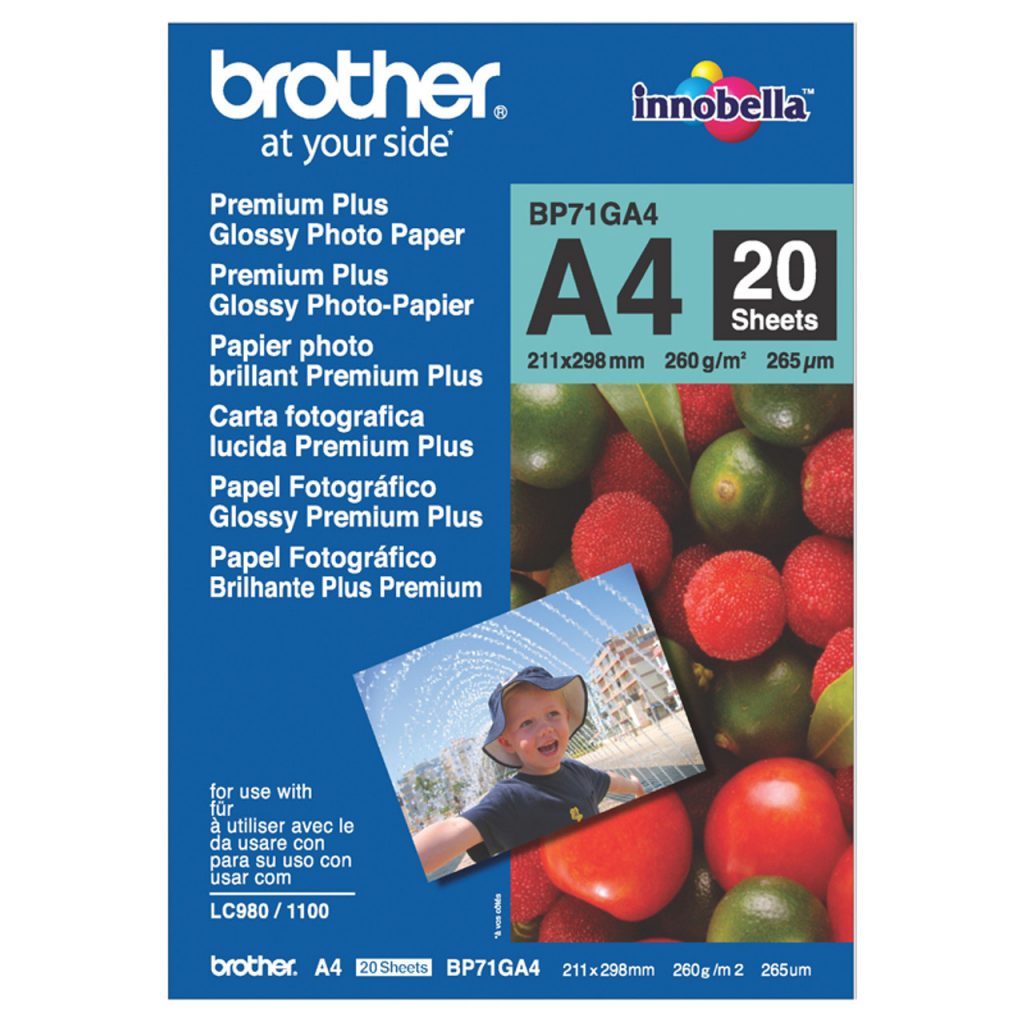

For those after a high quality inkjet photo paper, one option is Brother’s BP71GA4 glossy paper. This paper is designed for A4 prints and comes in a pack of 20 sheets. It has a GSM of 260 and can be used to create a variety of different glossy finish prints, from family photographs and happy memories through to posters.
Epson
Epson S041342 Archival Matte Paper (192gsm)
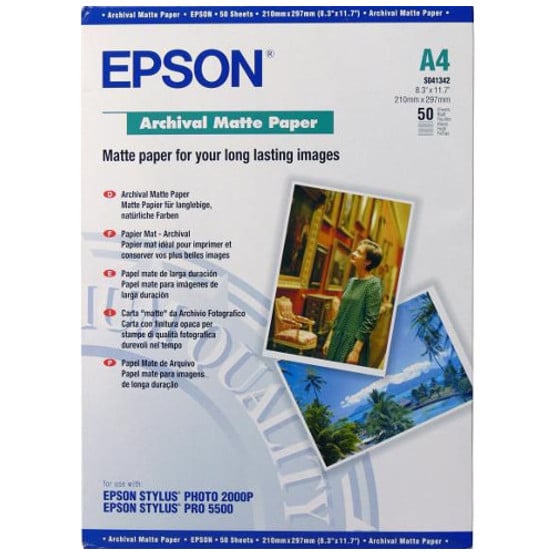

Epson S041342 paper is designed to produce A4 matte photo prints. This is a great choice for those that wish to create large photographic prints at home without the shine and reflection that typically comes with high-gloss finishes. These sheets of paper each have a GSM of 192. Each pack of Epson S041342 contains 50 sheets of photo paper, allowing you to print many happy memories with each box.
Epson S041943 Ultra Glossy Photo Paper (300gsm)
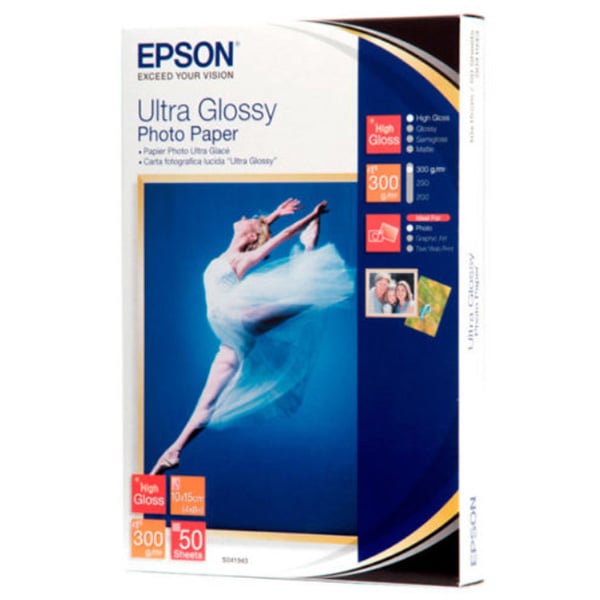

Those that wish for shine might like to take a look at the Ultra Glossy Photo Paper from Epson. This paper is designed to create beautiful, glossy photographs that are 4″ x 6″ in size. The packet contains 50 sheets, with each sheet having a GSM of 300. At these weights, it’s the heaviest consumer-level glossy paper that Epson makes.
Epson S041569 Double-Sided Matte Paper (178gsm)


Creating double-sided prints can be a lot of fun. They’re ideal for saving on paper and open up possibilities for getting creative. The S041569 paper from Epson comes in an A4 size for printing large photographs. It has a matte finish and a GSM of 178 and is great for both colour and black and white prints. This packet contains 50 sheets for plenty of printing opportunities.
Epson C13S041256 Heavy Weight Matte Photo Paper (167gsm)
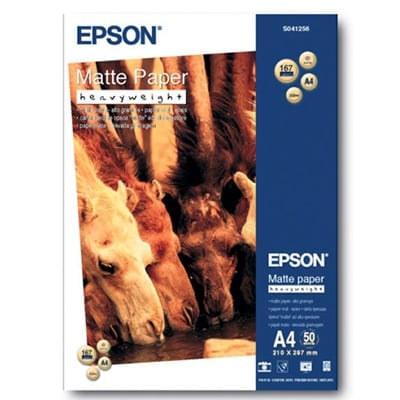

This heavyweight photo paper is made for printing a variety of A4 media with a matte finish. As a coated paper, it’s ideal for printing flyers, presentations, and documents, along with photographs. The matte finish means it won’t be reflective. There are 50 sheets of paper in each pack and each sheet has a GSM of 167.
Epson S041261 Heavy Weight Matte Photo Paper (167gsm)
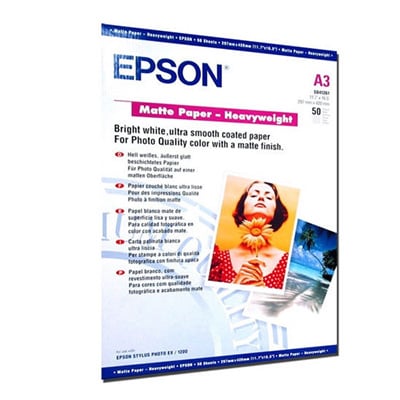

Print large, A3 photographs and designs with the S0412161 matte paper from Epson. With a GSM of 167, these sheets come in packs of 50. The matte finish promises dark text and bright colours, and the large, A3 size makes it great for printing a wide variety of different media. Produce photographs, newsletters, flyers or presentations rich with graphics with S0412161 photo paper.
Epson S041332 Semigloss Photo Paper (250gsm)
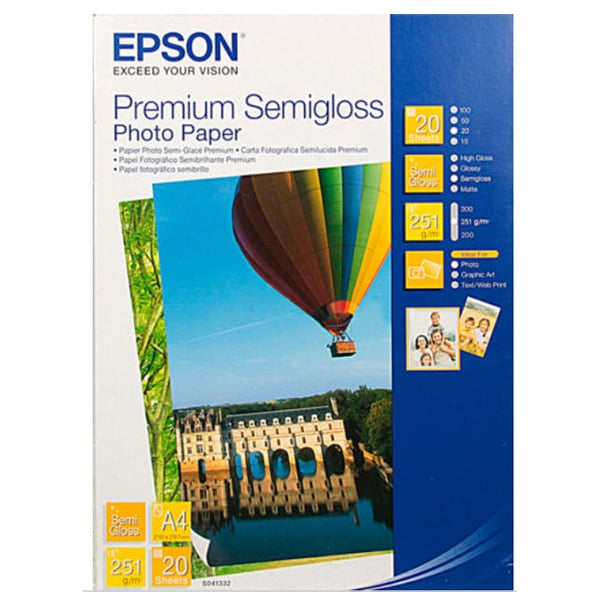

For those who want a little bit of gloss for their prints, semigloss is another option. Epson’s S041332 is a semigloss photo paper with a GSM of 250. Each pack contains 20 A4 sheets, allowing you to make many large prints. This type of paper is well-suited to printing photographs plus other graphics and displays where a high-quality result is required.
HP
HP Sprocket Printer Paper
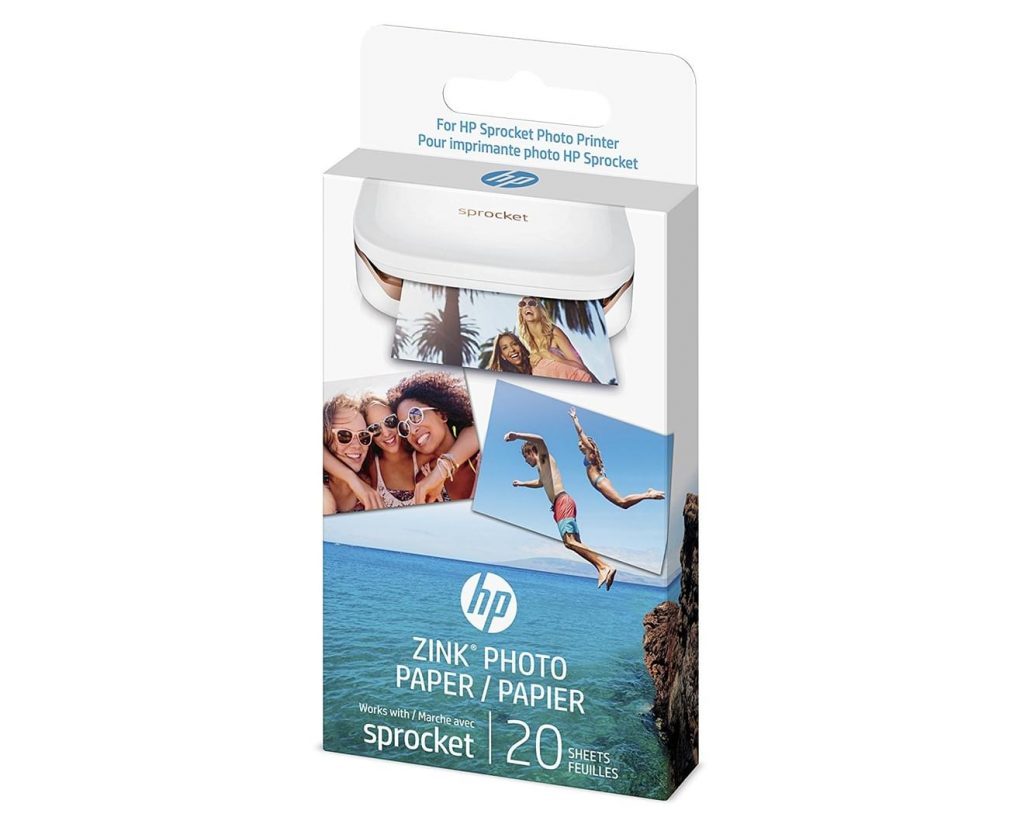

The HP Sprocket Printer is a portable, handheld printer built for creating 2″ x 3” stickable photographs directly from your smartphone. To use this printer, you’ll need HP Zink Photo Paper. This printing system uses thermal paper rather than inkjet, so you won’t need to worry about ink cartridges. These paper sheets have adhesive backing, allowing you to attach your prints to books, reusable coffee cups, phone cases, or anywhere else you desire. This paper is glossy and both tear and water-resistant. HP Zink Photo Paper is designed to only be used with the HP Sprocket Printer.
Xiaomi
Self-adhesive Photo Paper
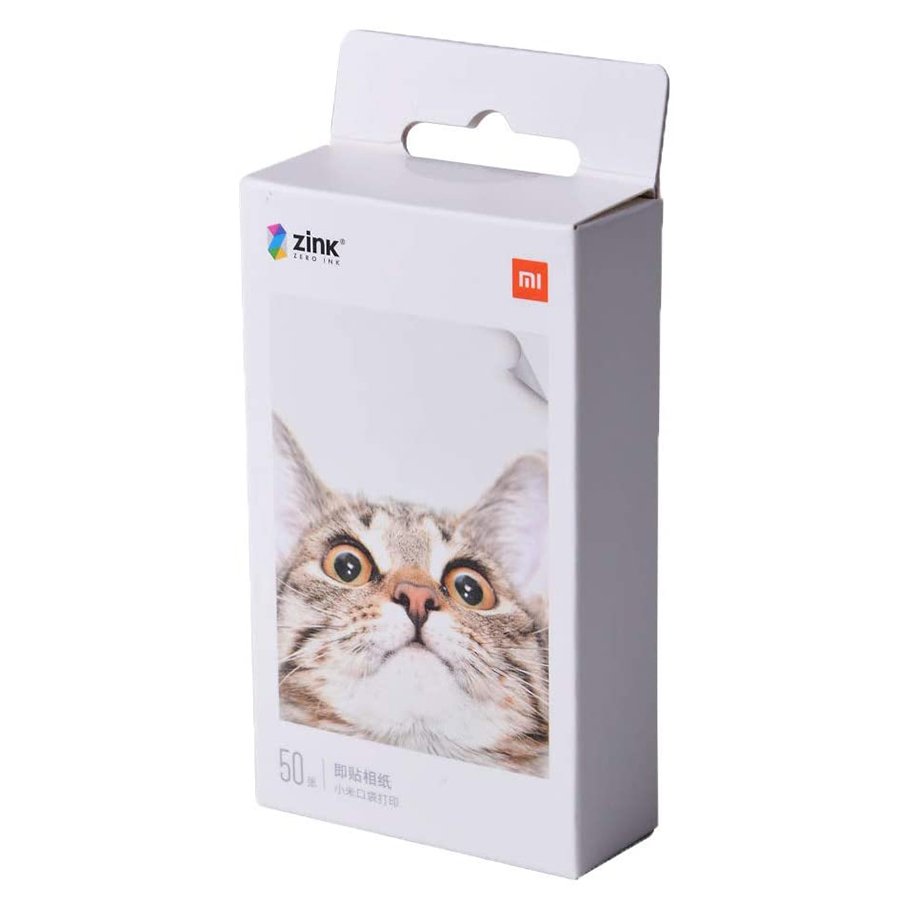

These self-adhesive sheets are fantastic for those who want to get a little bit more creative with their prints. This photo paper is designed for use with the Xiaomi Bluetooth AR Photo Portable Printer, and creates images that are 2″ x 3″ in size. Much like the HP Sprocket Printer Paper, these sheets aren’t designed for inkjet use, instead utilising thermal printing. By using thermal printing, no ink is needed with these sheets. Stick them on books, phone cases, or your laptop to personalise your things.
We hope you’ve enjoyed learning about some of the photo paper options for inkjet printers we stock. Be sure to check out our other articles for more tips and advice on printing at home.