

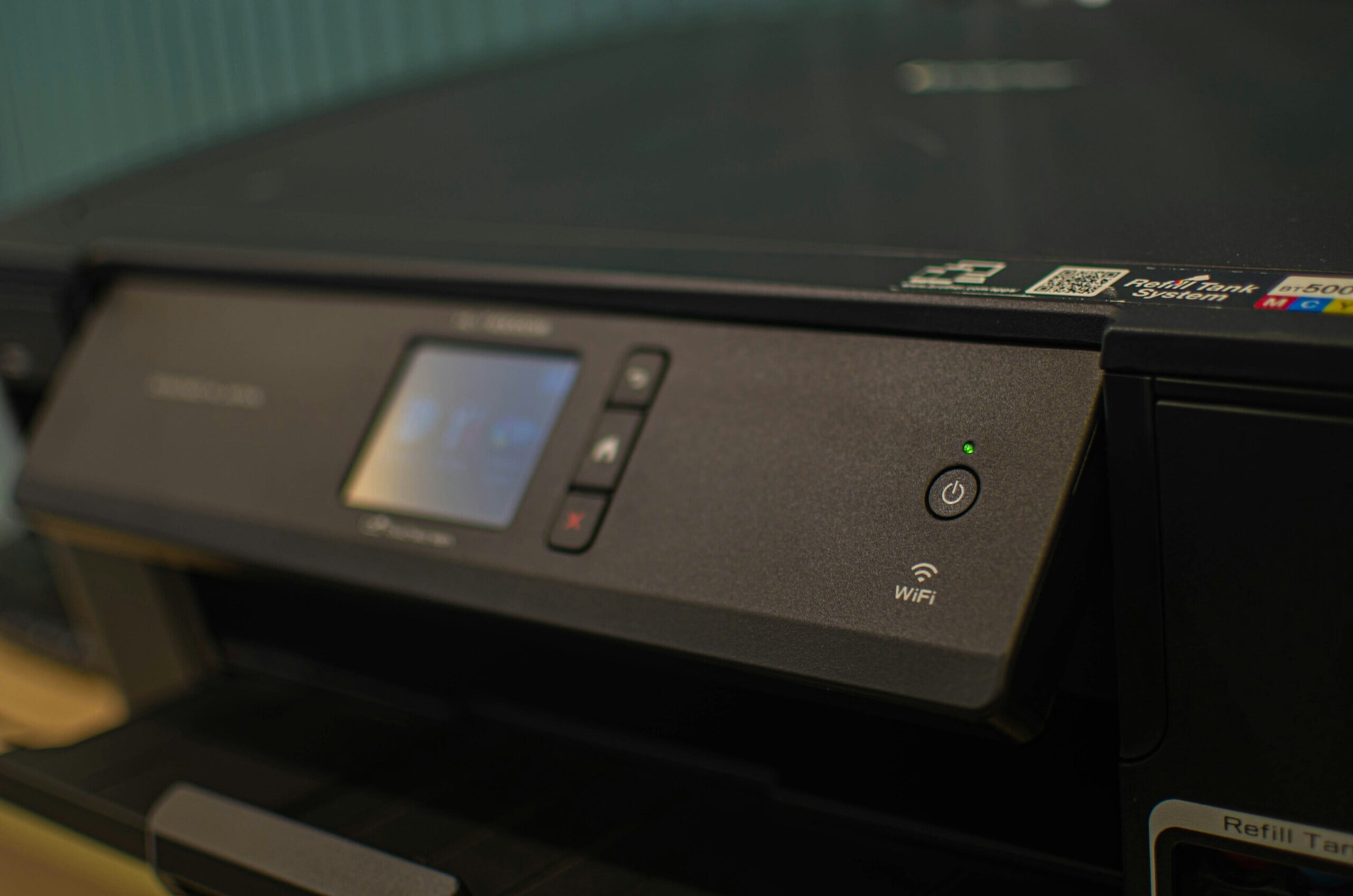

Are Epson Ink Cartridges Interchangeable?
If you’ve ever upgraded your device, found spare cartridges in a drawer, or compared genuine and compatible options, you’ve probably wondered: Are Epson ink cartridges interchangeable across models? Getting this right saves money and avoids frustrating error messages. Epson is a trusted brand for home offices and small businesses, but, just like other manufacturers, its printers are designed around specific cartridge families. In this guide, we’ll explain how compatibility works, share a simple Epson printer ink compatibility chart, and outline when compatible alternatives make sense.
Understanding Epson Ink Compatibility
Epson ink cartridges are not interchangeable across all Epson printers. Compatibility depends on your exact printer model and its matching cartridge series. We recommend always confirming the series code before buying to avoid misfits or recognition errors.
Are Epson Ink Cartridges Interchangeable?
As we touched on above, Epson ink cartridges are not universally compatible across all printers. Each Epson model is built for a specific cartridge code (often with standard and XL options). Trying to install a non-compatible series typically results in a “not recognised” or “incompatible” message, and the printer won’t print. To verify what fits your device, it’s best to search your model on Epson Support and check the “Consumables” section.
Why Epson Cartridges Are Not Universally Compatible
Epson uses proprietary ink cartridge systems that vary by printer series, and several design choices lock compatibility to the right family:
- Chip technology: Cartridge chips communicate ink status and identity; different series use different chips, and firmware can change recognition rules.
- Cartridge size/shape: Even small differences in shell, clip position, or contact layout prevent a wrong cartridge from seating or reading correctly.
- Printhead design & ink chemistry: Lines such as Claria or DURABrite target different use cases (photo vs document), and are paired with specific heads and profiles.
- Region-specific coding: Some series are region-keyed, so a cartridge bought overseas may not be accepted locally.
Bottom line: If you’re wondering, do all Epson printers use the same ink? The answer is no; match the series to your model.
Epson Printer and Cartridge Compatibility Chart
To simplify cartridge selection, refer to this Epson printer compatibility chart featuring popular models in Australia. Find your model in the left column; the correct cartridge code is on the right. Use standard or XL within the same series as needed.
| Epson Printer Model (AU) | Compatible Cartridge Series |
| Expression Home XP-2100 | 212 / 212XL (Black, Cyan, Magenta, Yellow) |
| Expression Home XP-3100 | 212 / 212XL (B/C/M/Y) |
| Expression Home XP-4100 | 212 / 212XL (B/C/M/Y) |
| WorkForce WF-2810 | 212 / 212XL (B/C/M/Y) |
| WorkForce WF-2830 | 212 / 212XL (B/C/M/Y) |
| WorkForce WF-2850 | 212 / 212XL (B/C/M/Y) |
| Expression Home XP-5100 | 202 / 202XL (B/C/M/Y) |
| WorkForce WF-2860 | 202 / 202XL (B/C/M/Y) |
Can You Use Compatible or Generic Cartridges in Epson Printers?
Yes, compatible ink cartridges can be used with many Epson printers, but with some caveats. “Compatible” means third-party cartridges built to the same physical specs and chip standards as the original series. They can be more affordable and widely available, and many customers are happy with the results. However, firmware updates may change recognition rules, and warranties vary, so choose reputable brands and sellers.
- Pros: Cost-effective, easy to source, and often available in high-yield options; some remanufactured choices reduce waste.
- Cons: Occasional recognition messages after firmware updates; colour profiles and page yields can differ from OEM; warranty terms may require genuine supplies for service in some cases.
Ink Station offers both genuine and quality compatibles; learn more in our overview of whether compatible printer cartridges are any good.
Can you use compatible ink cartridges in Epson printers? The practical answer is yes. Match the correct series to your model and follow the install tips below.
What Happens if You Use the Wrong Cartridge?
Using the wrong cartridge in an Epson printer can lead to:
- “Not recognised” / “Incompatible” errors that stop printing until the correct series is installed.
- Failure to seat or lock in place due to different shell geometry.
- Poor output or leakage risk if a non-matching shell or chip is forced.
- Potential warranty issues if damage is linked to non-approved supplies (check your model’s T&Cs).
- Post-update rejection if the firmware changes how chips are authenticated.
Tips for Choosing the Right Epson Cartridge
To avoid issues, here are a few tips for selecting the correct Epson ink cartridge:
- Check your printer’s exact model number (front panel, settings, or config page).
- Verify on Epson’s site – search your model on the AU support page for the official series code.
- Buy from a trusted source with compatibility filters (search by model to see guaranteed matches).
- Consider print volume and yield standard vs XL (XL can deliver 2.5× more prints, model-dependent).
- Keep firmware in mind – if you rely on third-party supplies, review firmware notes before updating to avoid recognition surprises.
Still wondering, are all ink cartridges the same? Remember that shape, chip, and chemistry differ by series; stick to the code your printer specifies. For photo-heavy jobs, genuine Claria sets may be the best ink for Epson printers; for everyday documents, verified compatible ink cartridges for Epson can be great value.
Final Thoughts
Verifying cartridge compatibility before you buy prevents errors, returns and downtime. Do all Epson printers use the same ink? No, each family uses a defined series, and mixing families won’t work. Keep your model number handy, use the chart above, and confirm on Epson’s site if you’re unsure. When you’re ready to order, browse Ink Station’s model-matched Epson range to compare genuine and compatible options side-by-side.